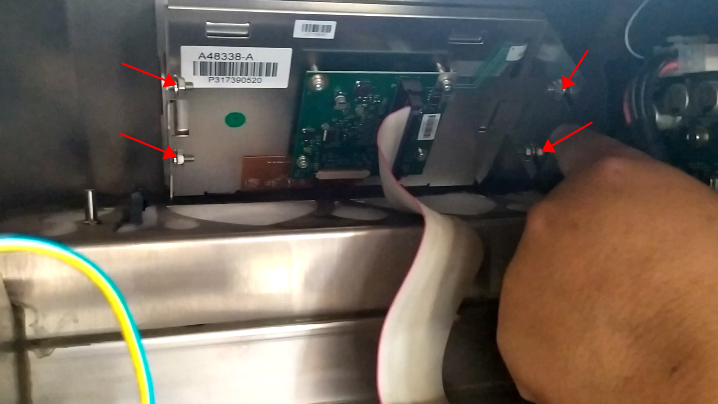
If we’re going to take it down, we’re going to have to take the four screws off first:
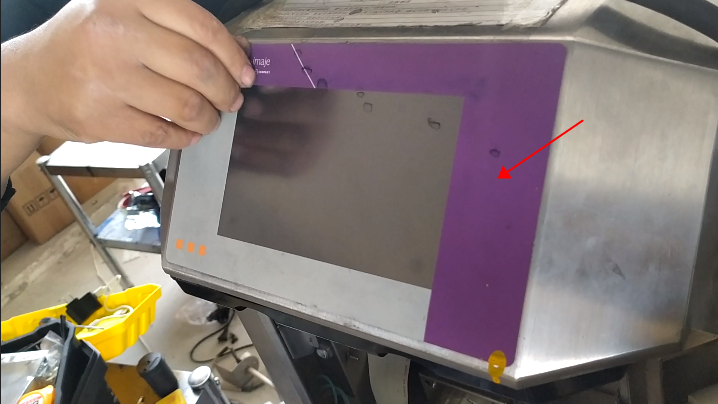
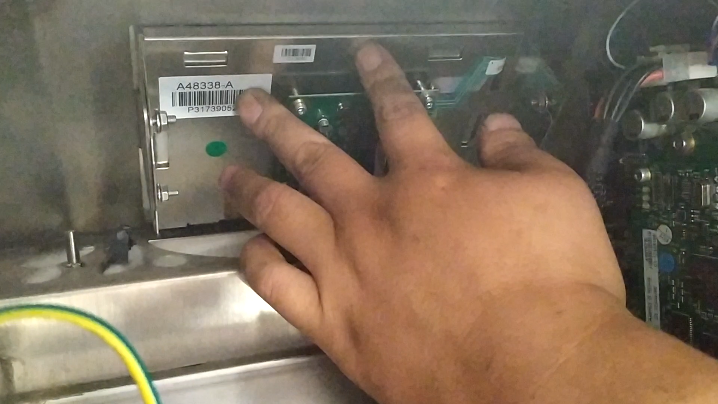
Then take off the front and loosen it:Push the screen from behind and it can be taken off:That is to say, if we want to remove this, the front panel needs to be removed, otherwise we can’t push it from the back.
Cheef
CIJ,DOD,TIJ,Laser Coding Machines.
Machines, Spare Parts, Consumables.
One-Stop Coding Marking Solution
20 + Years of Industry Experience
Welcome to Inquiry at any time