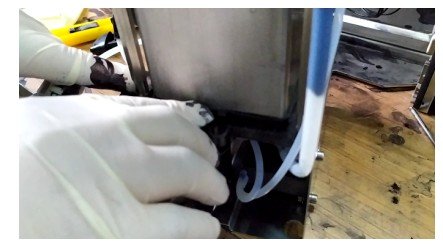
Let’s take a look at how to install the mixing cylinder of the 9029 machine
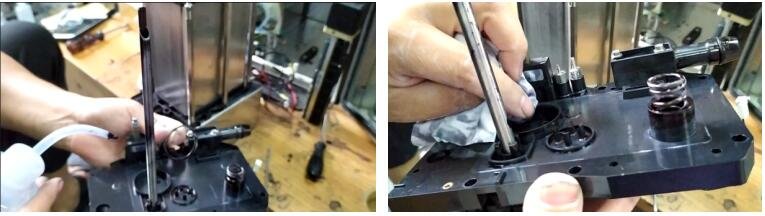
Let’s install the solvent pump first,
Get it on first:
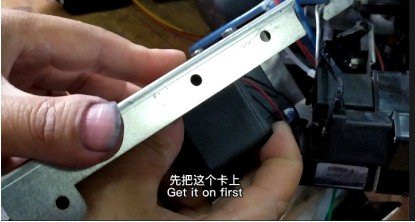
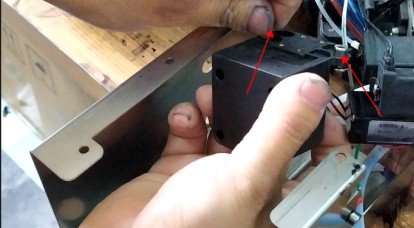
Pay attention to the lower wires when installing
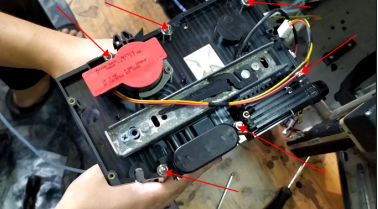
Then install it like this:
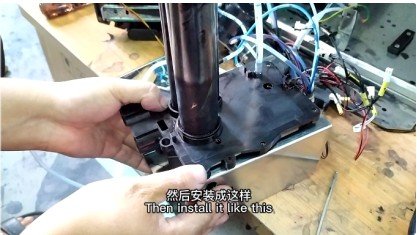
These fixed bars are so installed:
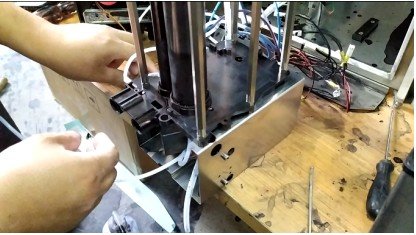
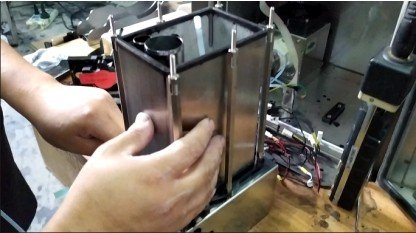
This O-ring must be put on:
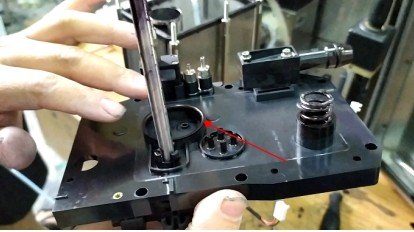
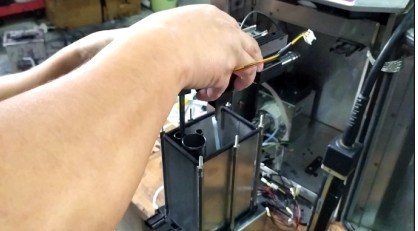
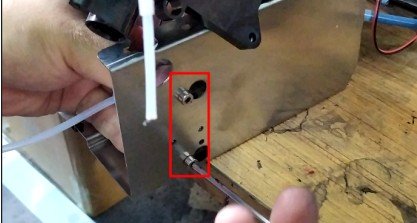
Now put these two tubes on:

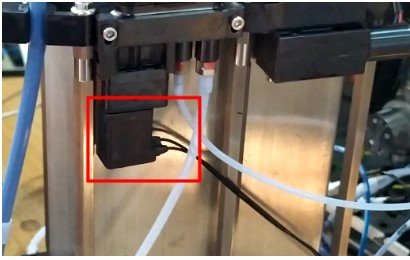
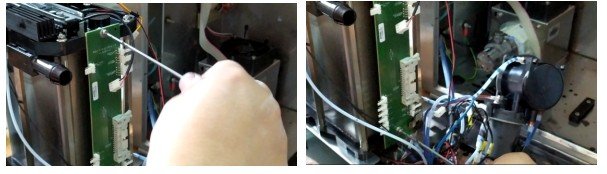


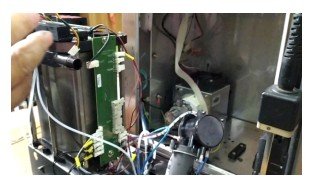
The jack above doesn’t have to be plugged in
Then one of the ones here was supposed to be connected to the cleaning pump:
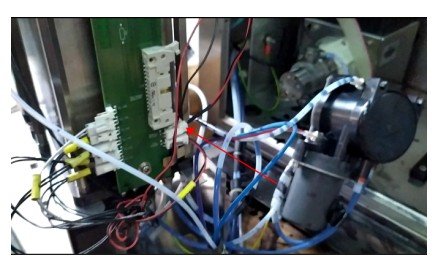
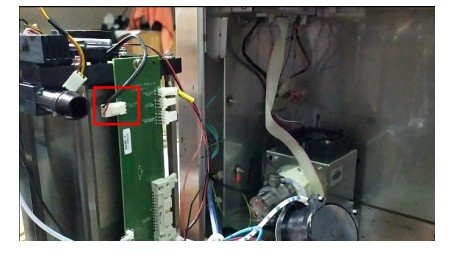
Secure the pressure sensor, with a strap, be sure to secure it tightly:
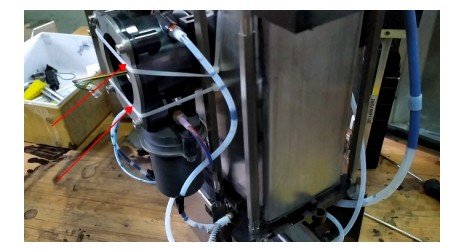
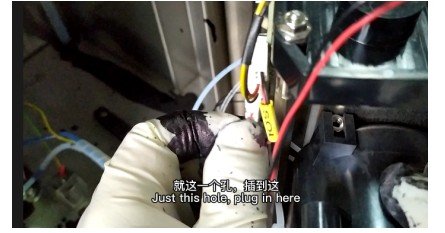
Just this hole, plug in here:
Special attention should be paid to the mixing cylinder washers and so on, check whether it is installed, whether it is crooked or deformed and so on
Be sure to see it
Otherwise when it comes to ink supply, it will leak air and ink: