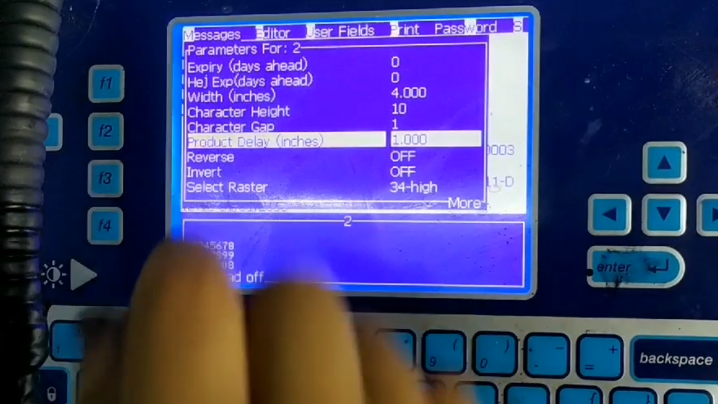
In the “Message Parameters”, select “Product Delay”, we can increase or decrease it according to the position of the printed product:
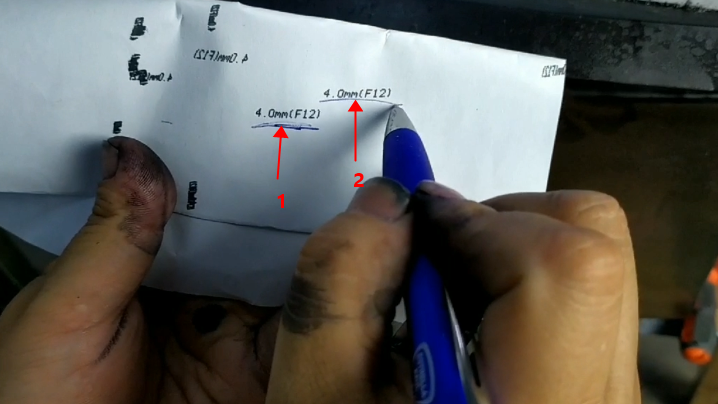
If 1 is where it is now printed to the product and 2 is where I want it to print, then I need to increase the delay a bit. Increase the delay, the position of the printed message is further back, the delay is reduced, and the position of the printed message is further forward:


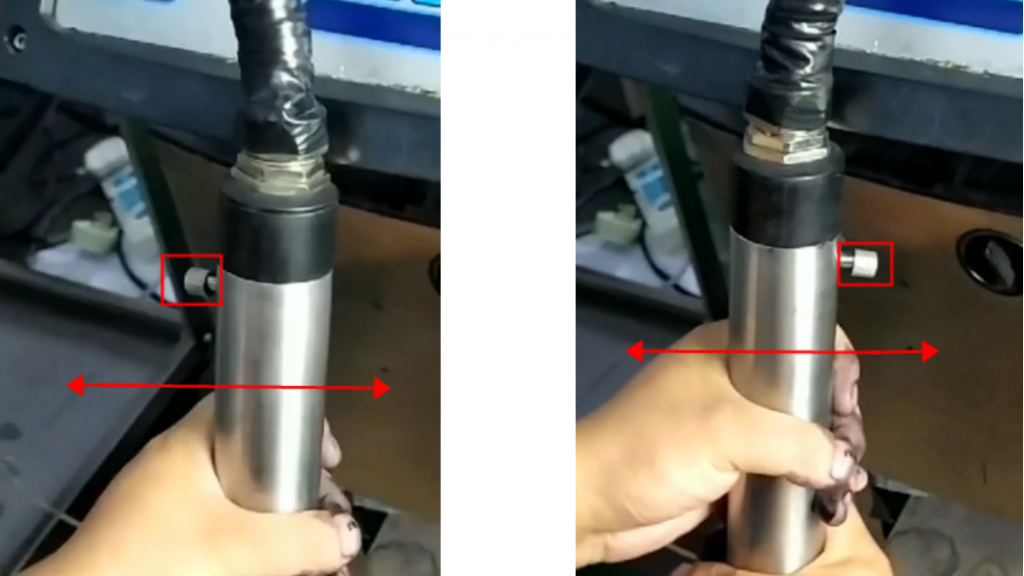
Then, when we put the print head on the print head bracket, the screw on the print head must be parallel to the direction in which the conveyor belt runs. There are only two directions for the screws, left or right: