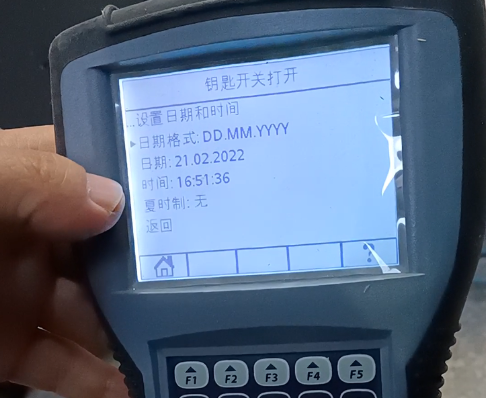
There’s a button under the console, and we press it down:


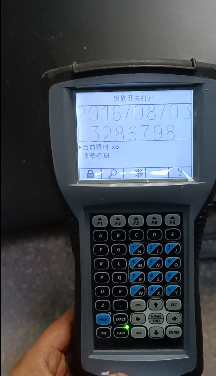
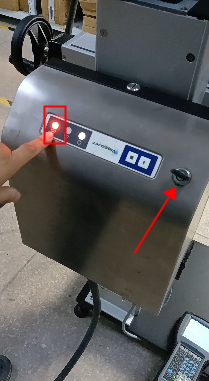

Let’s look at the handle operation. First we press F1, and then there is a “user level” here. Now the Operator is displayed:

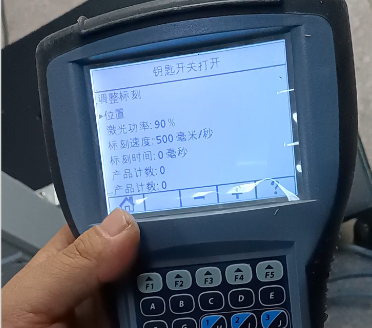
Then we press to select “Back”, press Enter to return to the main interface. In the main interface, there are “Current Data” and “Adjustment Marker”, and the parameters are adjusted in the “Adjustment Marking”. We select “Adjust Marking” and press Enter, where there is power, marking speed, etc.:

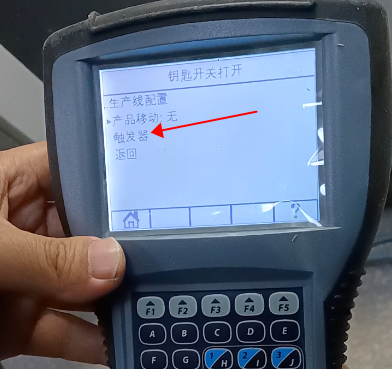
Press F1 to return to the main interface, then we select “Main Menu”, press Enter. In the main menu, there is “Line Configuration”, press Enter to confirm. There is a “trigger” in the production line configuration that refers to the photoelectric, and the photoelectric can be adjusted in the trigger. We can change the trigger to automatic or continuous, and change it here:
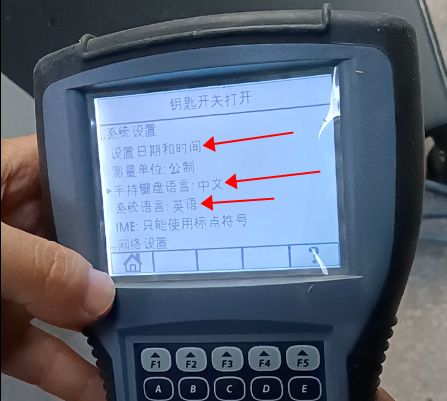
The system languages are English, German, Italian, Portuguese, Danish, Dutch, Spanish.
The time and date can be set here: