
In the power-on interface, then press the wrench key, enter the primary password, the primary password is SERVICE.
Then press and hold the green key not to release, and then press the wrench key:

Select the manual operation and go to the manual operation interface. Then pull out the ink system and remove the main filter and buffer:

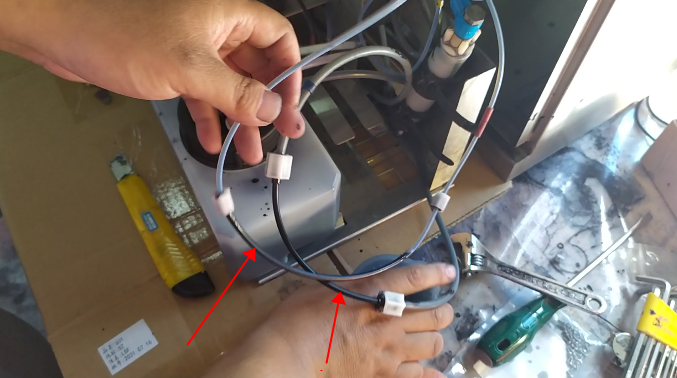


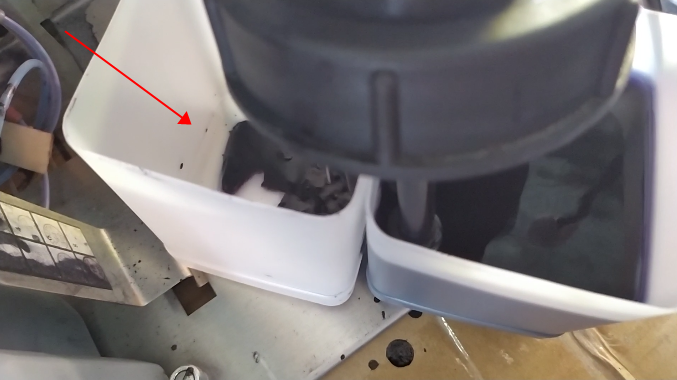
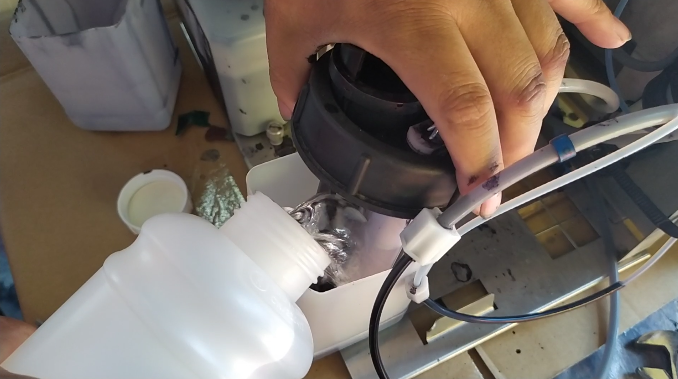
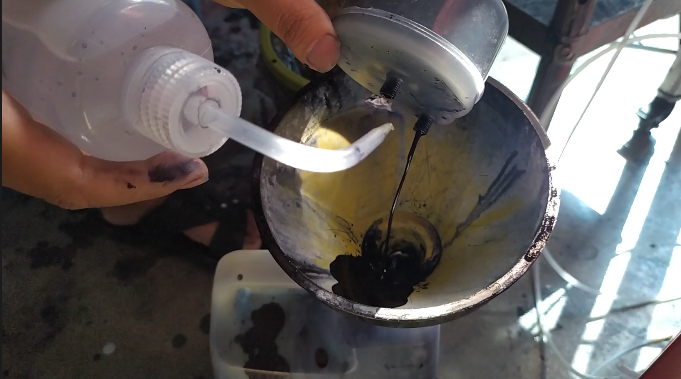
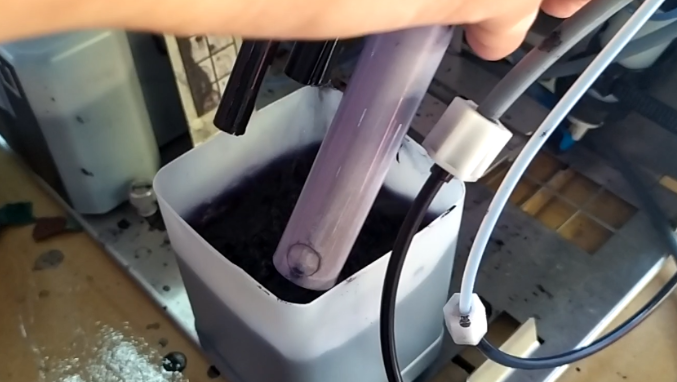
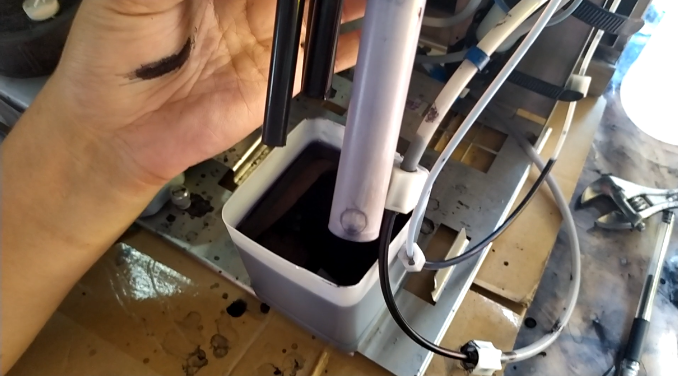

If it is maintained, all filters and the buffer will need to be replaced.

