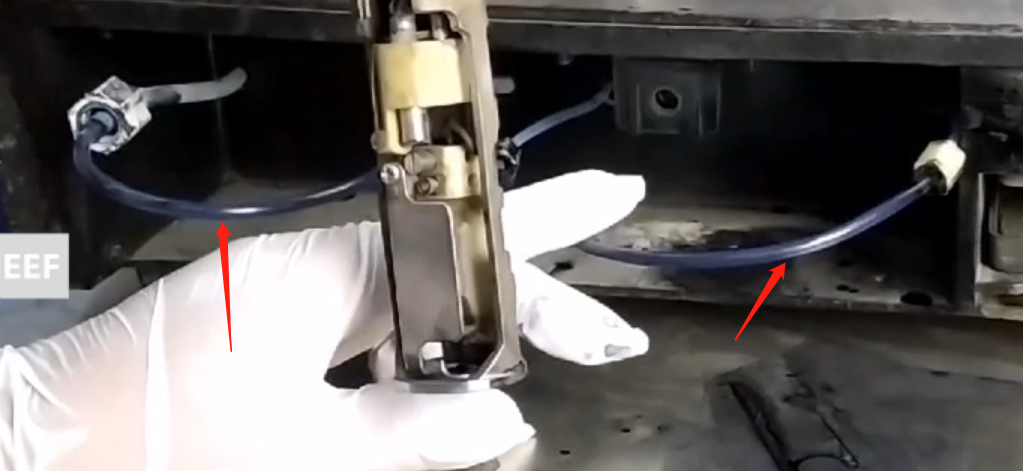
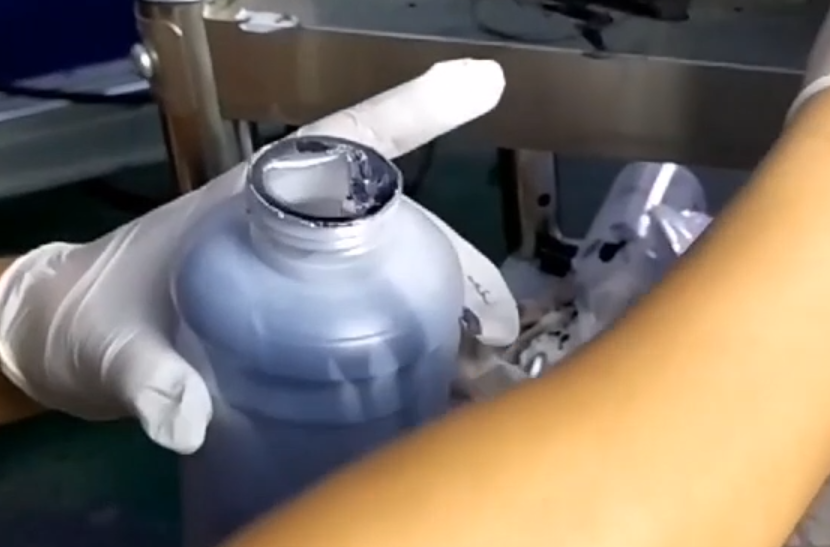
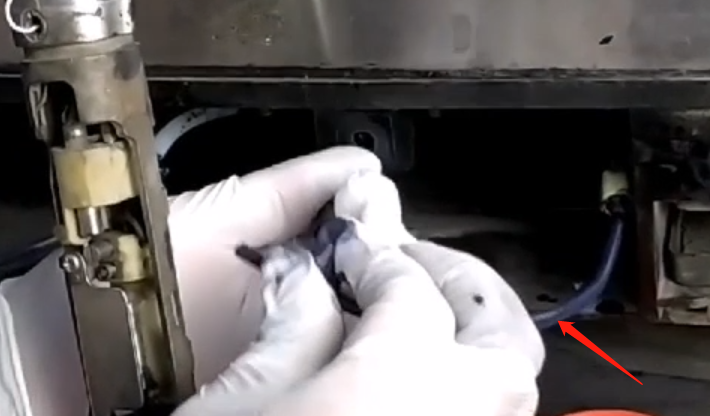
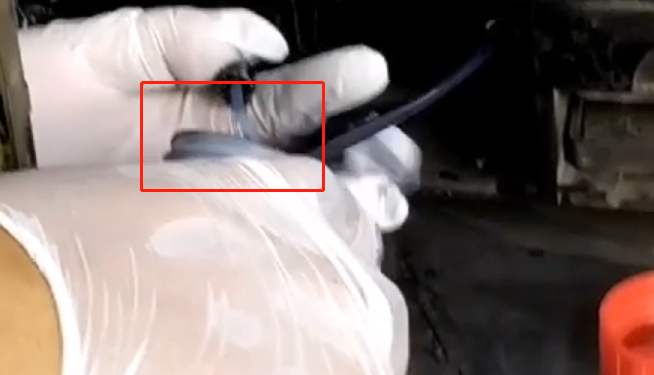
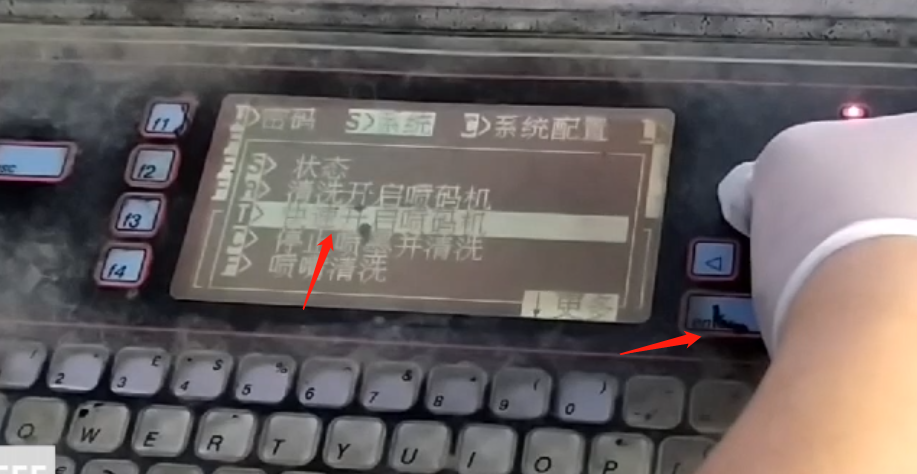
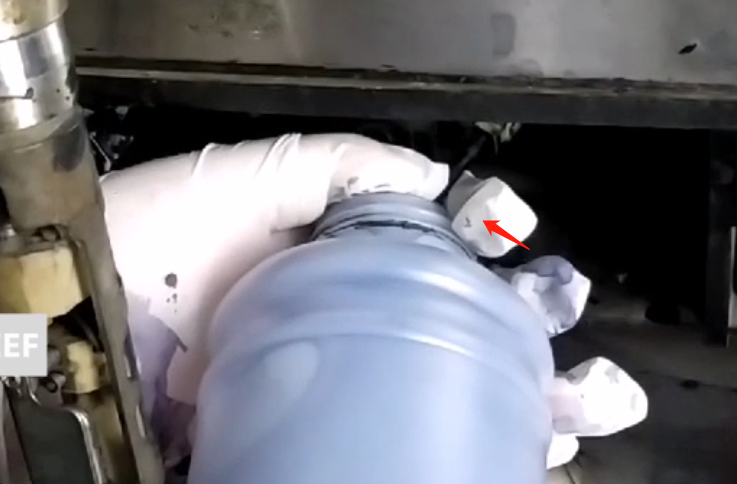
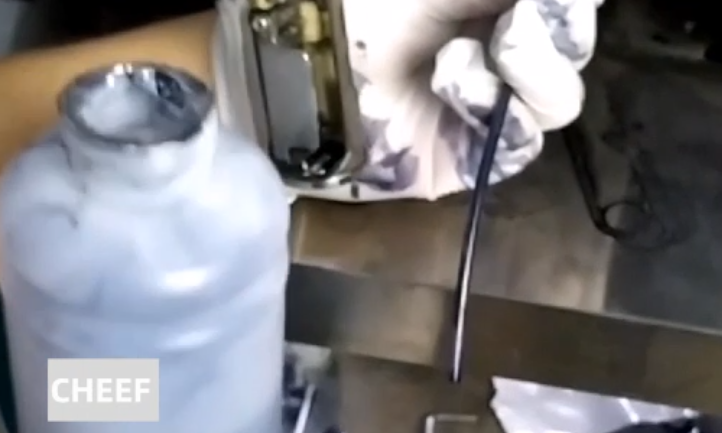
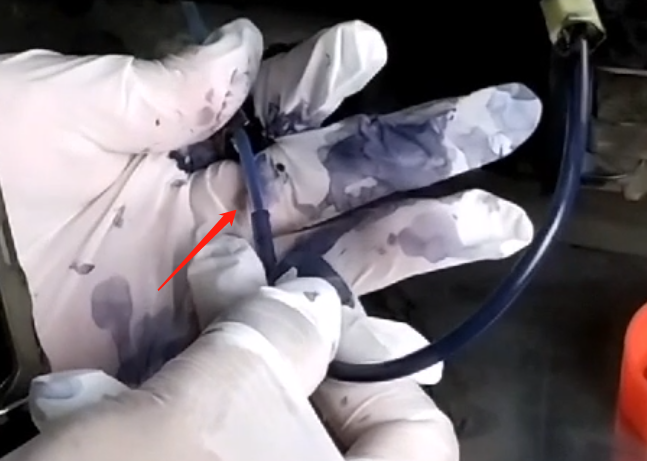
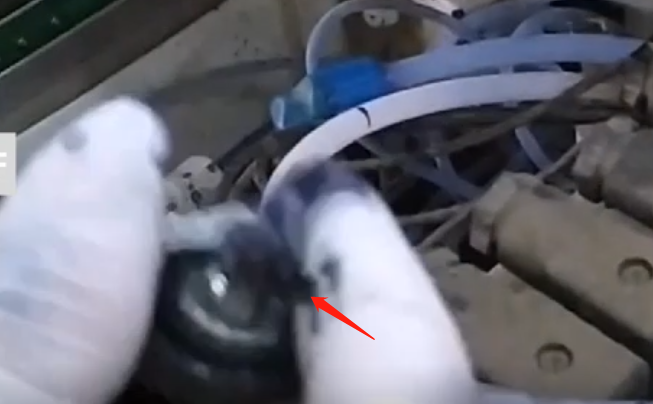
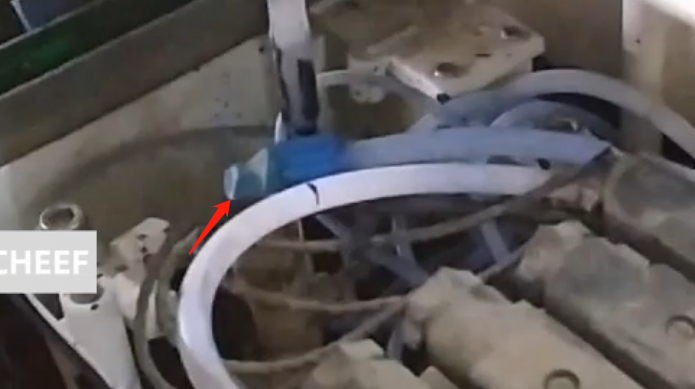
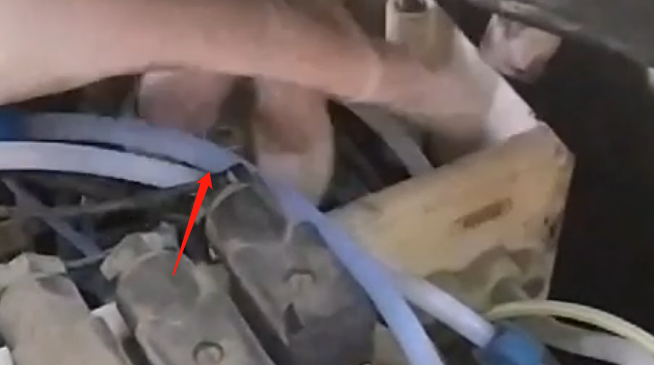
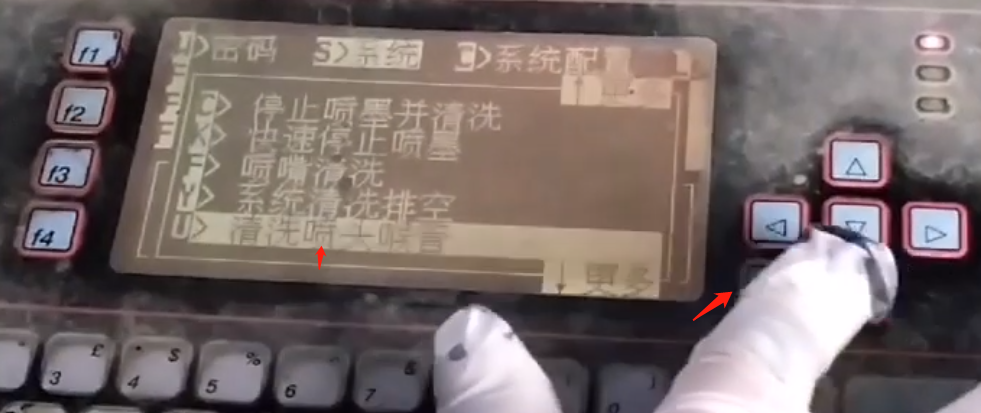
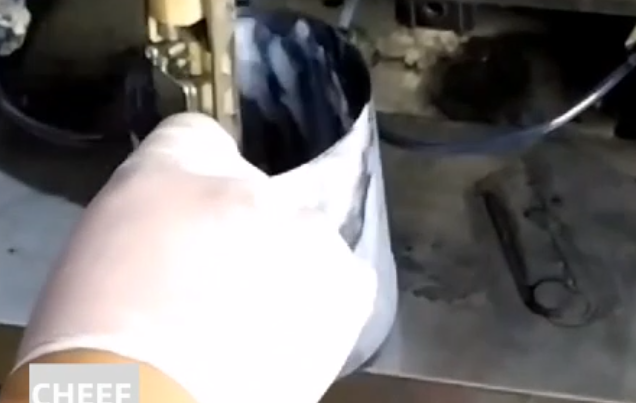
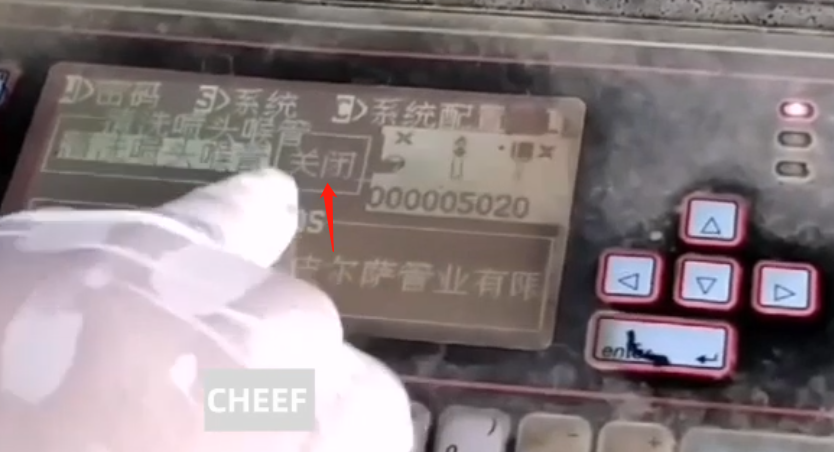
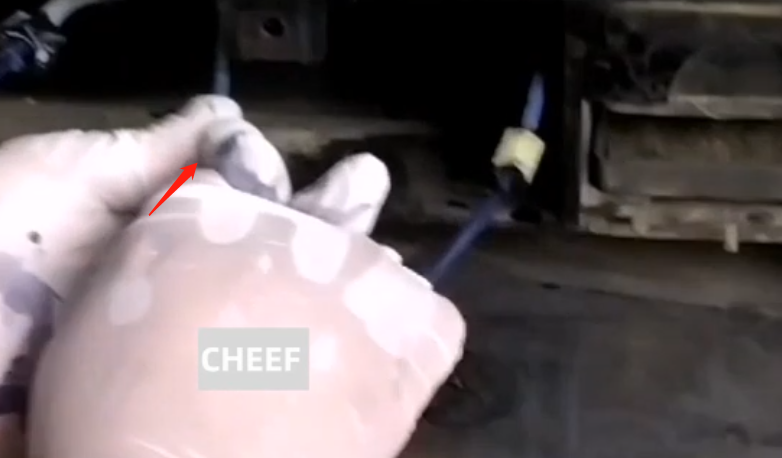
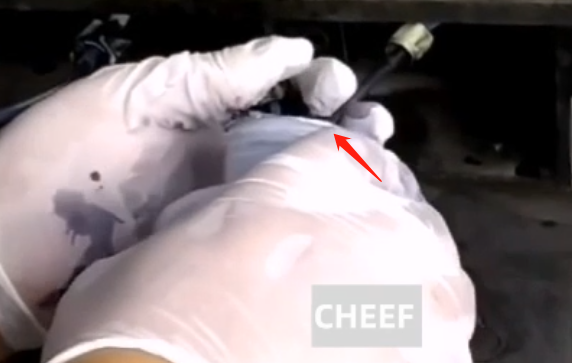
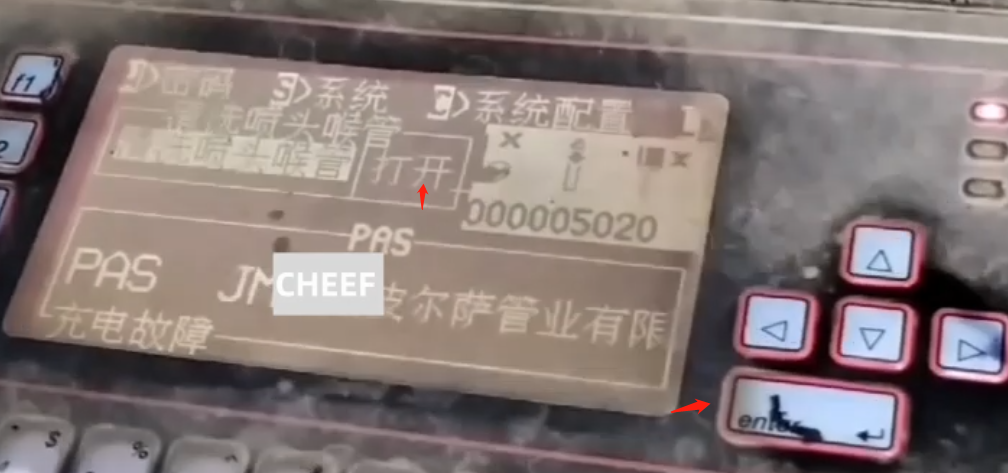
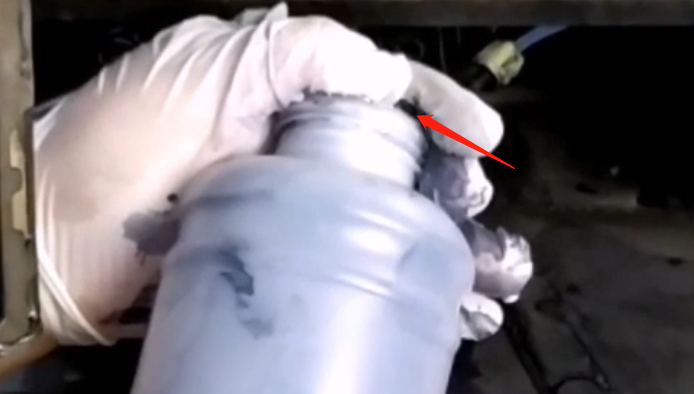
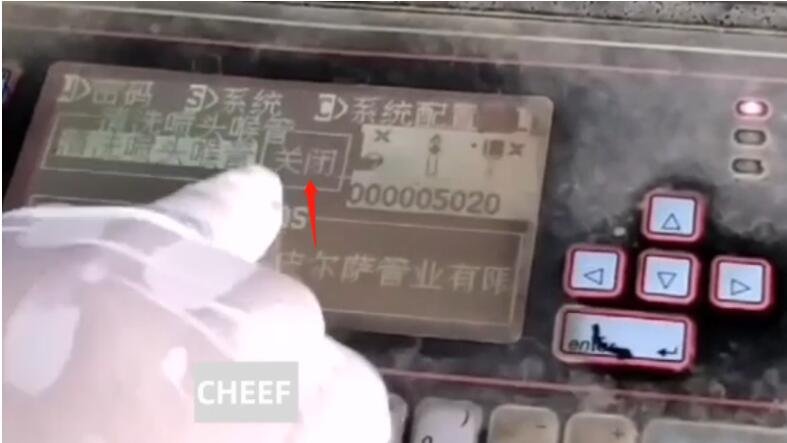
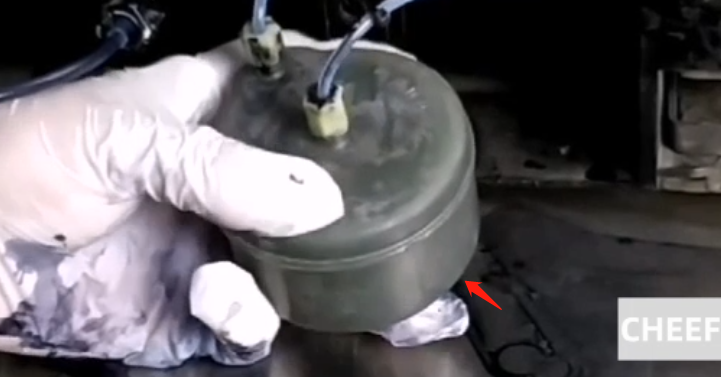
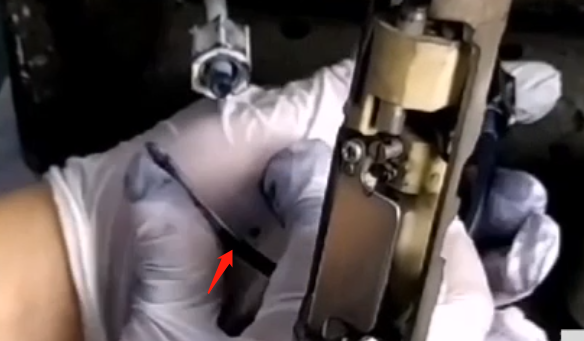
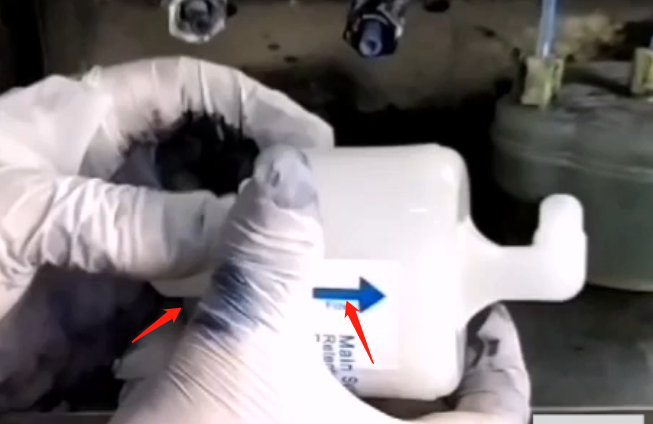
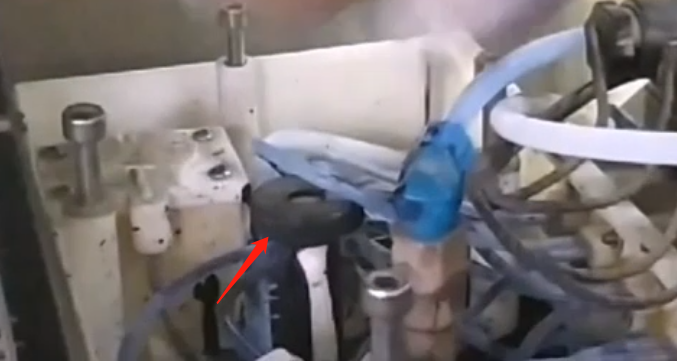
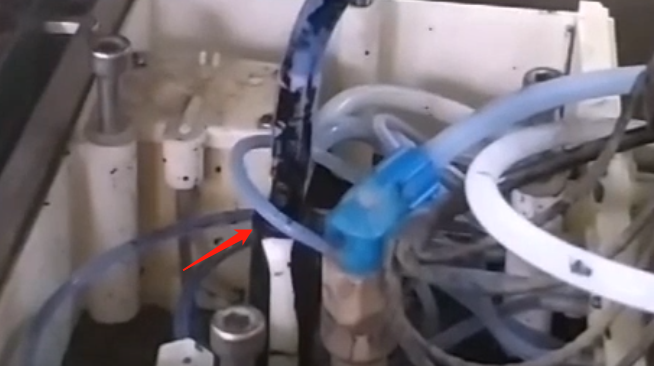
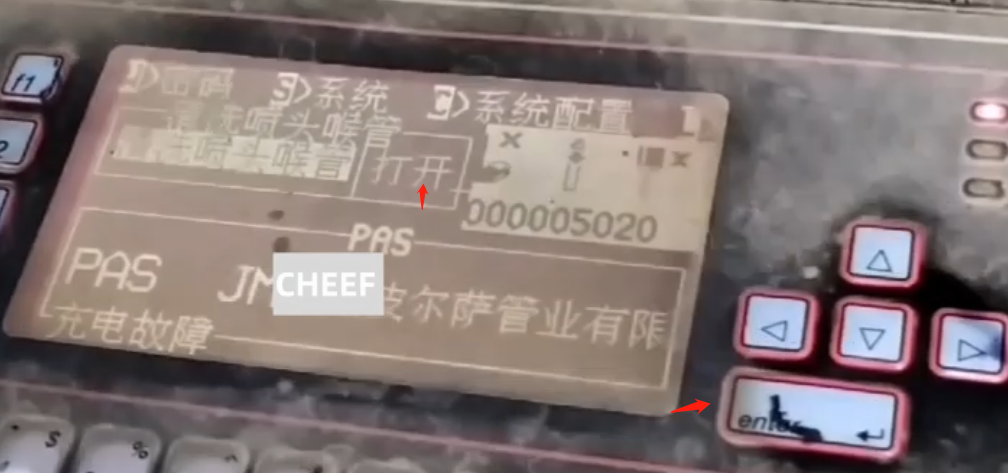
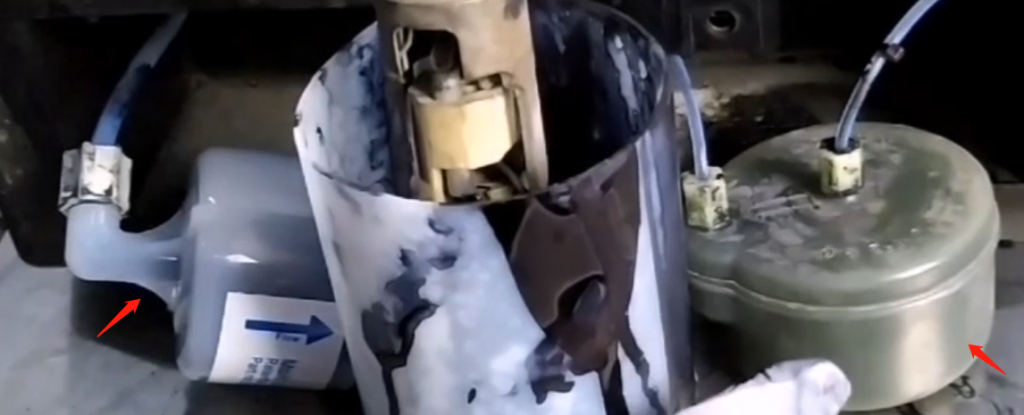
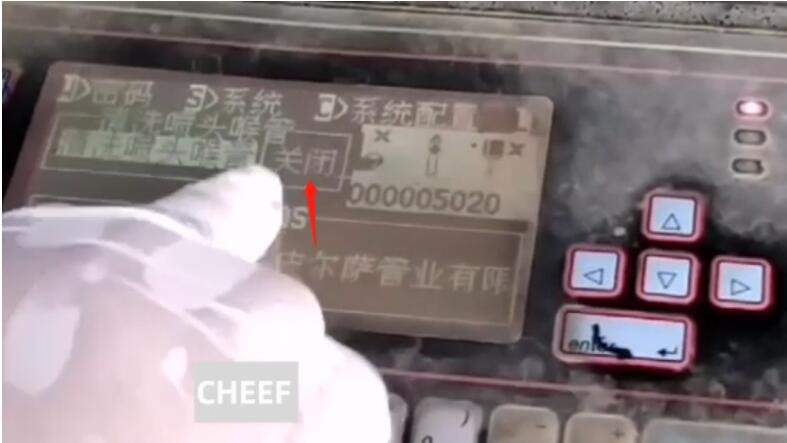
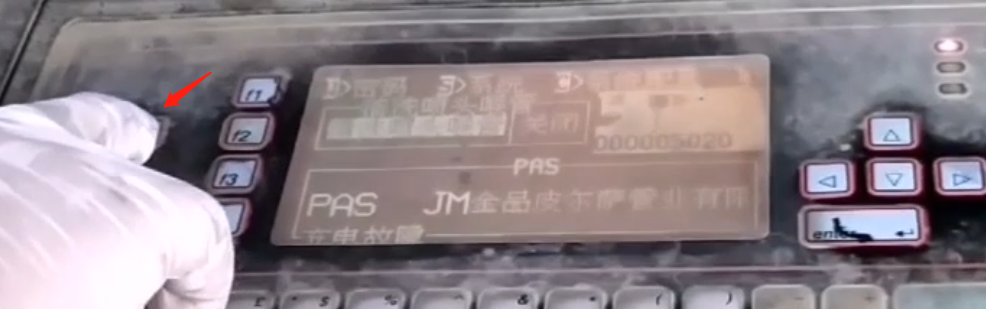
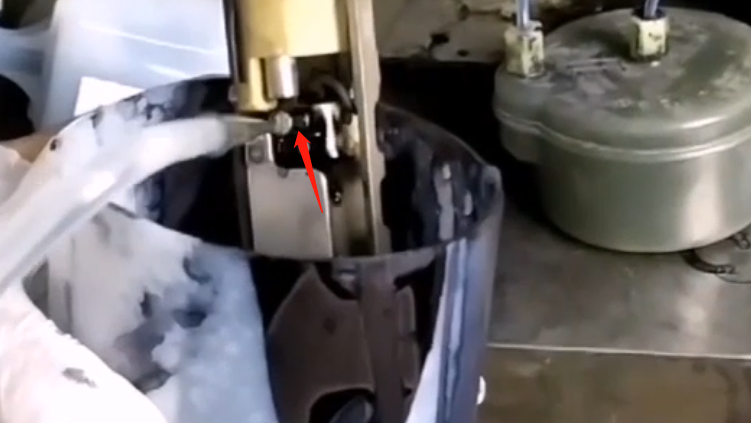
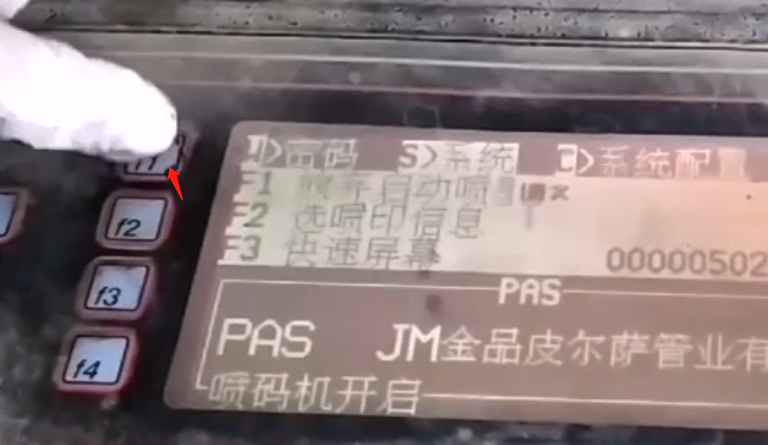
Then short it with a pipeOpen this bottle Find an empty bottle and pull out this sectionInsert the tube into the bottleIn the system, find out whether the nozzle pipe is clean or quickly start the code printer, click and confirmStart ink-jet hereDrain the ink and connect the pipeAdd some detergent into the screw of the mixing cylinder, add 500ml, and it can be pulled outScrew in the screwsExecute the cleaning nozzle throat option and click OK (to determine whether it is in the “On” state)Use the waste liquid bucket to catch it, circulate it for about 20 minutes, and then discharge it. After that, add cleaning liquid, recycle it, and wash it twiceAfter washing, turn off the cleaning nozzle throat optionAfter closing, open the waste liquid bottle in the same way as before, pull out the tube, and then insert the tube into the bottleThen turn on the option of cleaning nozzle throatStart discharging ink and discharge the waste liquid; After discharging the waste liquid, turn off the option of cleaning the nozzle throatInstall the buffer and tighten itTake off the short pipe of the main filter, take out a new main filter and replace it. The direction is to the right and tighten itRemove the screw of the mixing cylinder, add 500mi ink into it, and then install the screwTurn on the cleaning nozzle throat option again, and the ink fills the main filter and bufferAfter running for about 5 minutes, the throat of the cleaning nozzle can be closedReturn to the main interface and wash the nozzle hereAfter completion, start the machine normally. After the machine is started, the cleaning is completed even if there is no problem or warning
Cheef
CIJ,DOD,TIJ,Laser Coding Machines.
Machines, Spare Parts, Consumables.
One-Stop Coding Marking Solution
20 + Years of Industry Experience
Welcome to Inquiry at any time