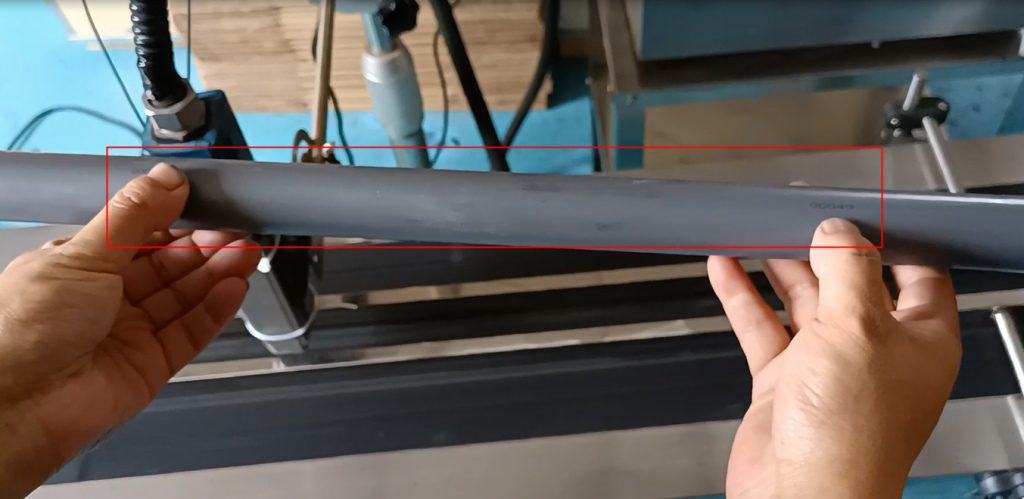
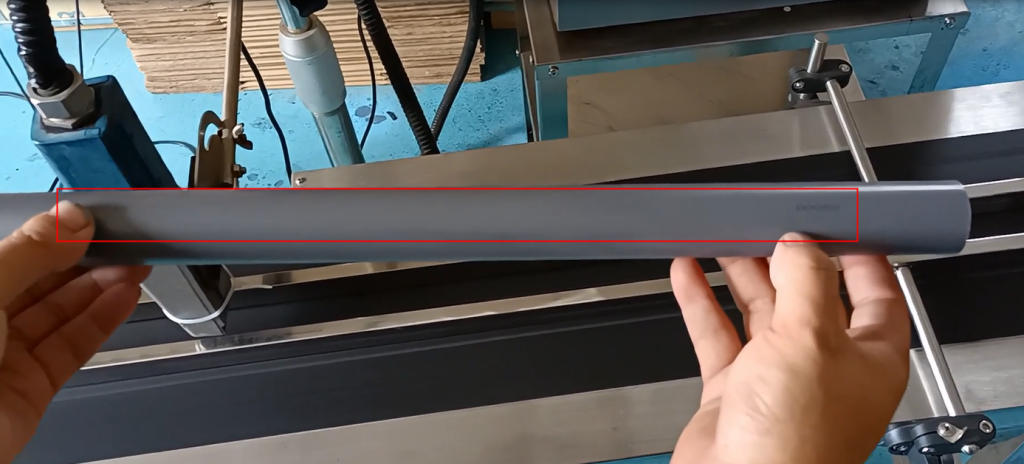
Domino A120 or A220 are both the same, and its meter counting is in encoder mode: use encoder mode and then reach the meter counting setting.
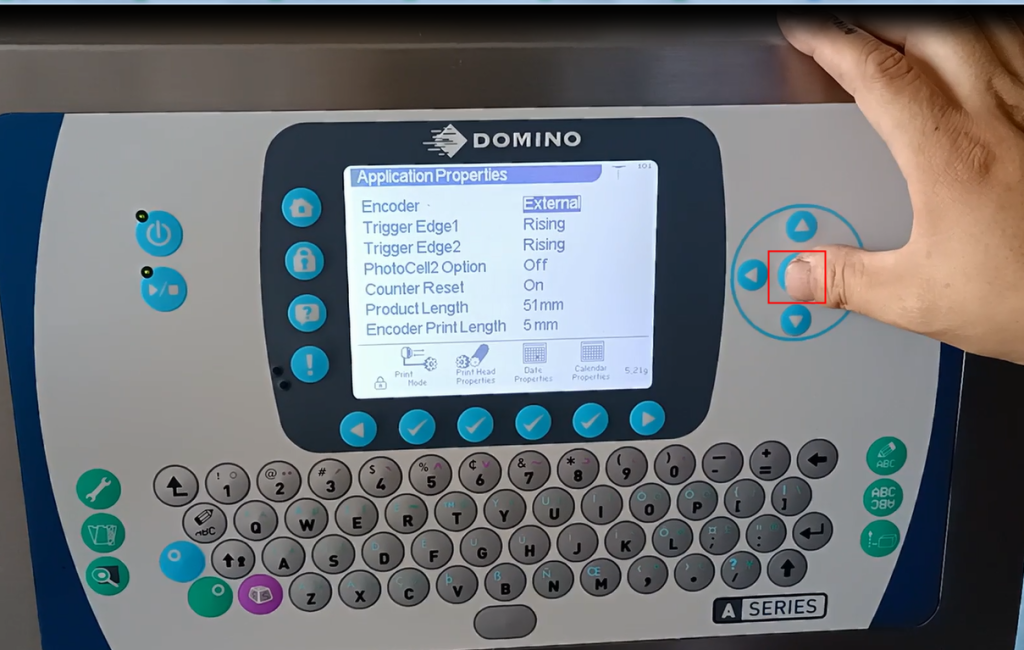
First, let’s enable encoder settings. If we enable encoder settings, we will have folders in the folder options:
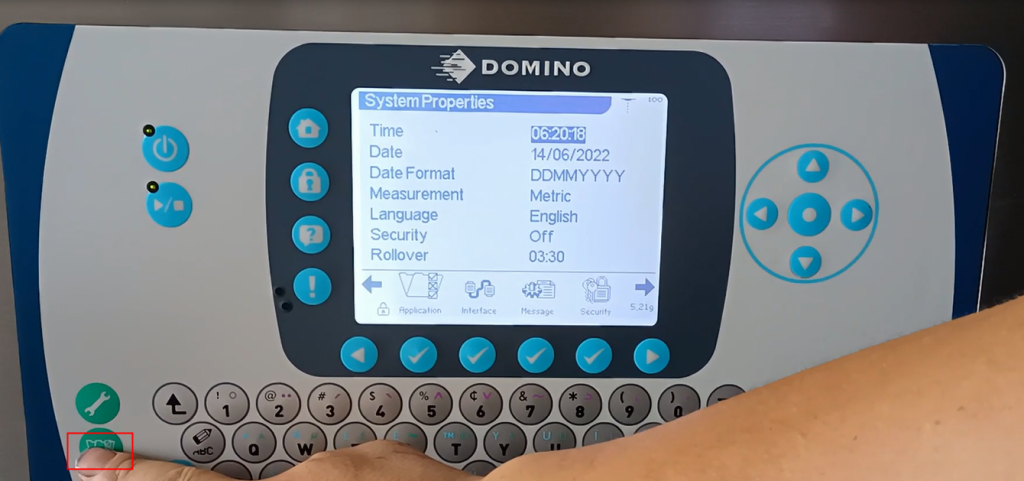
Select the encoder (axis code source) as external:
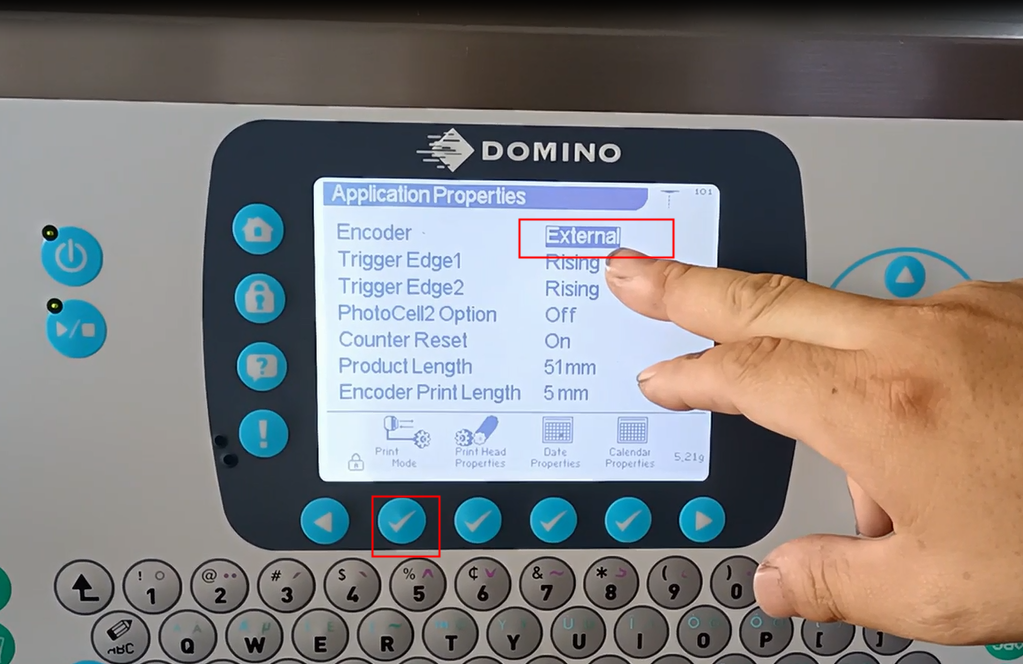
Then change the bottom to the rising edge, and change this electrolyte to the rising edge:
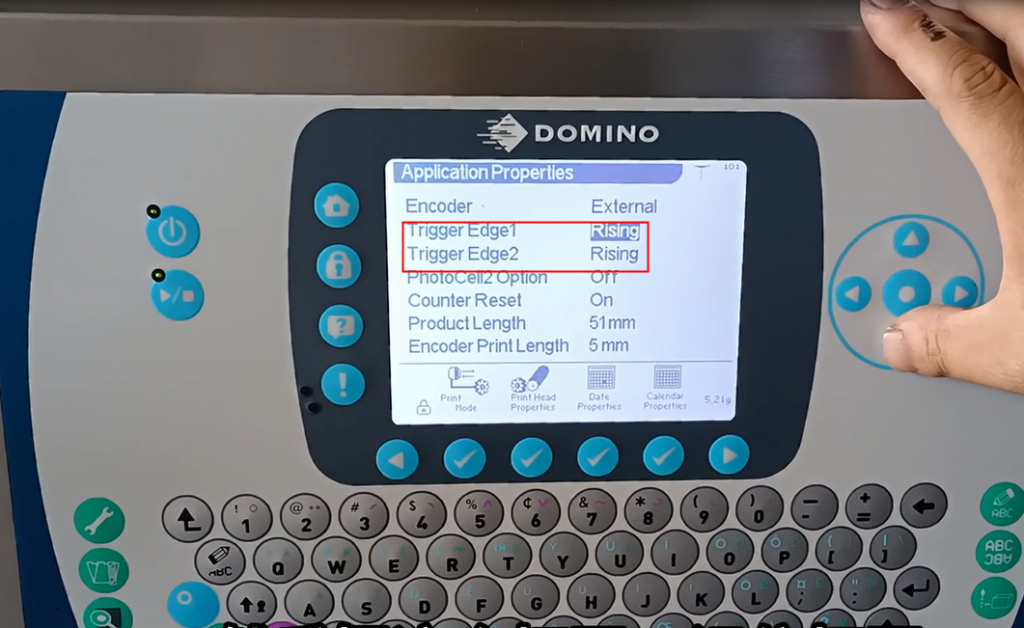
Then open this, remember to open it, and we will set it to OK here:
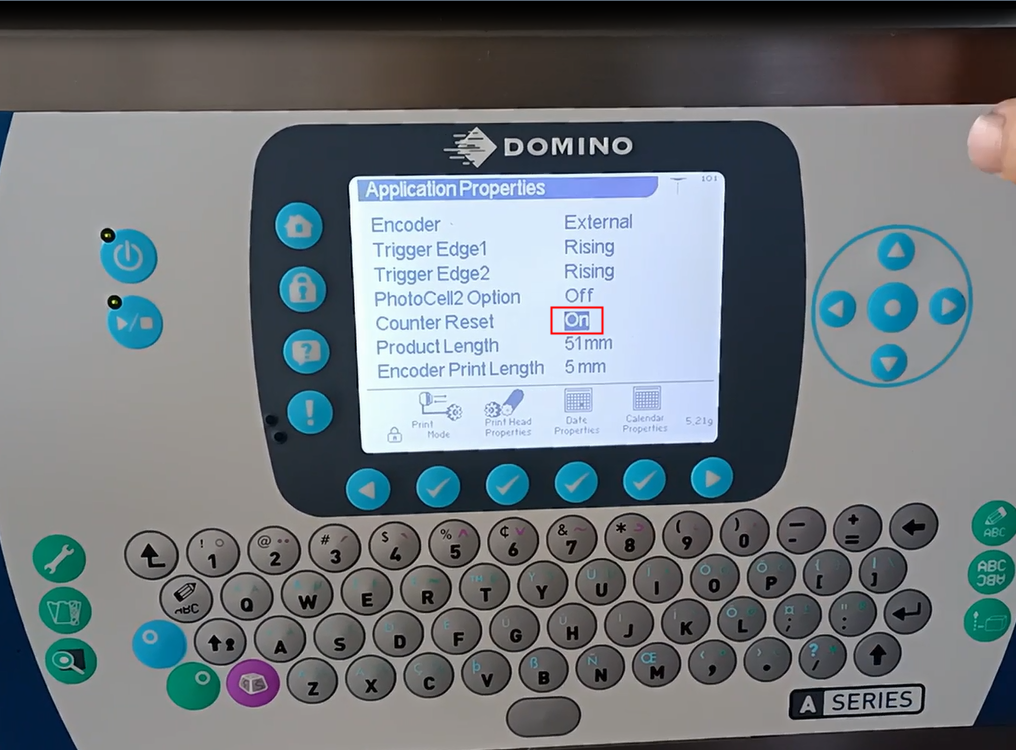
After the settings are OK, we have a nozzle setting here:
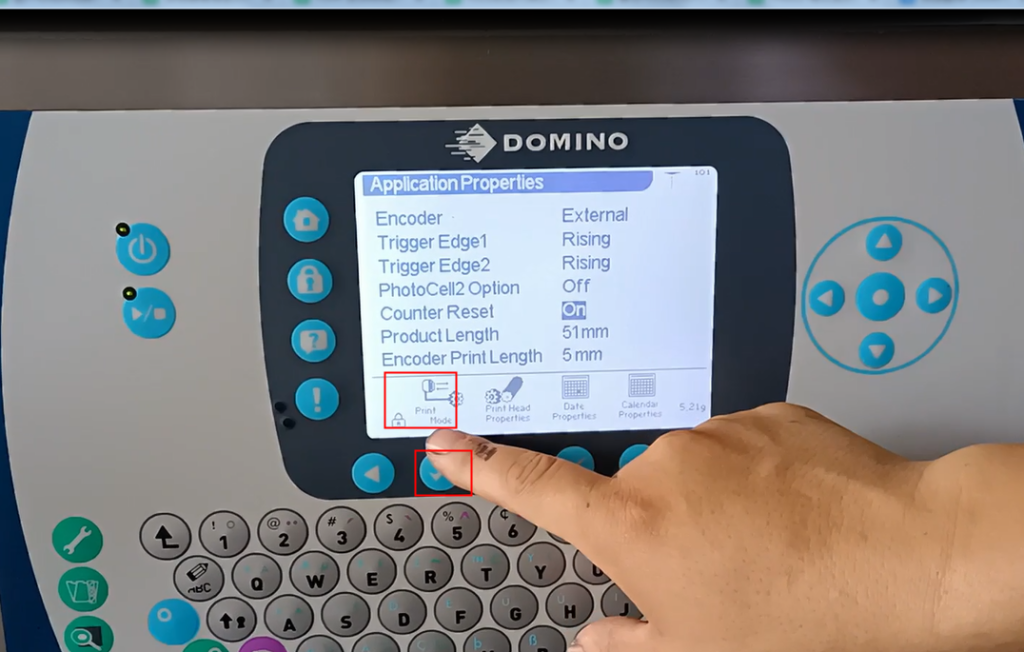
Select automatic dubbing to continue dubbing, turn it on (can be enabled), and then press OK:
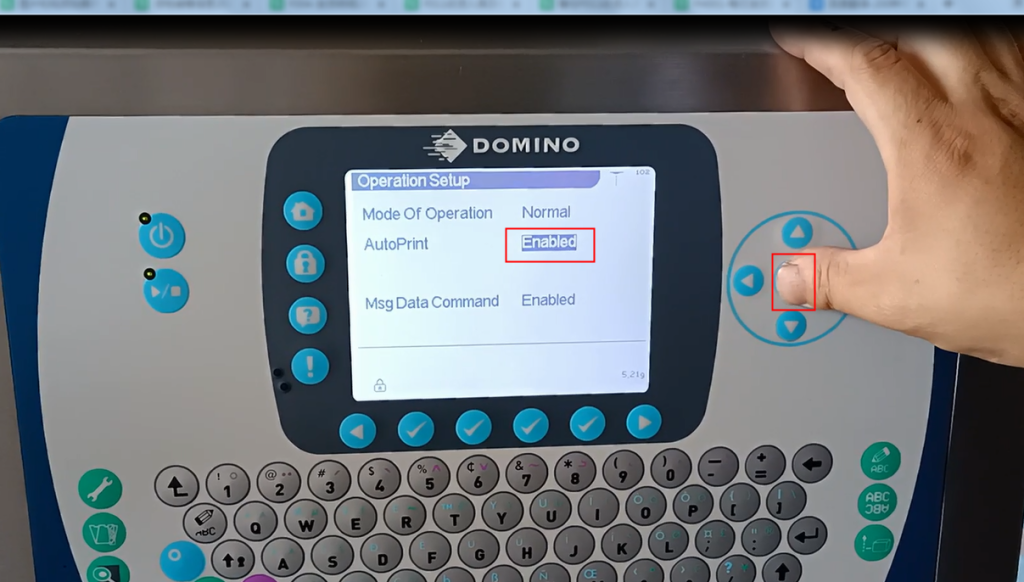
And then we’ll confirm it here as well:
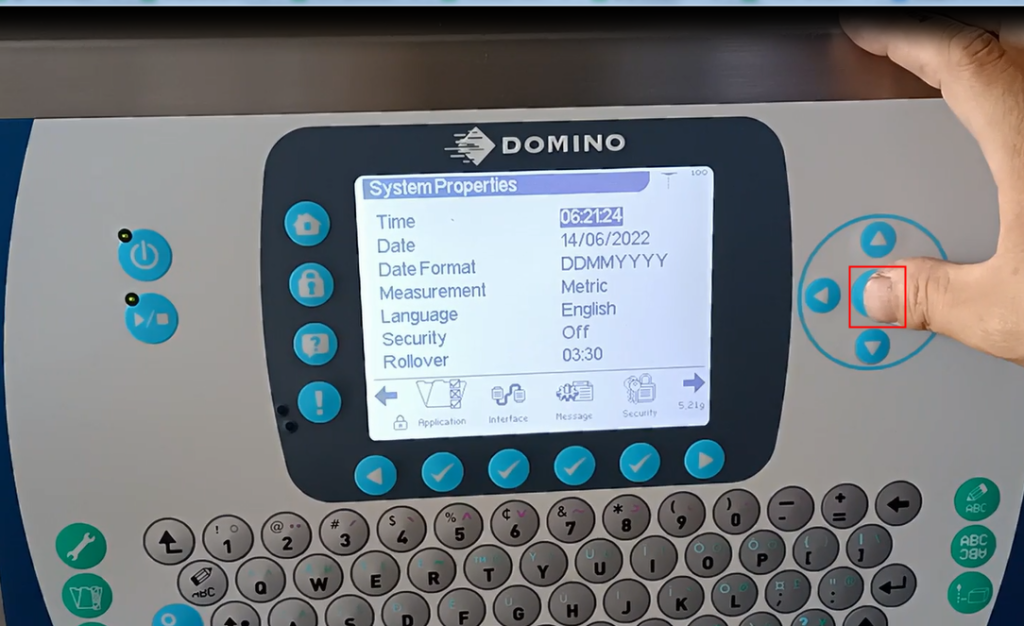
Then when we compile information, we input a message:
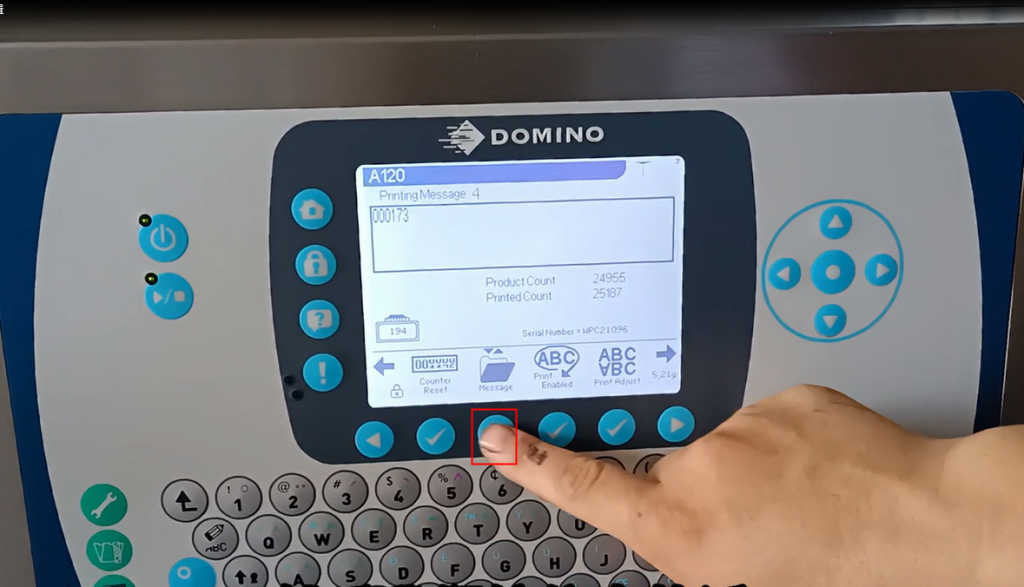
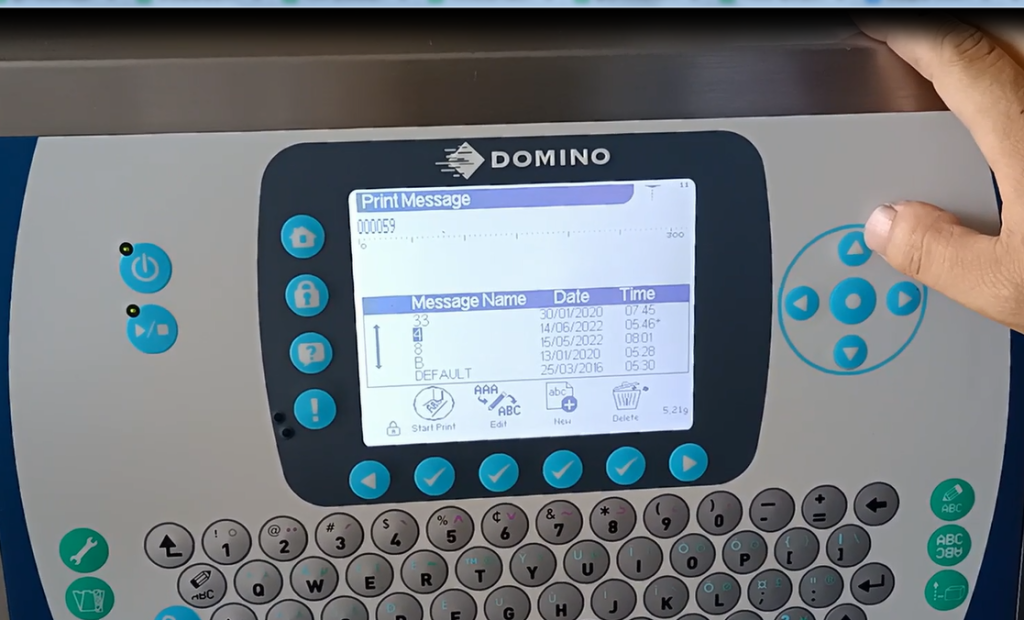
Edit one, create a new message 6, OK:
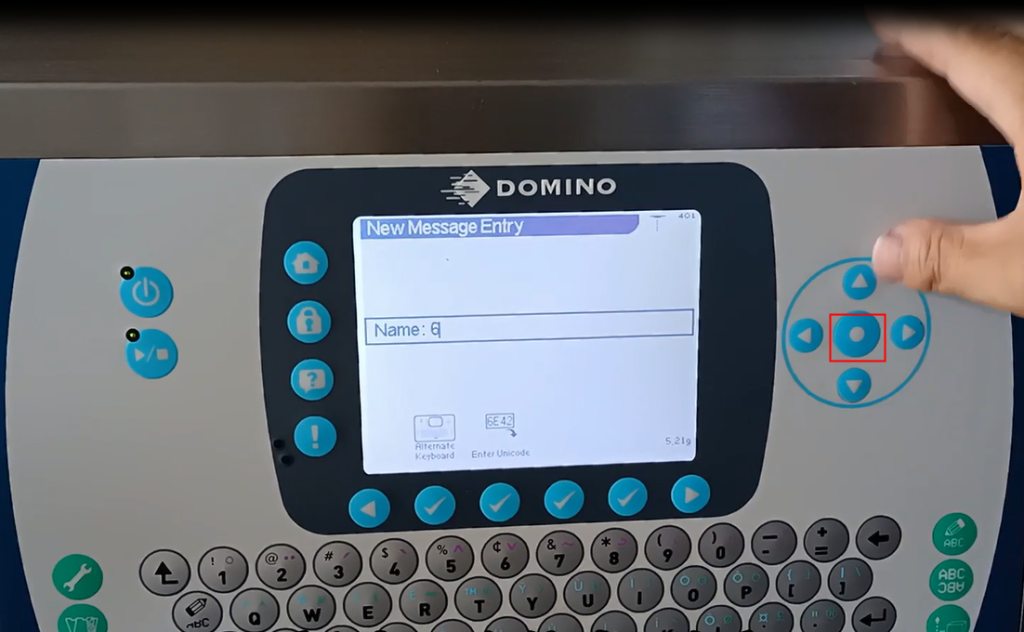
Then we can add fields:
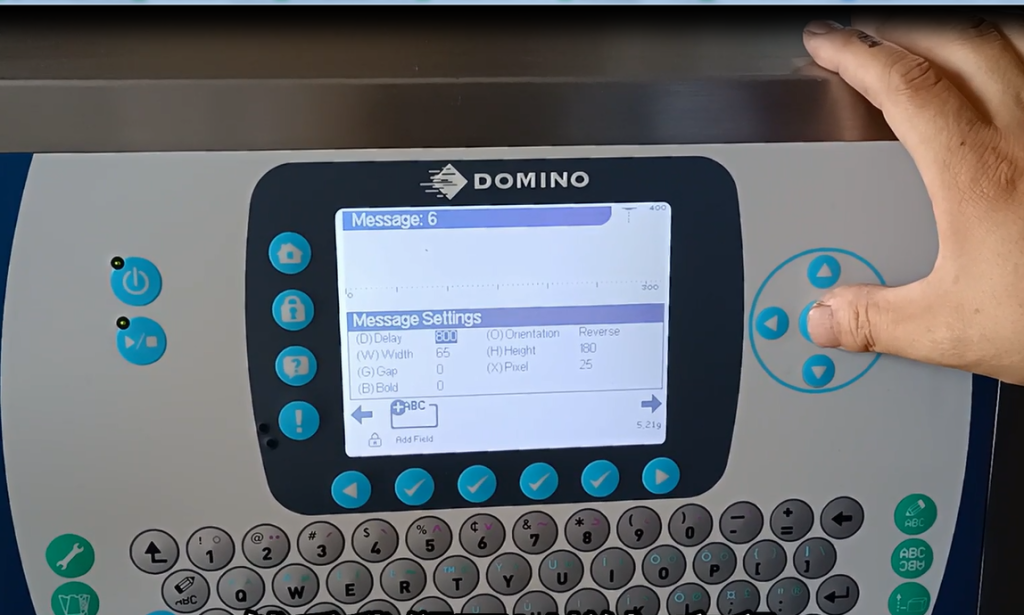
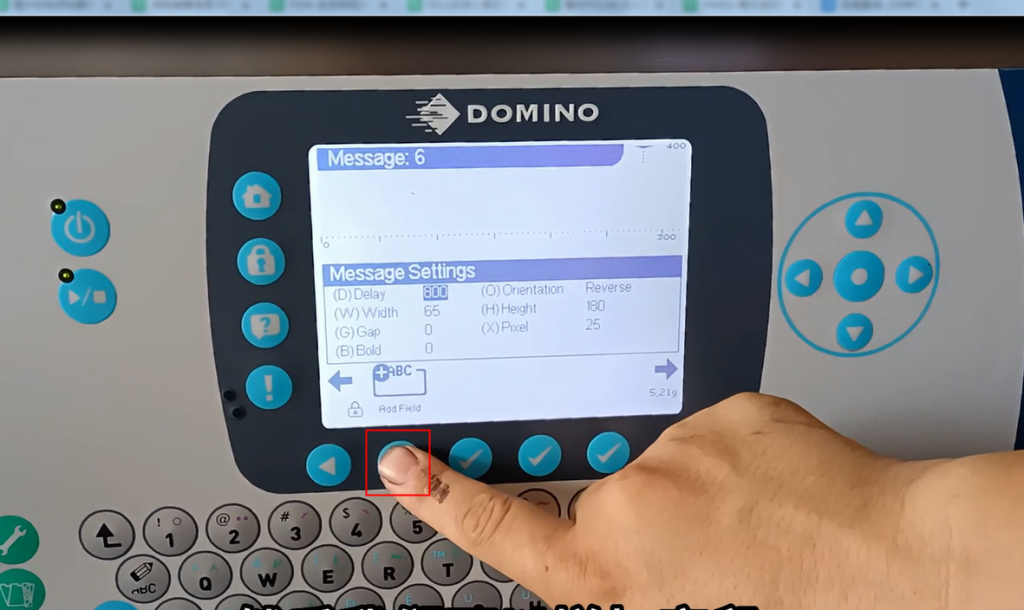
Then select automatic encoding:
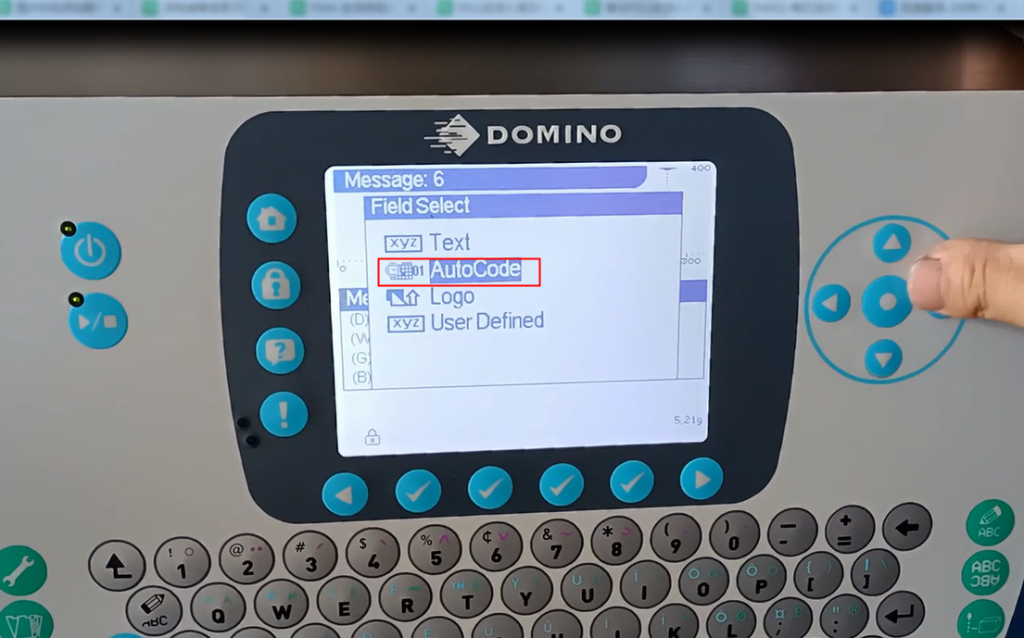
Then select the counter and press OK, then select the counter and press OK, OK.
And then this counter was not inserted:
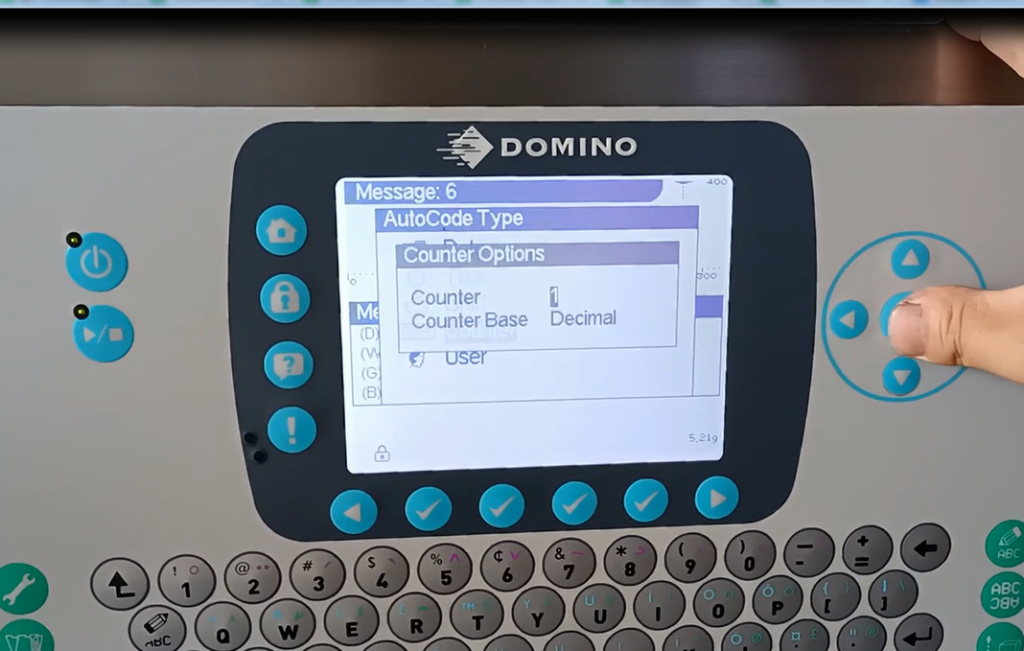
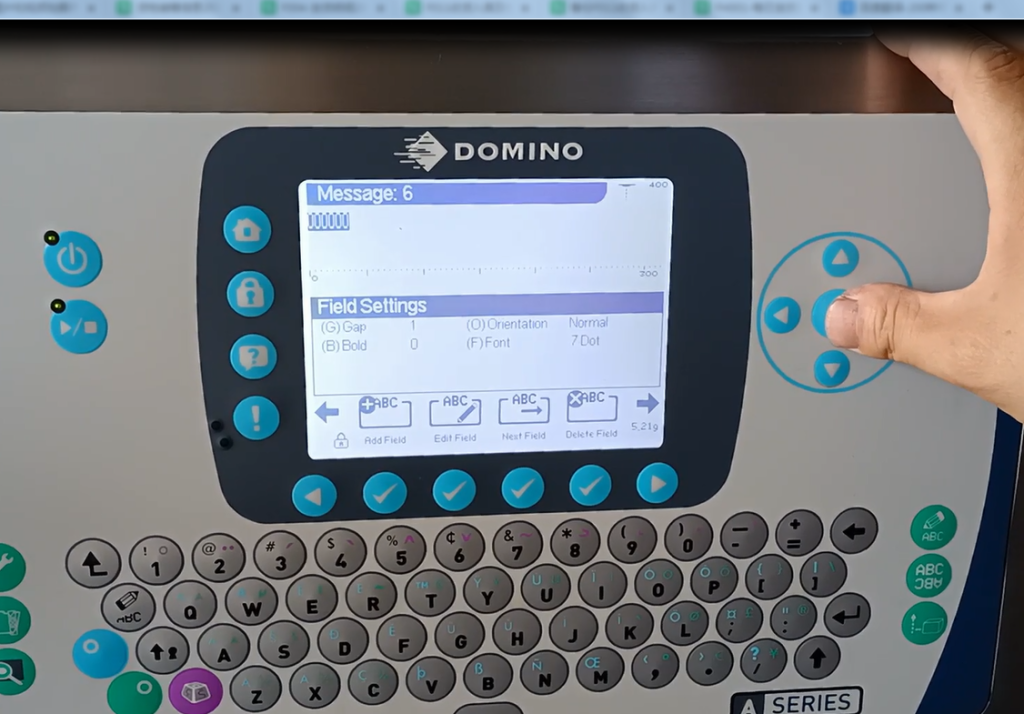
We are here to set the counter:
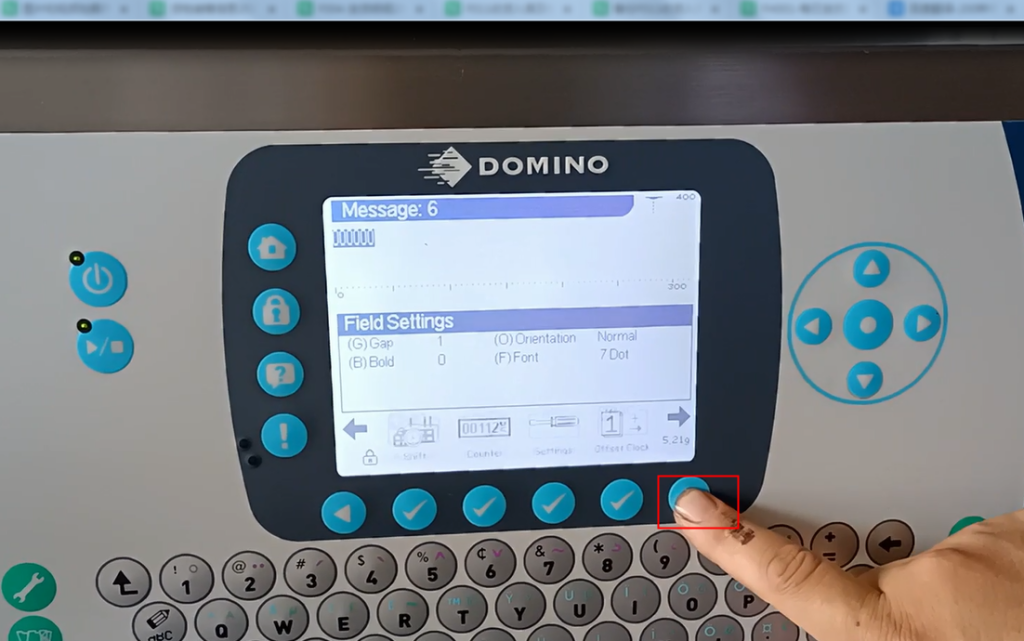
As for how many bits the counter should be set, we can set them here:
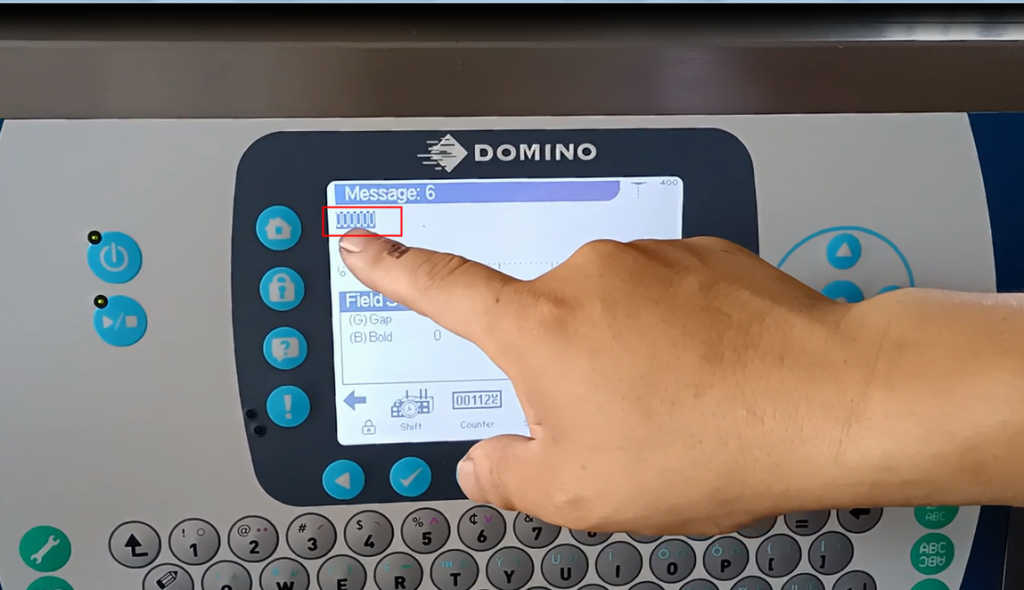
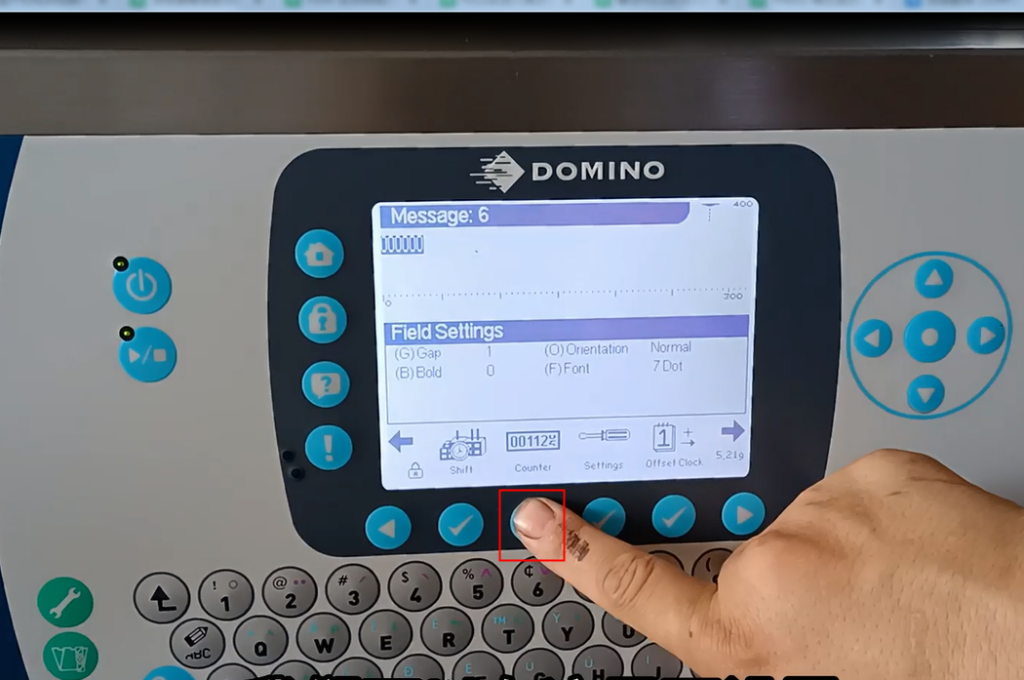
We are now in the 6th position, and not only in the 1st and 6th positions:
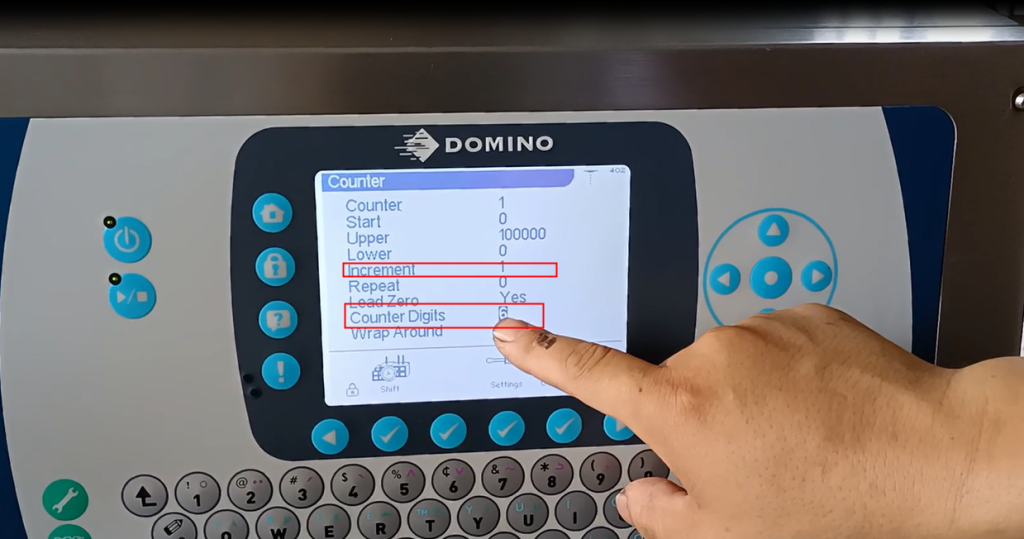
If it has 6 digits, it will display 6 zeros. If it has 5 digits, I will change it to 5 digits, and it will be 5 zeros:
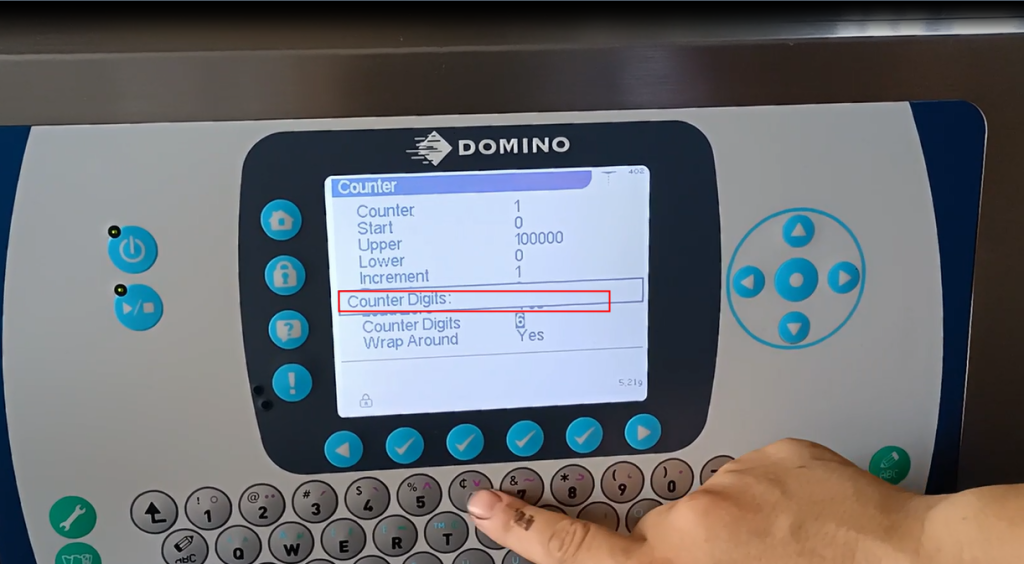
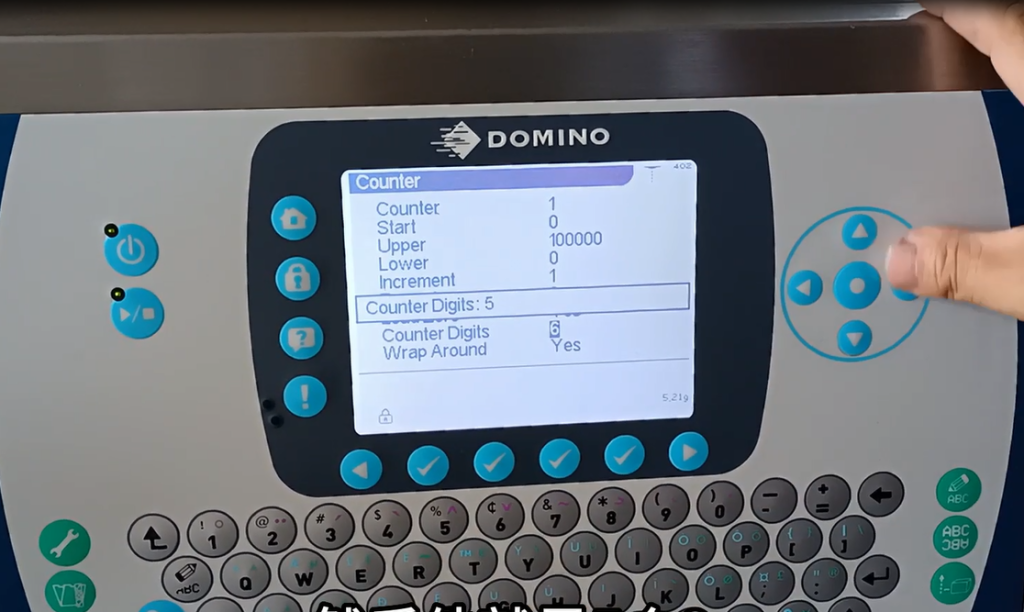
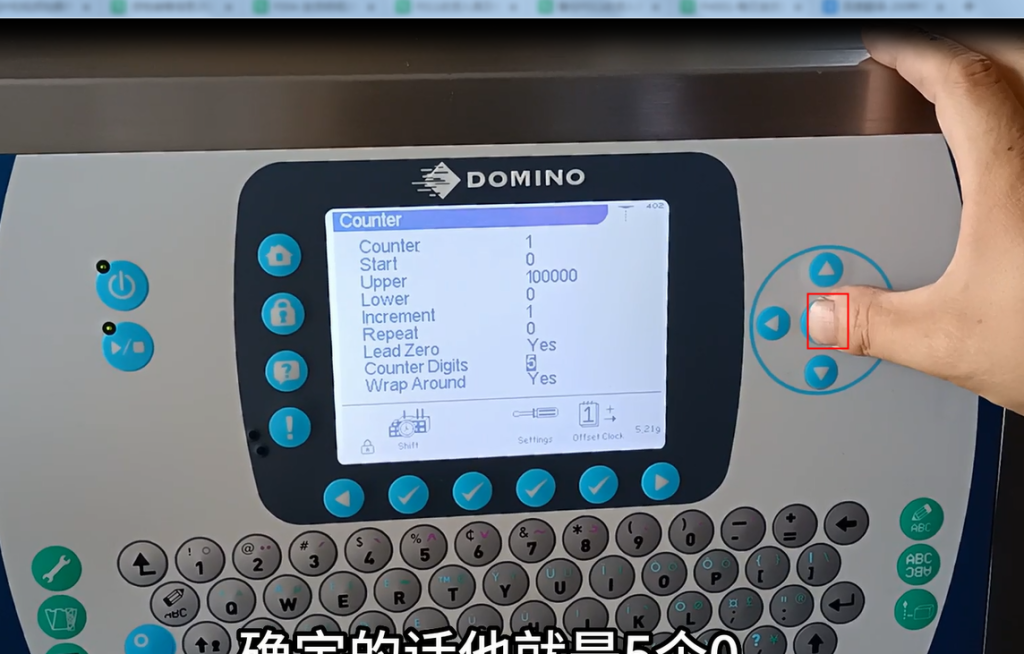
If confirmed, he would be 5 zeros:
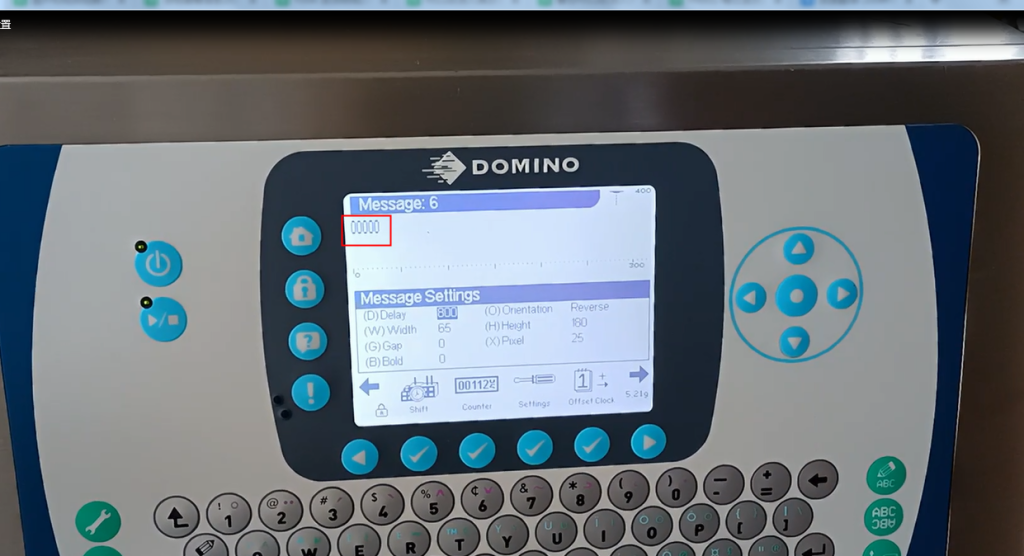
This is set according to our needs. The distance between each piece of information is also known as the interval.
We set it up here :
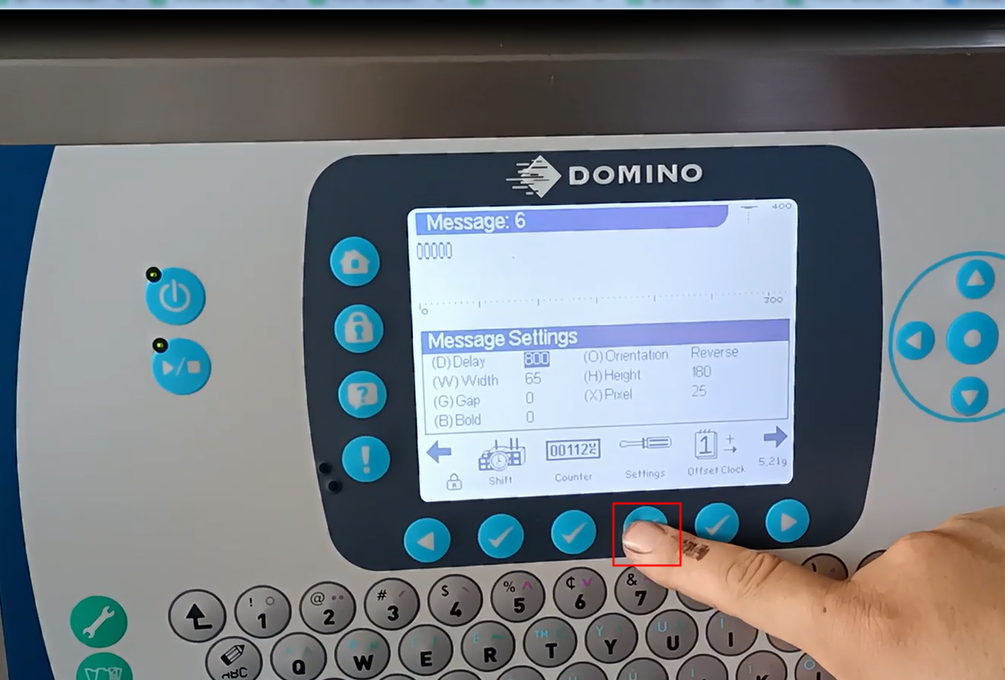
And then there’s an automatic spray printing setting here:
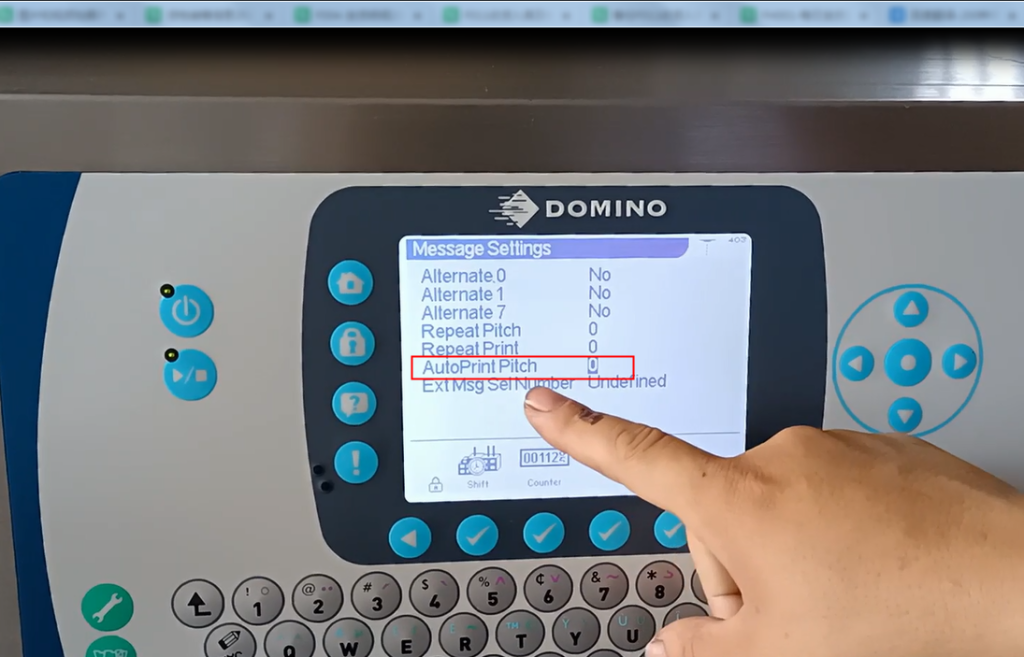
We can set up:
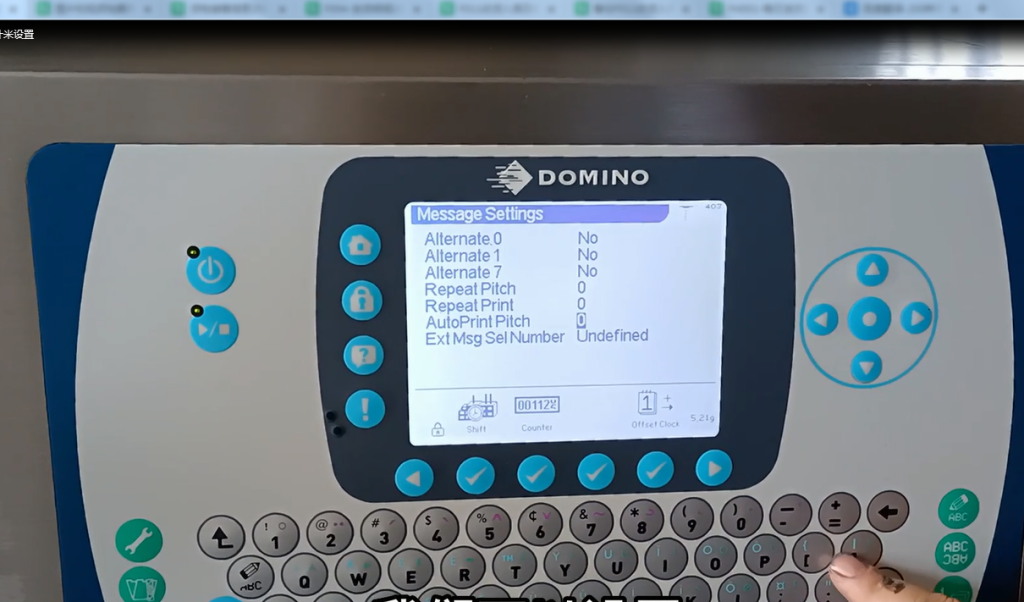
set up:
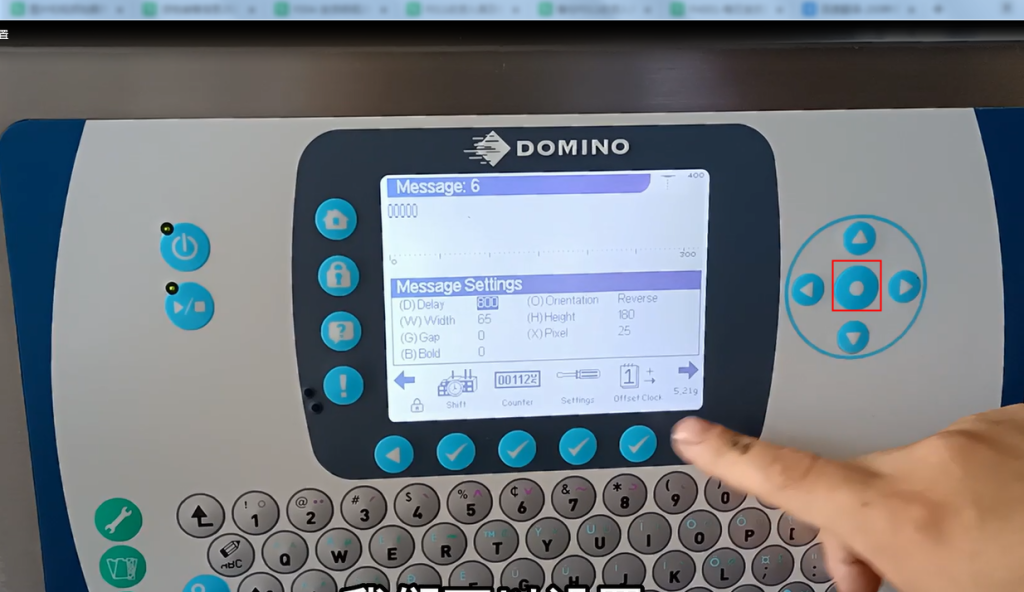
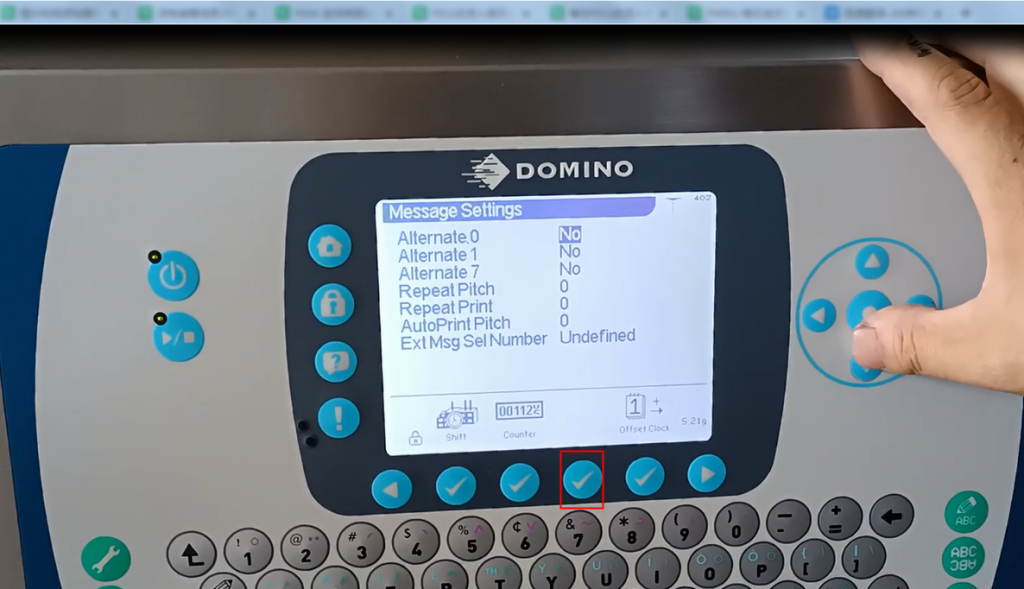
We can set it to 15000 and take a look:
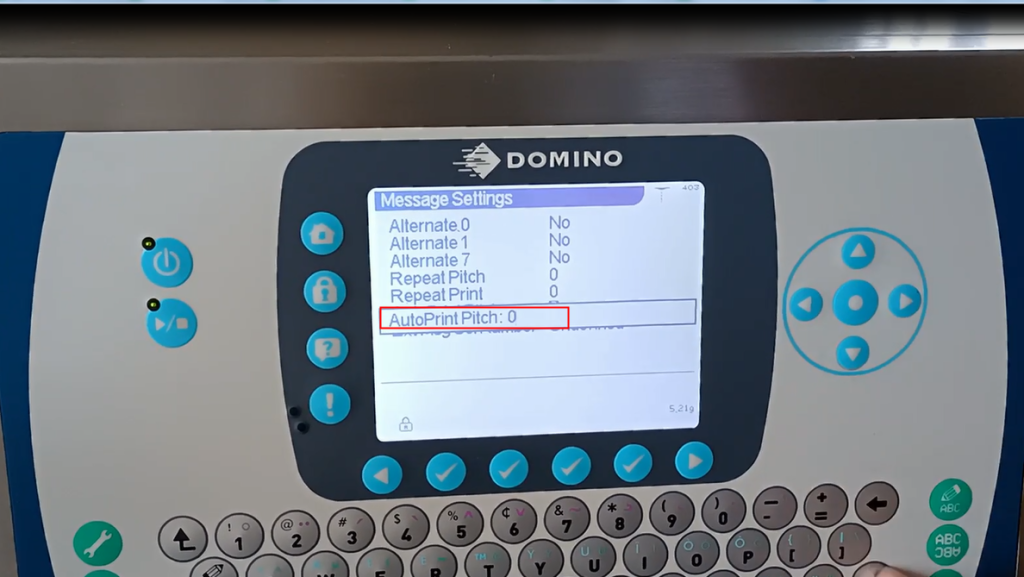
After we set it for 15000:
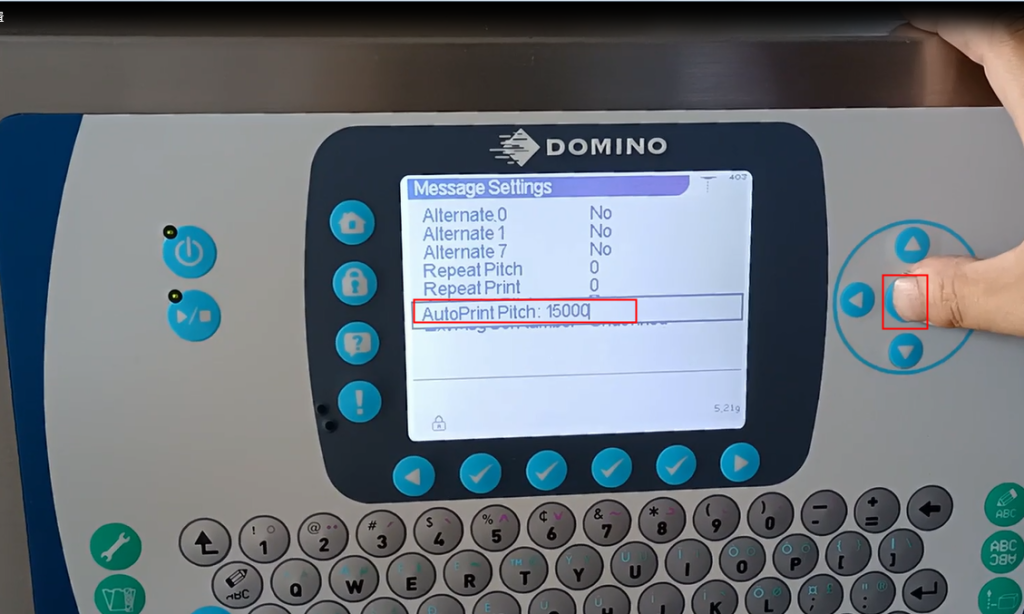
Then we can measure its spacing and what is its spacing。It doesn’t have any units, and then we say fifteen thousand. We call it 10 centimeters, 20 centimeters, or 30 centimeters.
So if we want one meter, increase it to what we mean: the distance between messages is one meter.
As for the number, we will set it based on a situation on our site.
After setting it up, press OK:
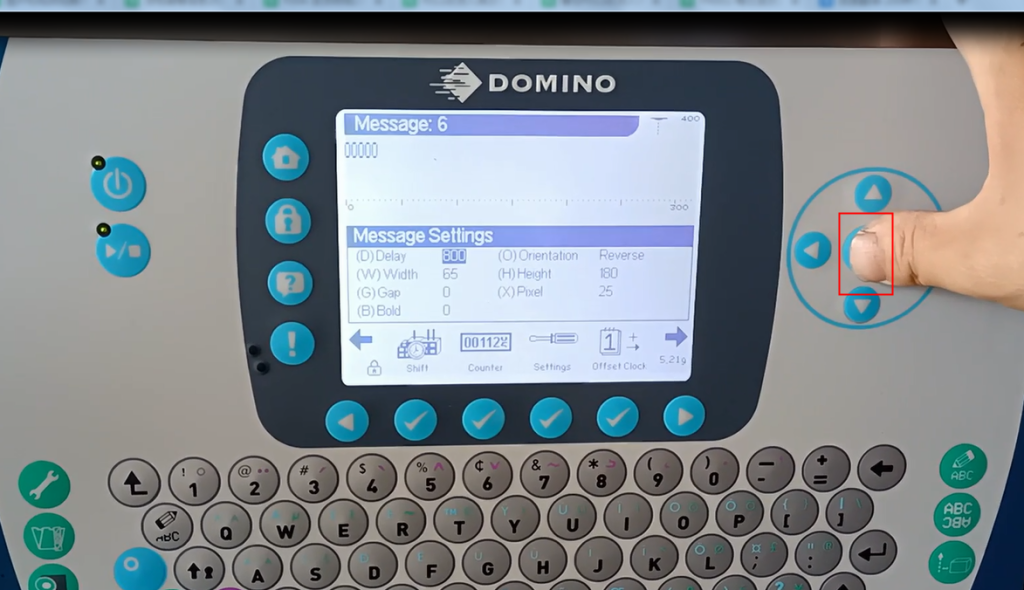
Then press OK:
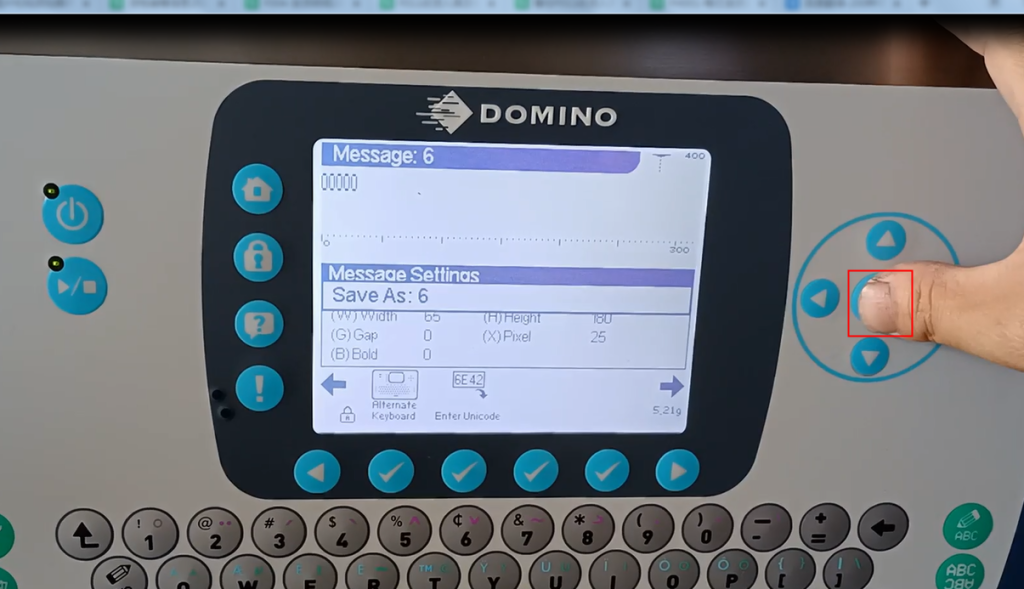
Determine:
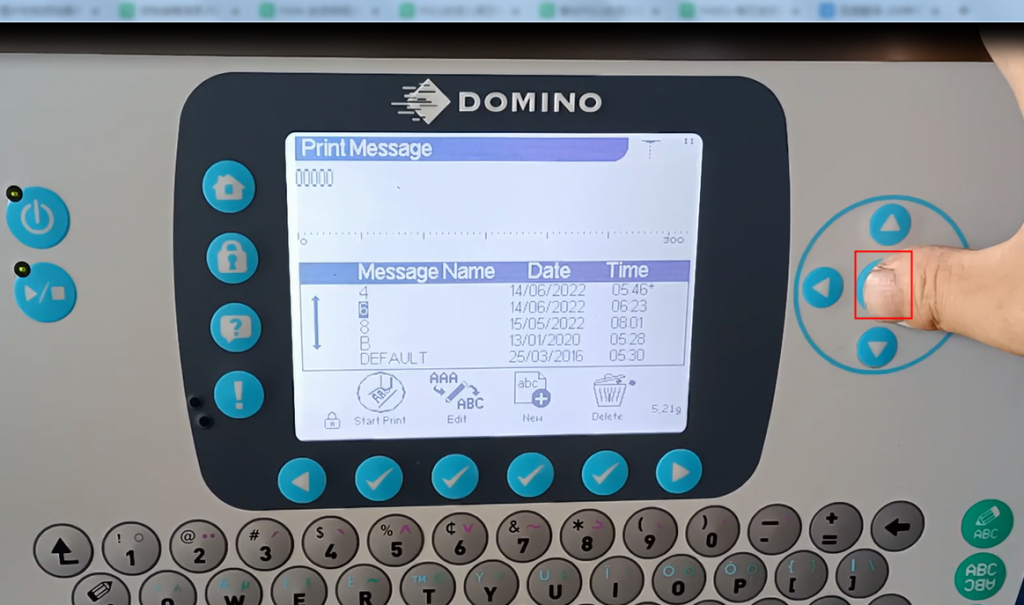
Then you can output the spray printing:
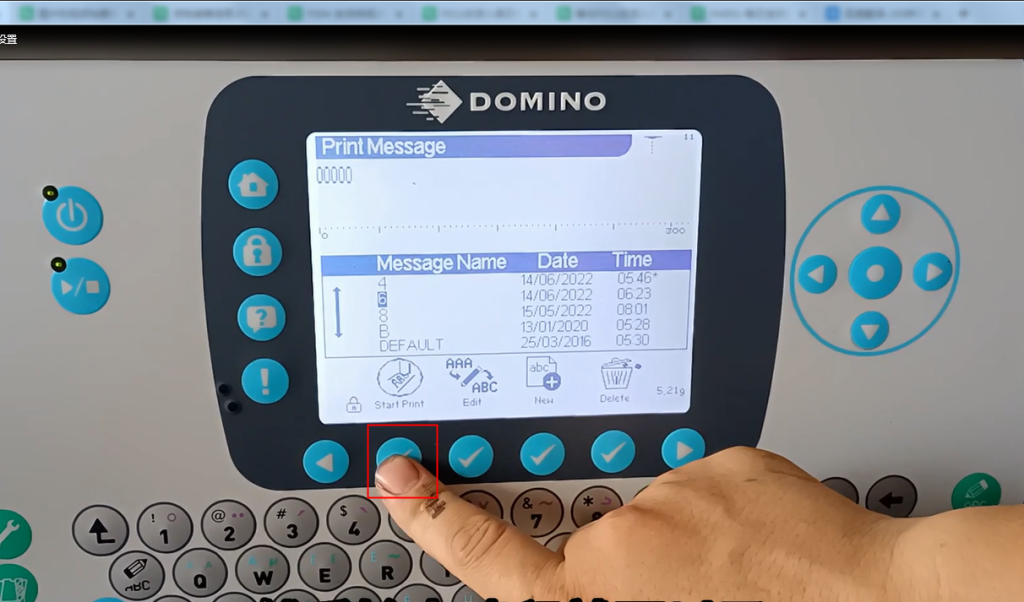
After this, we can print it by outputting a collage print.
So now it’s zero 00.
Look this way.
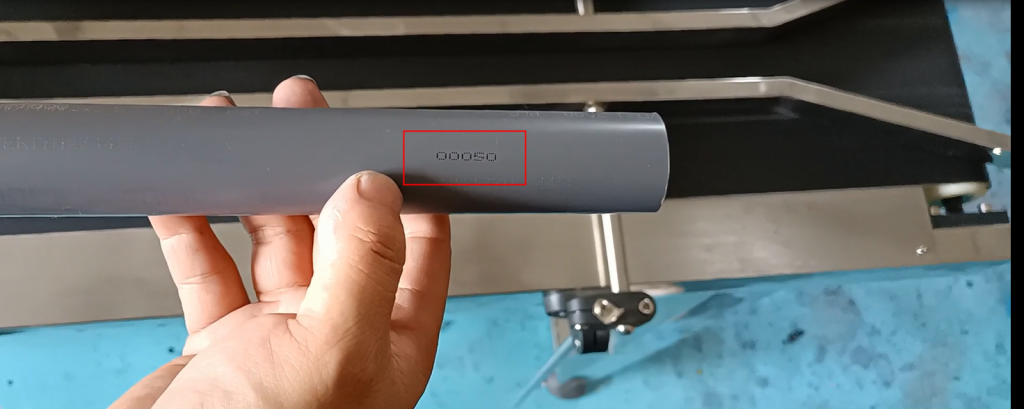
Fifty:
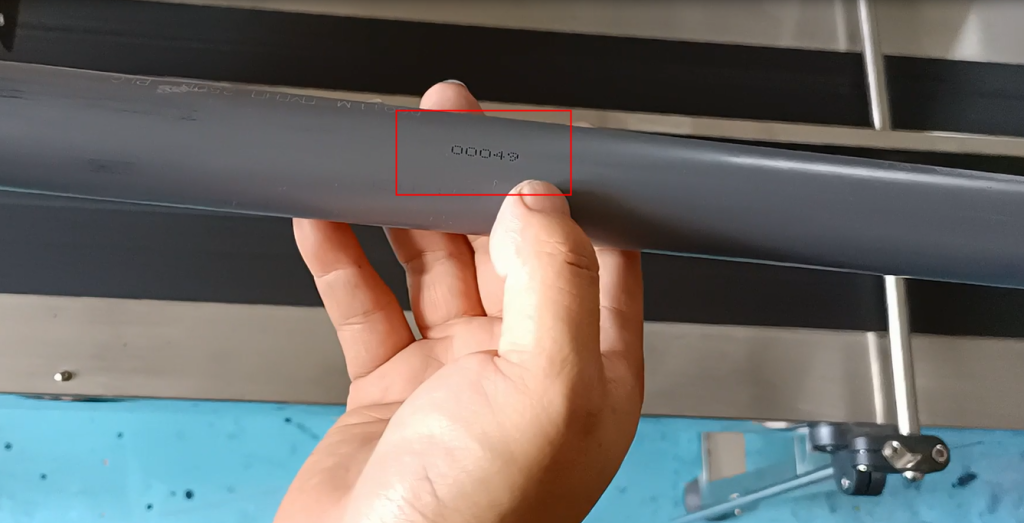
forty-nine:
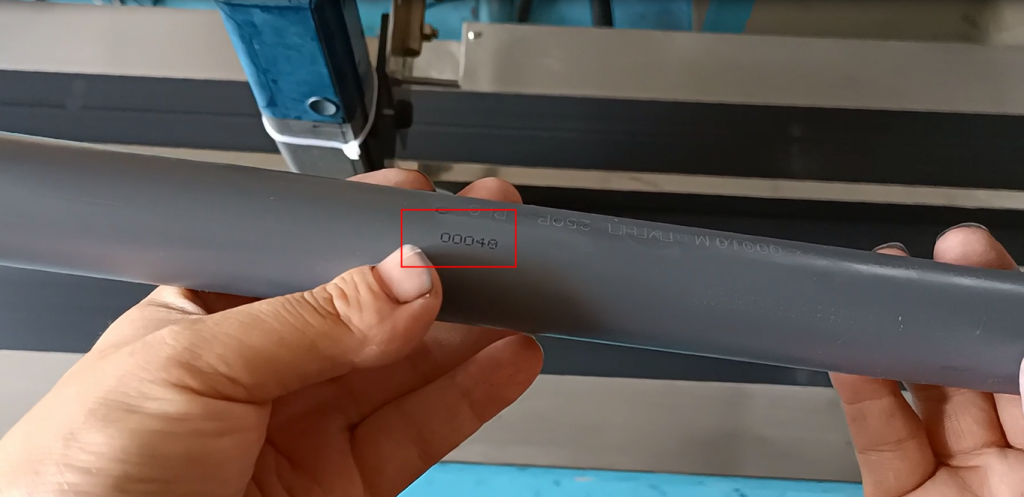
forty-eight:
forty-seven:
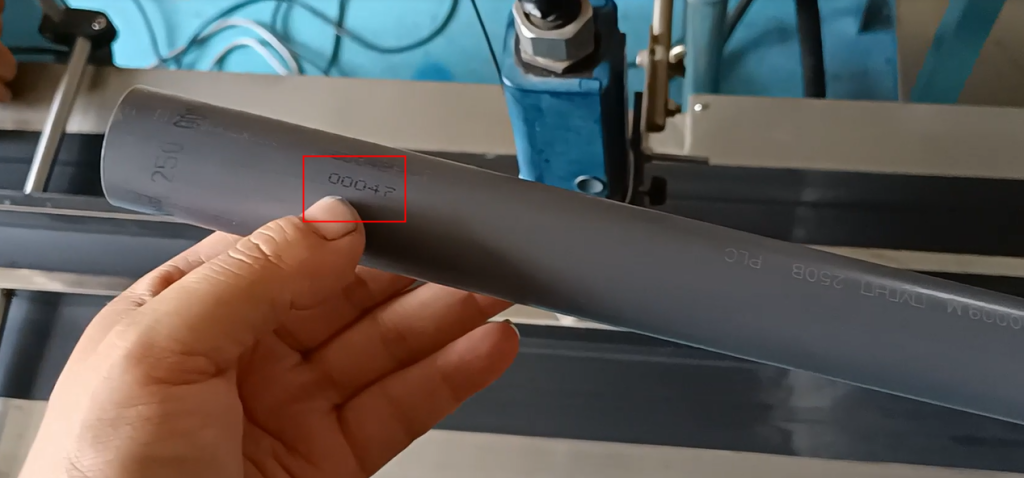
At such a distance, they are all evenly spaced: