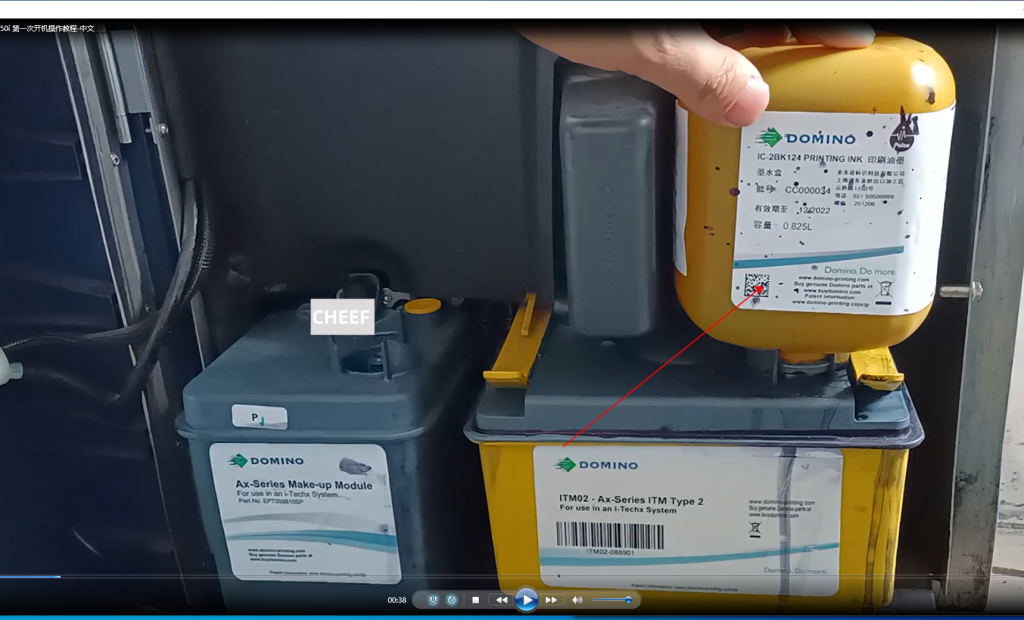
First of all, we put the ink cartridge with the chip on the end, with the label facing outward, and insert it into the RTM:
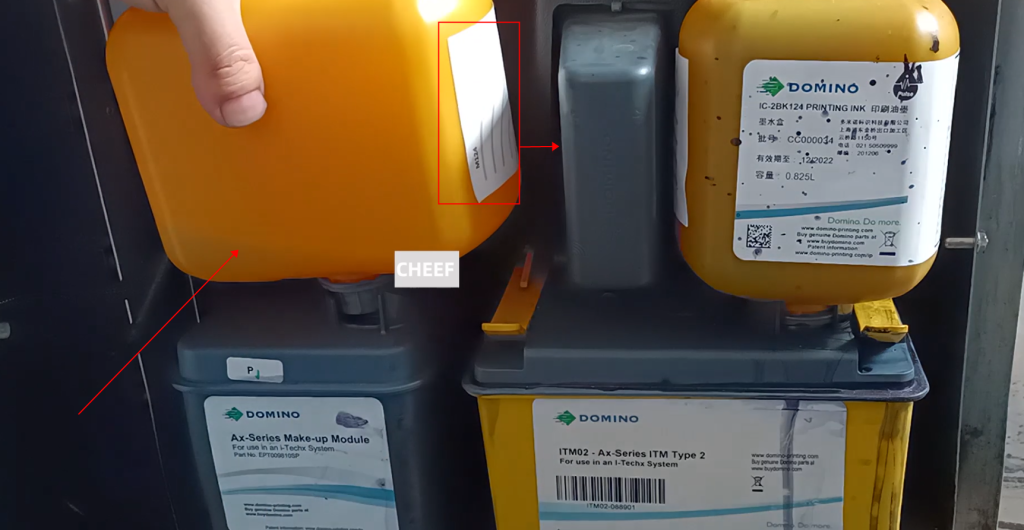
The same is true for the solvent, plug it into the card reader, wait about 5 to 10 minutes after plugging in, let the ink and solvent flow into the RTM completely:
Then open the nozzle cover and clean it if it is dirty:
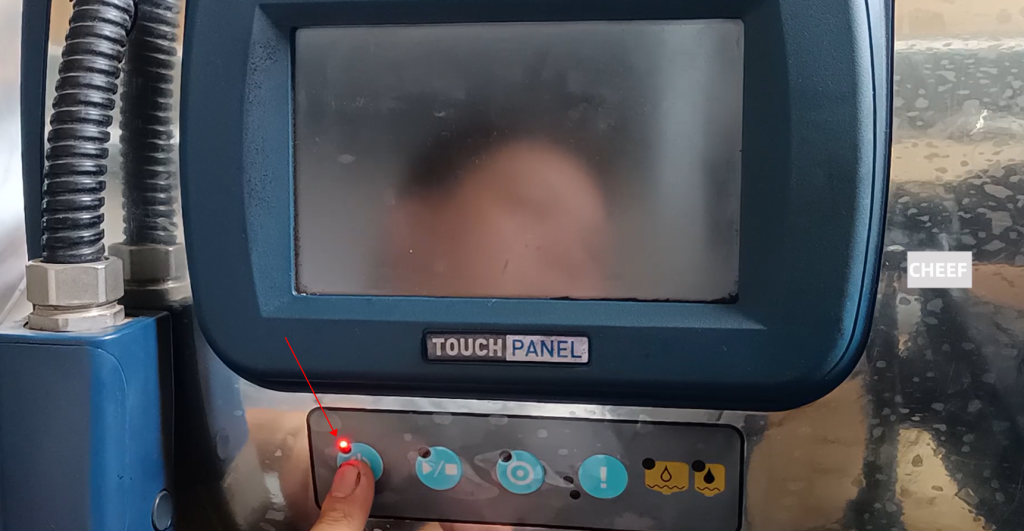
Then you can plug in the power supply, click this button, hold it for about 3 seconds and release it, wait for it to turn on for about 1 minute:
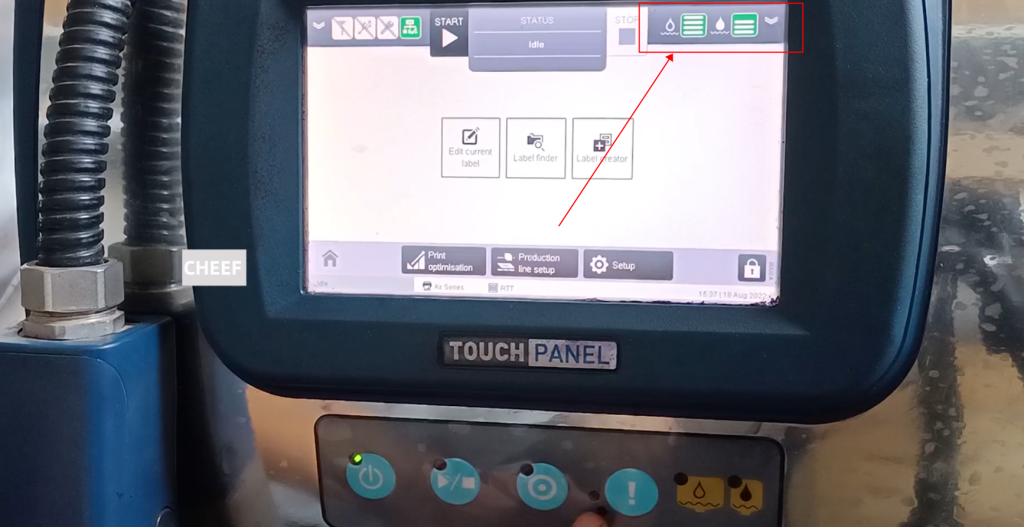
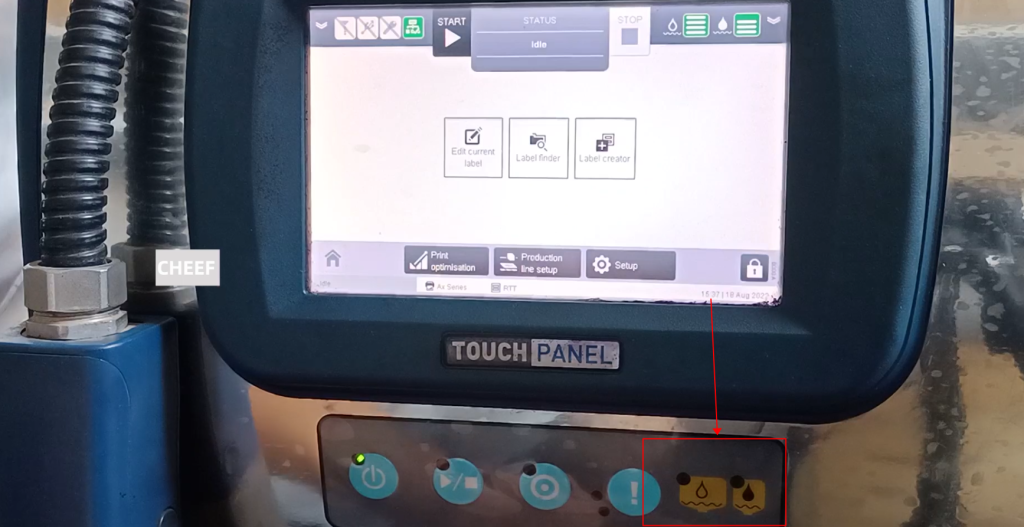
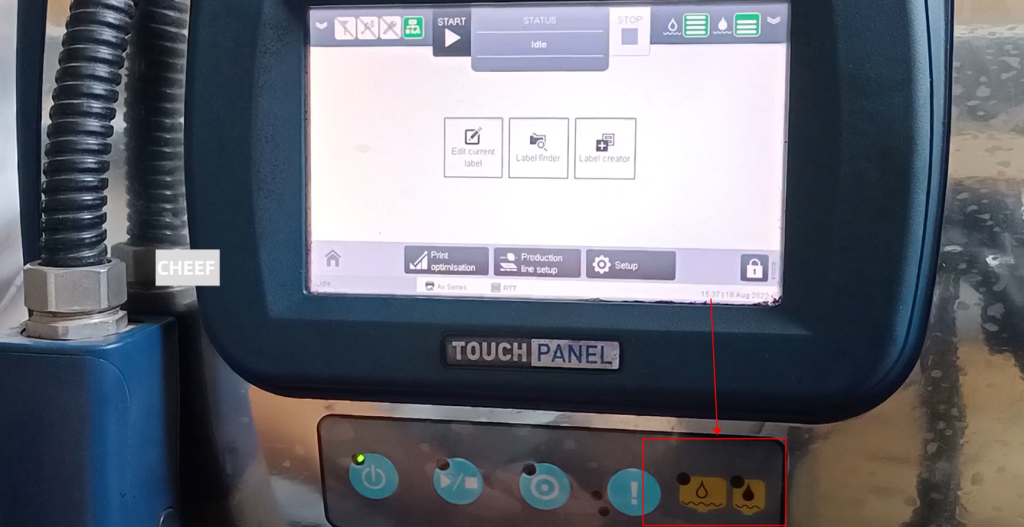
Now I’m on a main interface of my machine. Take a look at the liquid level here. It shows normal. If there is no yellow, it shows normal. As long as the two below are black and not flashing, the liquid level is normal:
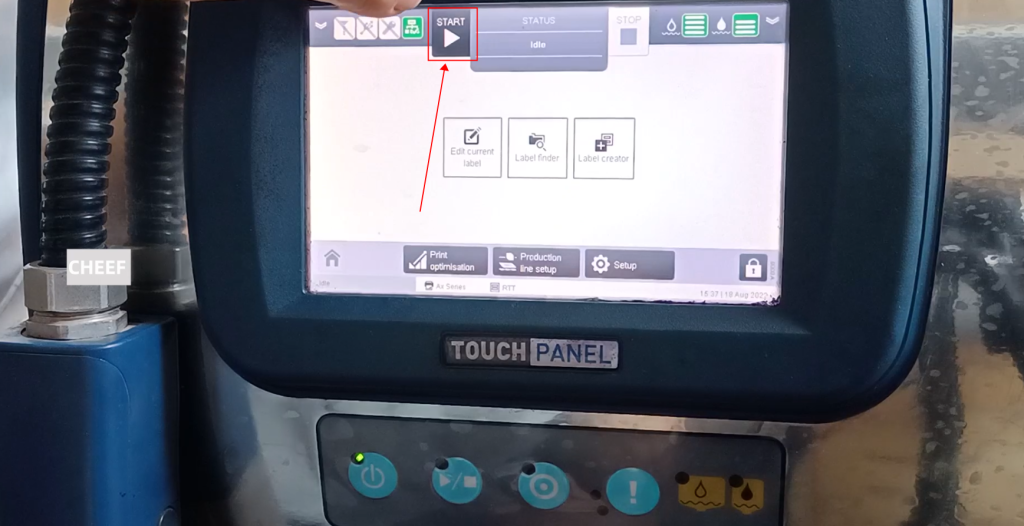
Then you can click START to power on, then open the ink line, and press OK:
Scroll down this:
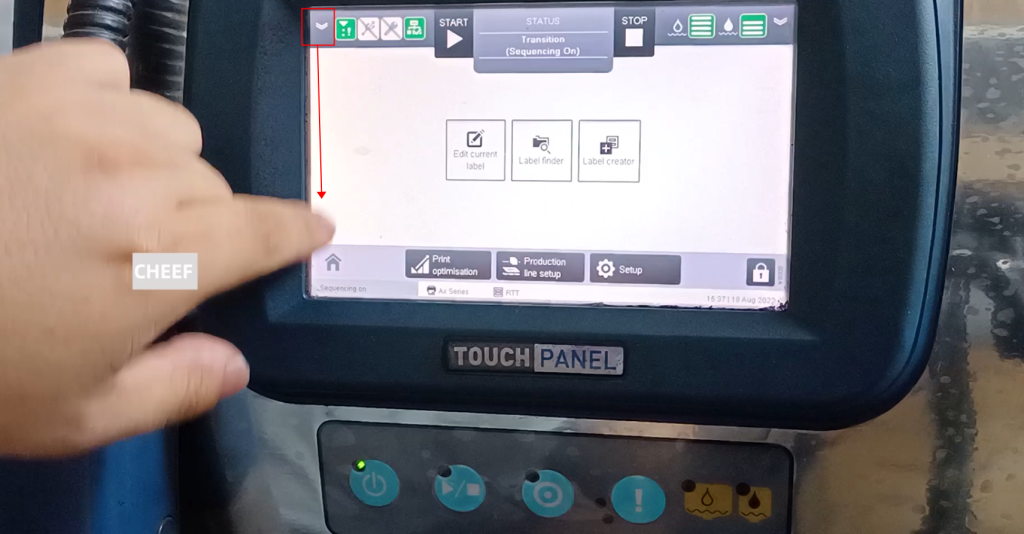
Here is the ink level, there is a lot of solvent, and there is not much ink:
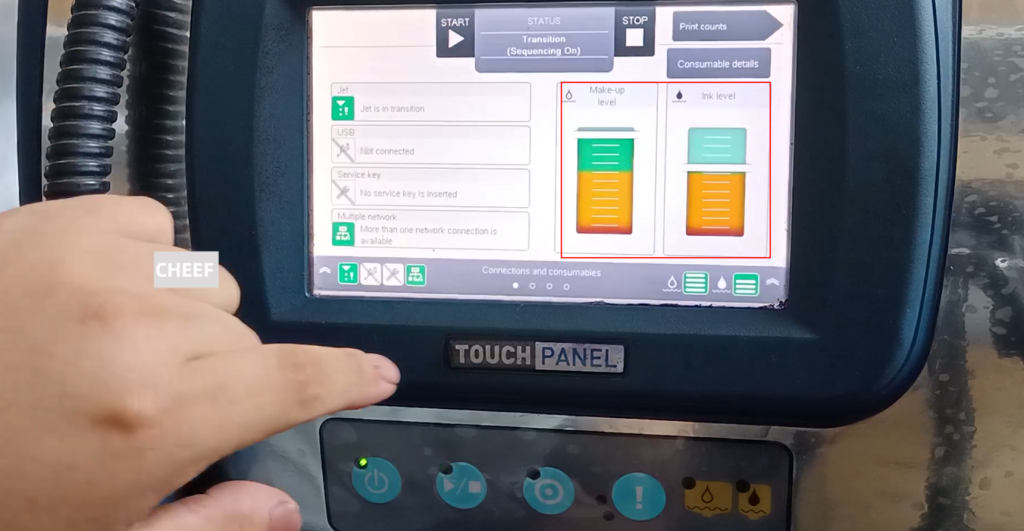
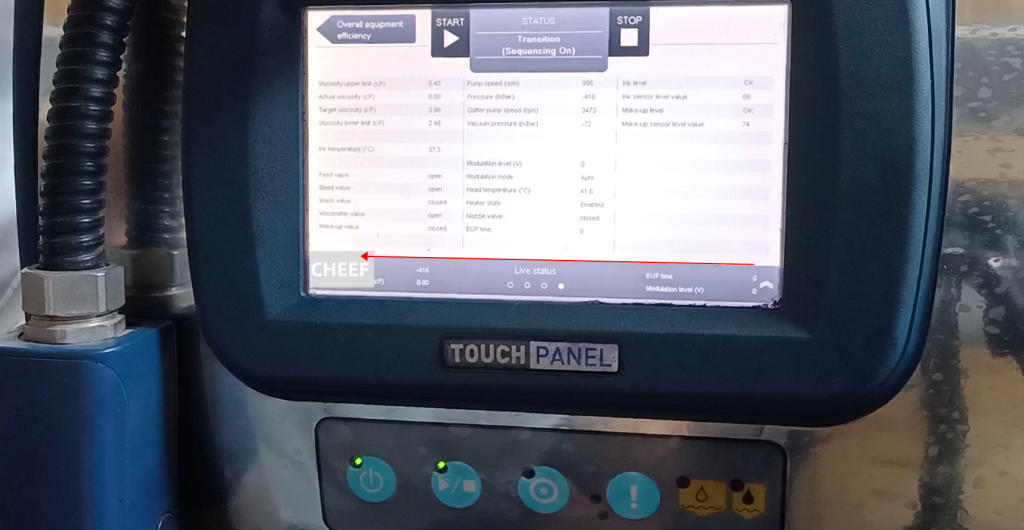
Swipe left to see the parameters, here is the viscosity, the actual viscosity is between 5.48 and 3.98, it is normal, here you can see a pressure and speed of the pump, this is the main parameter we can see including Ink and solvent level, both display OK, indicating that the liquid level is good:
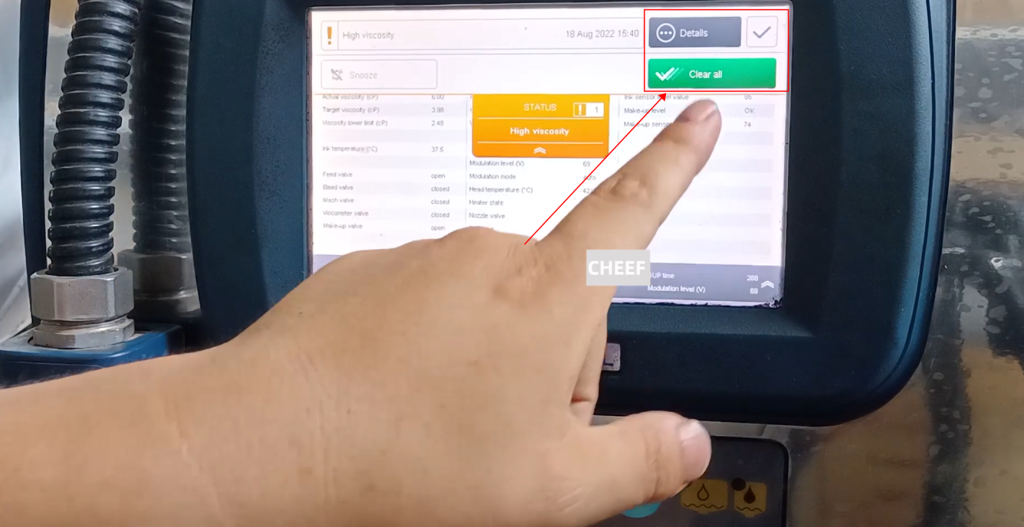
This is an alarm that the viscosity is high, because if the actual viscosity is 6, it is greater than 5.48, and the upper limit of the viscosity is 5.48. If it exceeds 5.48, the alarm will be alarmed. Can see a viscosity alert now:
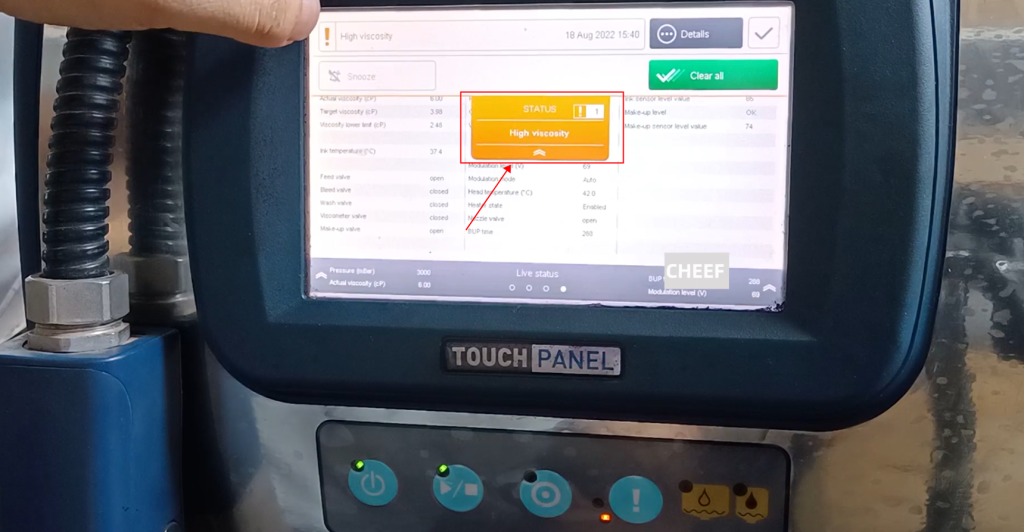
There is a deletion here, but the alarm cannot be cleared. When it drops below 5.48, the alarm will disappear automatically:
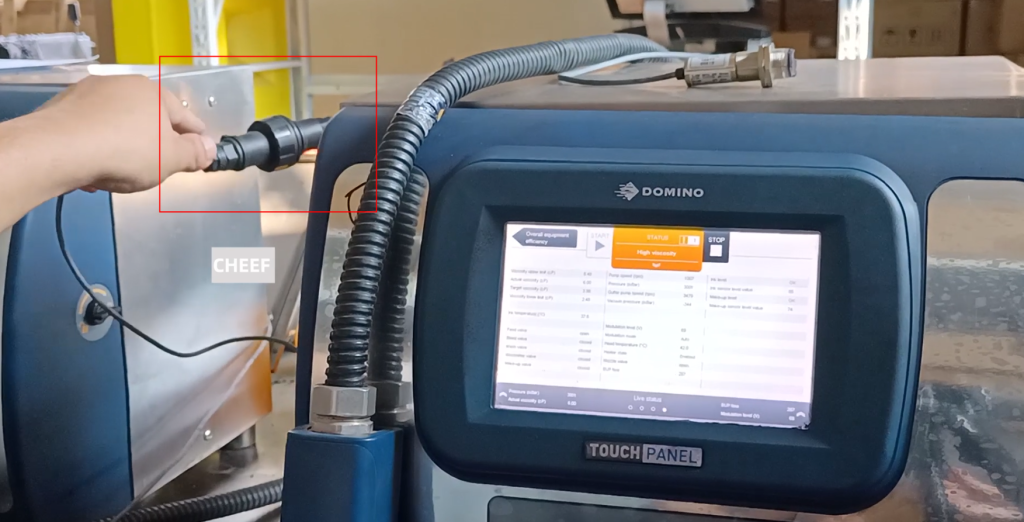
The photoelectric should also plug it in, the machine will be turned on, and we can print:
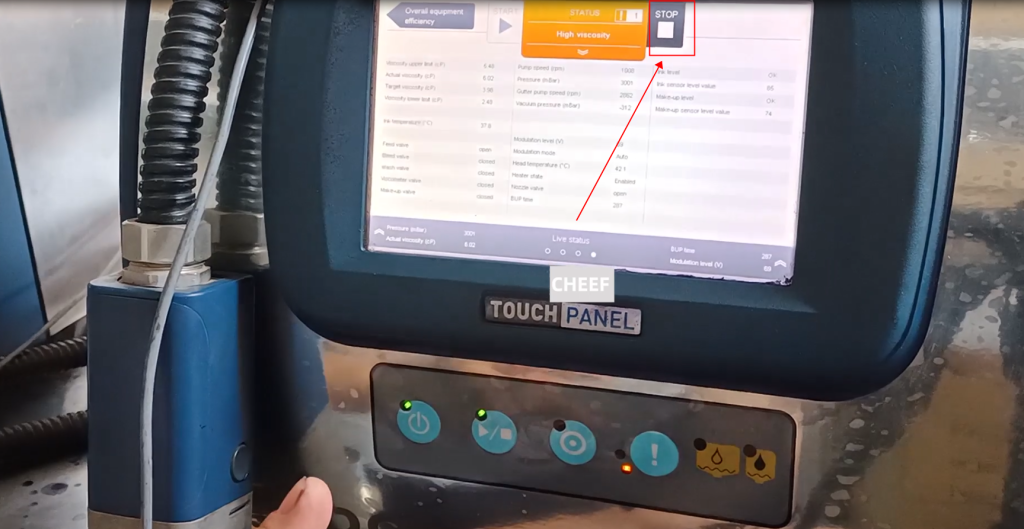
Then talk about shutdown, select this stop:
Choose to close the ink line, the machine will shut down in about two minutes, because there is an automatic cleaning action in the middle, so the time will be longer:
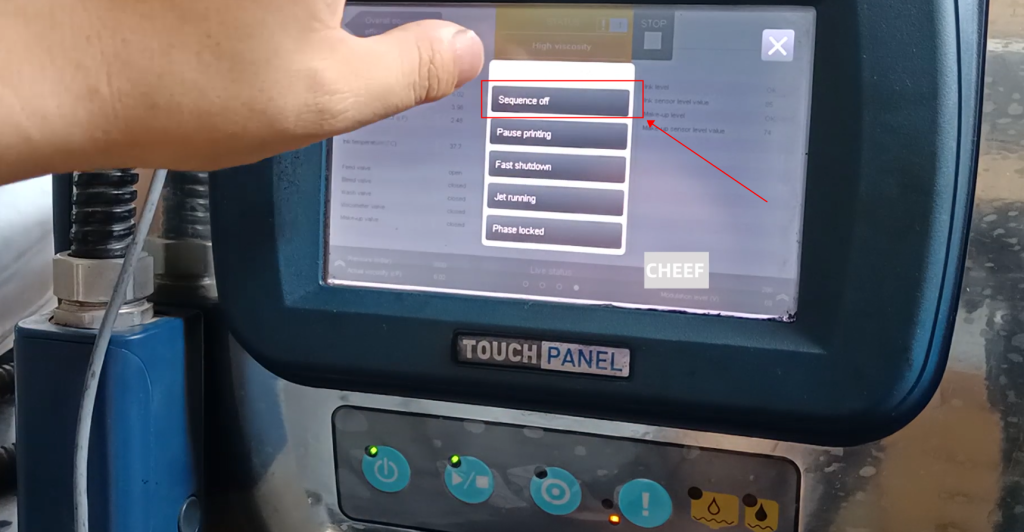
When the following light stops flashing, the shutdown is complete, and the light goes out and the ink line is closed:
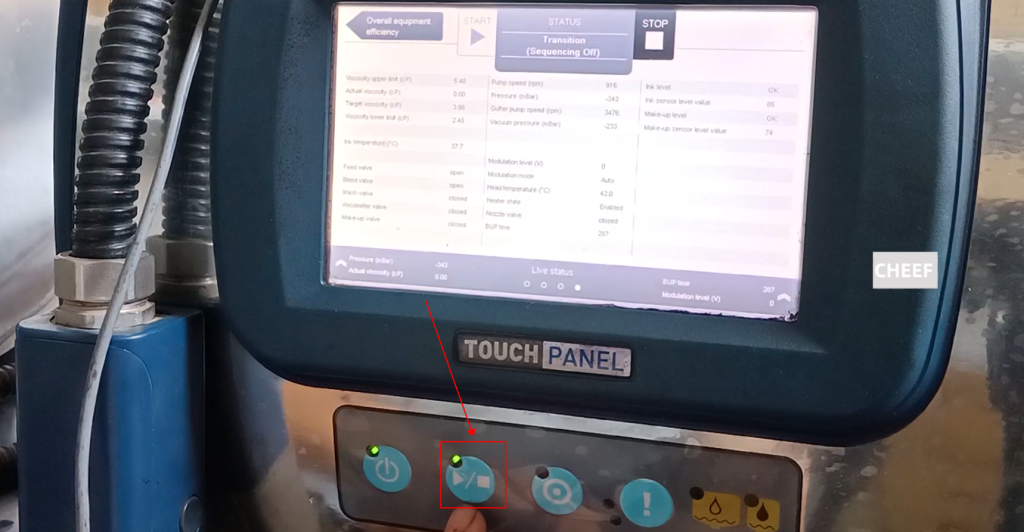
Let’s press the power button again and hold it for 3 seconds without releasing it:
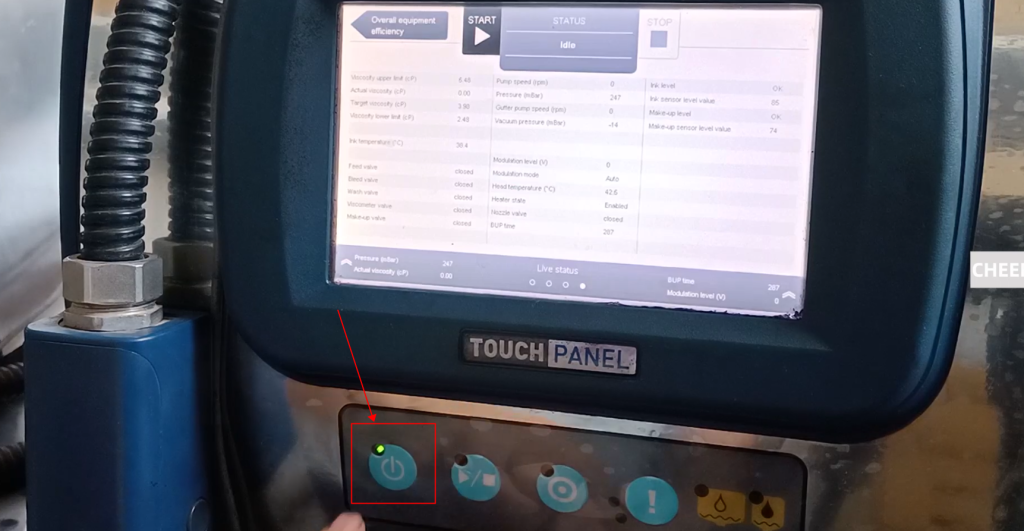
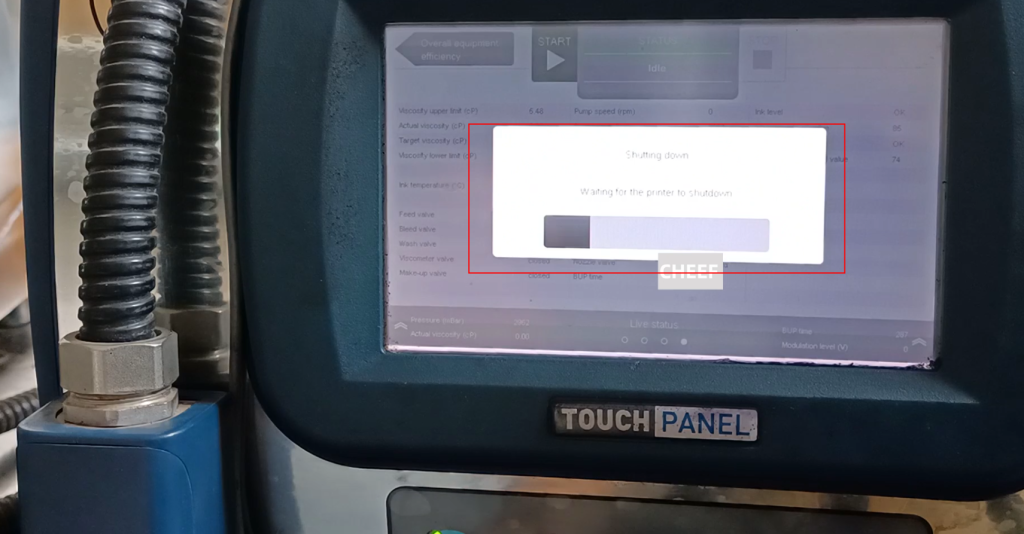
A progress bar will be displayed, that is, it is shutting down. In about 1 minute, the machine will shut down: