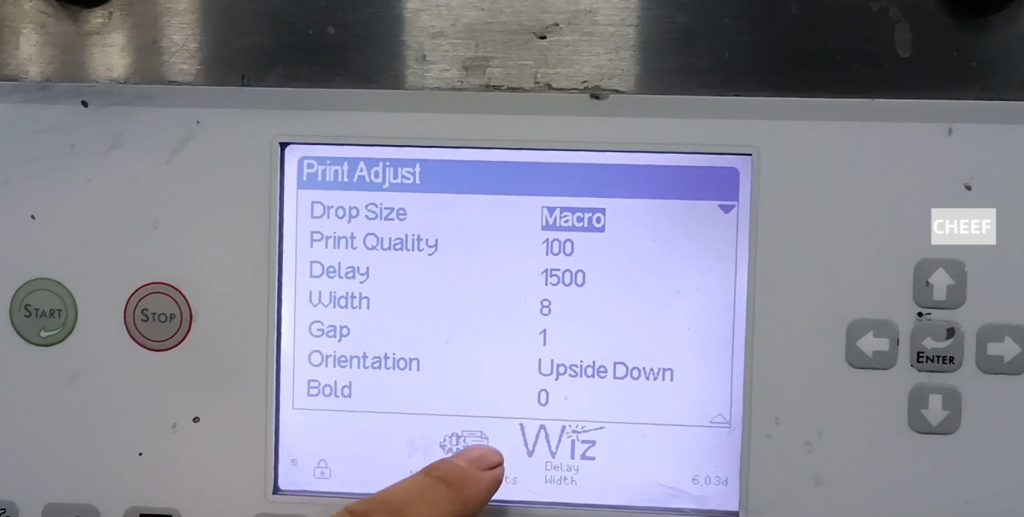
Let’s look at the ci3200ci3300 machine, just received the machine, and then how to give the ink for the first time. This one is slightly different from the 1,000. First we put a bottle of ink into the ink tank, a 750 ml bottle. The solvent is the same, with a bottle of solvent.
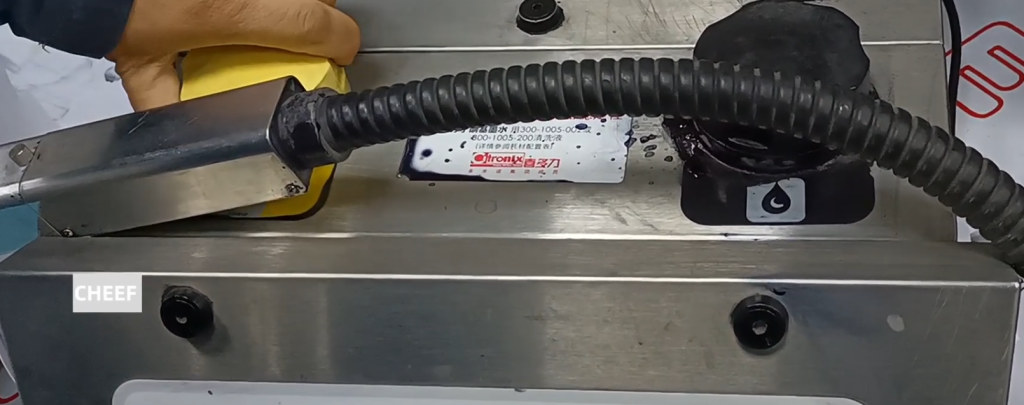
After the injection, use the installation wizard to select both as Enabled. Then make sure.

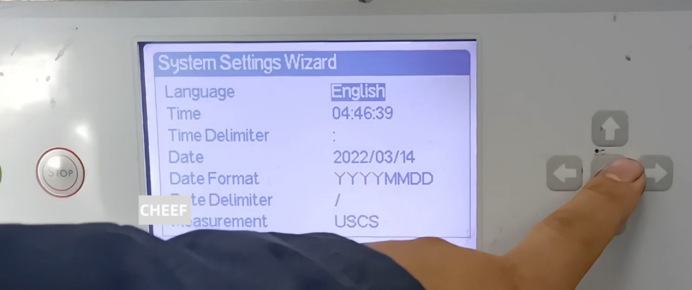
Then in this interface there is no modification, language, date, time there is no need to modify, if there is no modification, directly press the confirmation, there is a need to modify the direct modification on the line.
Then go to the next step, the next step is to add ink to the ink and add solvent to the solvent box.
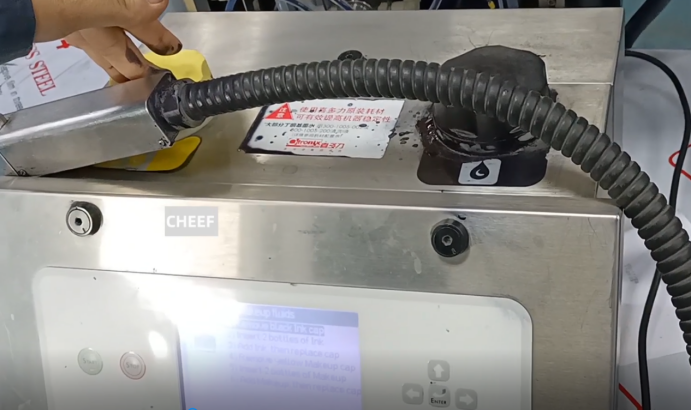
In the next step, the ink system just presses one step forward. Then when we guide, because the machine is running, the machine is in a stop state. We’re back first, and now it’s running the pump. Two minutes later and then the next step.
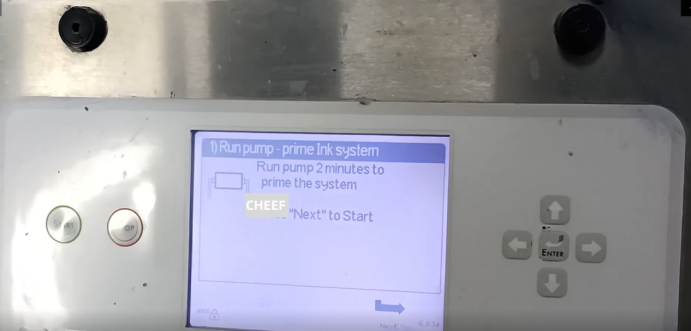
Next, this one takes 120 seconds to charge the filter, which is filled with ink.
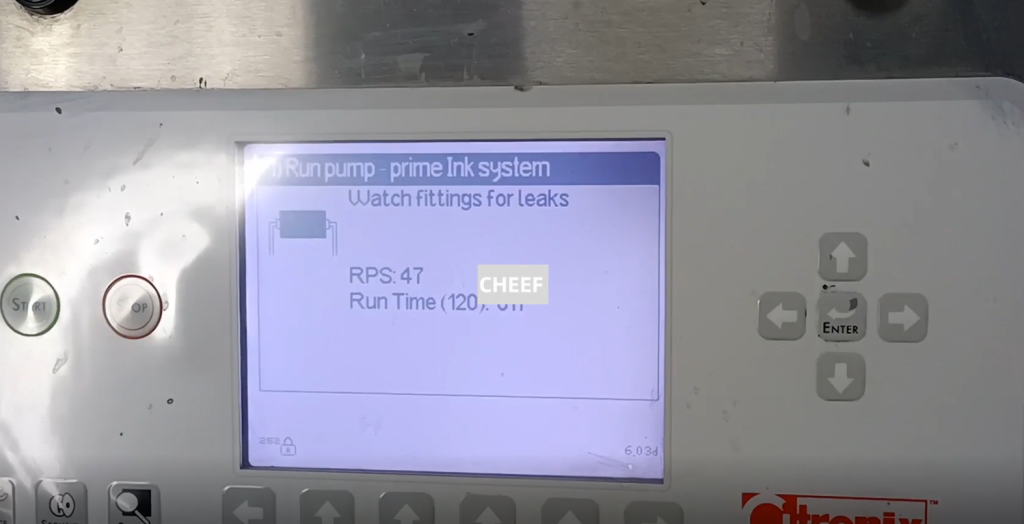
Let’s go to the next step and press the next step.300 seconds of exhaust, until 300 seconds to end, then we click on the next step.

Now there is also a running ink line.

Then we press a step and manually clean the nozzle, and then we spray the cleaning liquid into the nozzle and clean the nozzle.
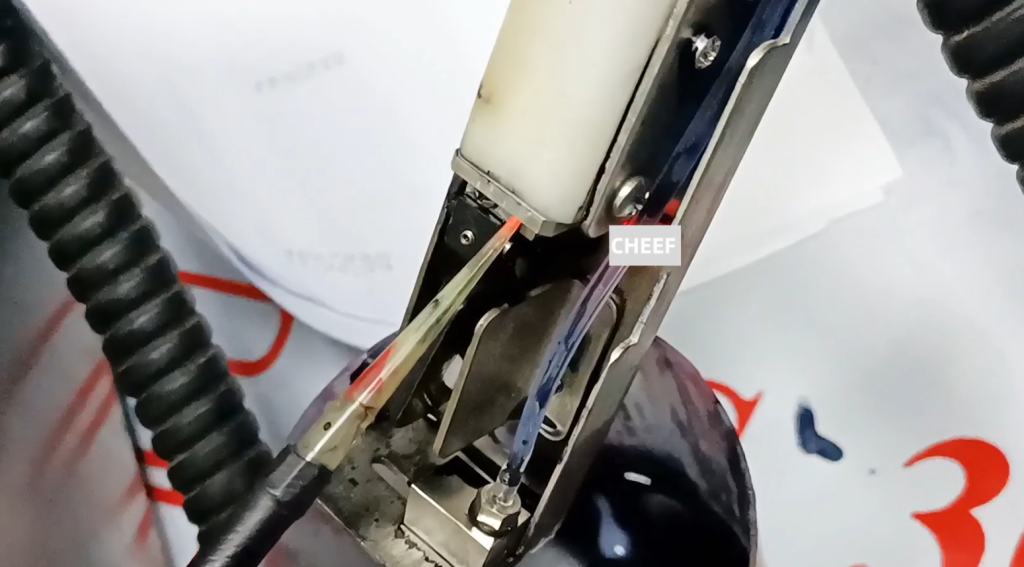
Next, open the ink line.
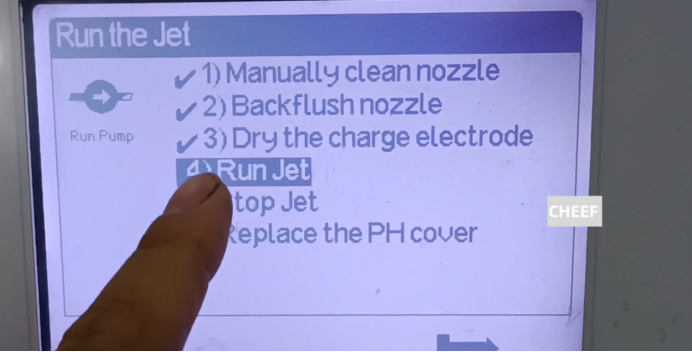
Look at how the ink line is going on.
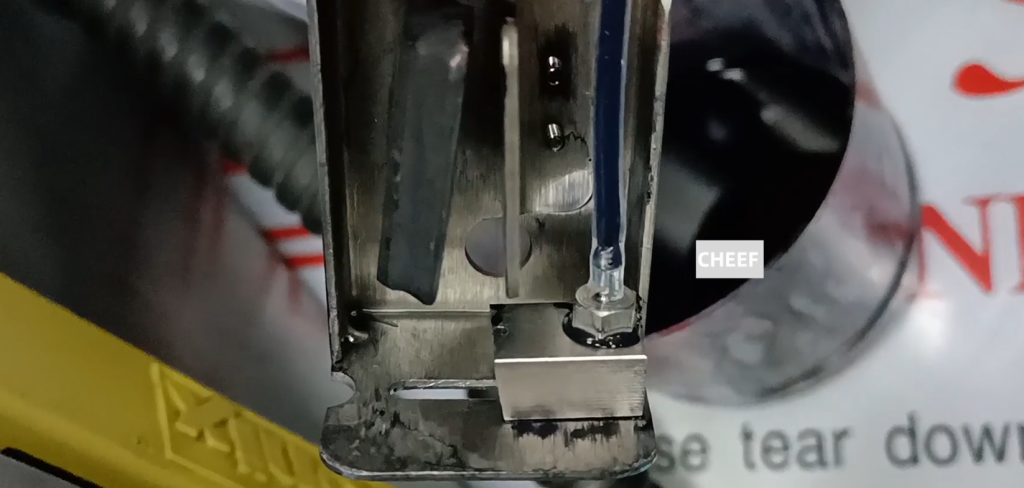
There is also a 10-second stop ink line time.
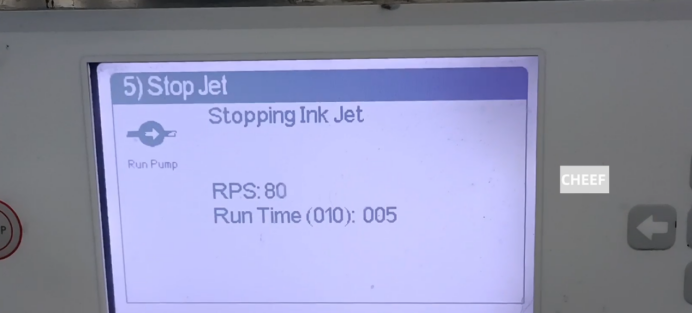
Let’s look at the next step, it’s done, and when it’s done, the ink is filled into the pipe.
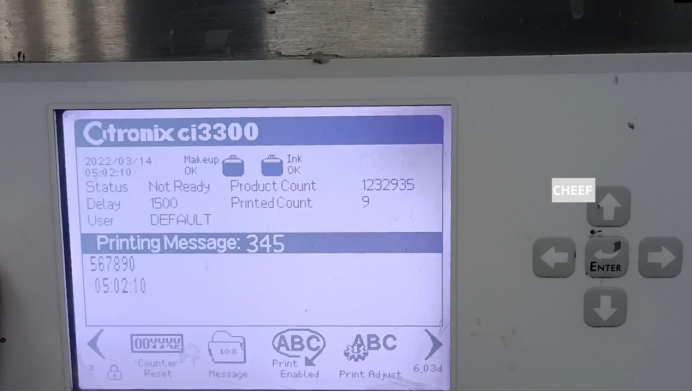
Then we click on the ink line to open to open the ink line. We turned it on.
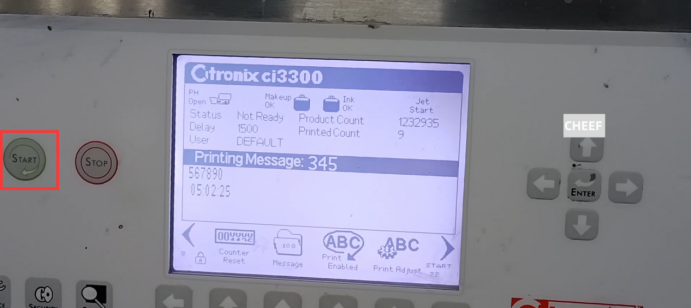
If we want to print the information, we can choose from the information, choose the information we want to print. Then, the editing information has already said before, we can directly choose to print.
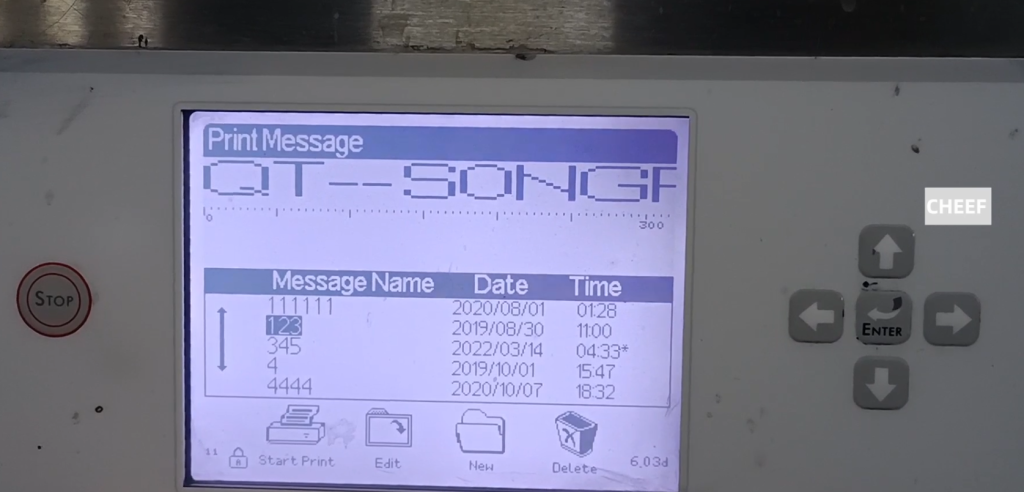
And then the information adjustment is right in this, we can adjust its parameters, delay, printing quality, width are all in this, can be adjusted. After the adjustment, we will press the confirmation button. Then we can print it out.