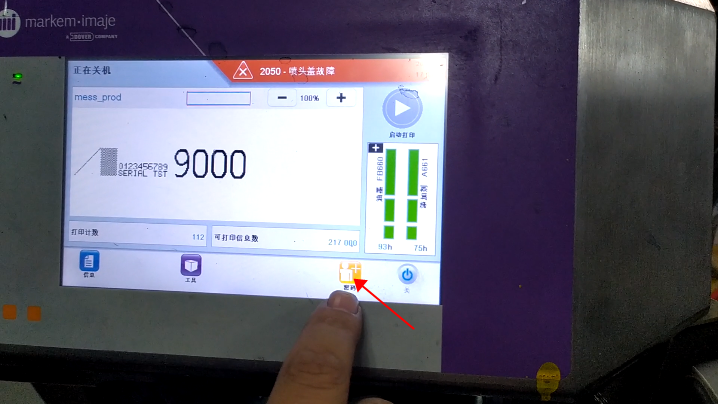
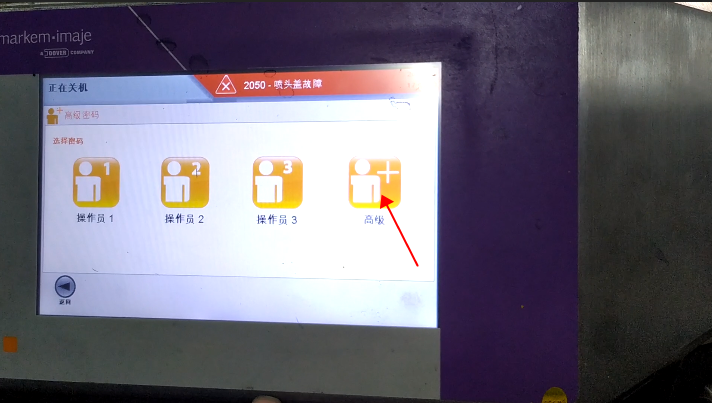
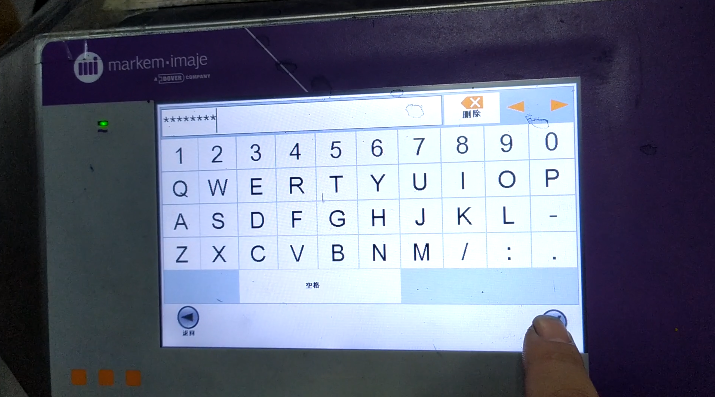
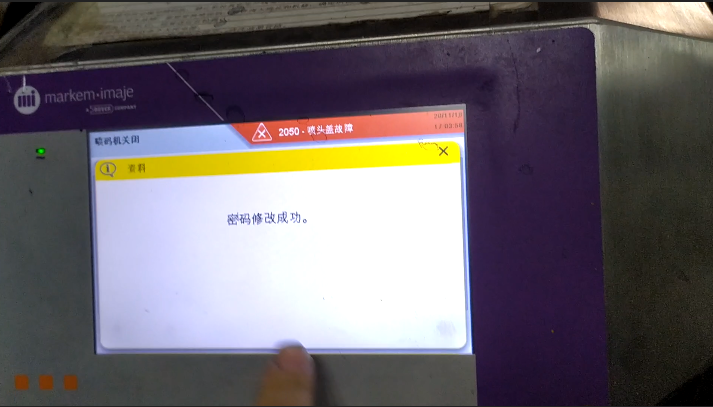
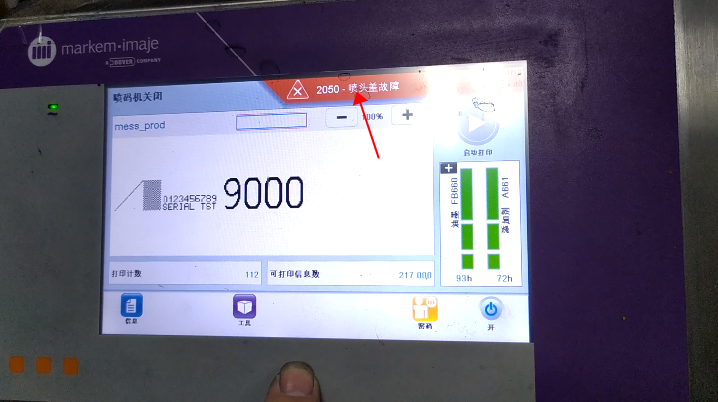
Then we must hold down this advanced password button for more than three seconds, and release it:Then we enter the current password:The current password is the password for this date:Then we enter the advanced password and click OK:“Password modification successfully” appears on the screen:In this case, let’s click on this fault:There’s a “Clear All” button here, and we can click on it:This fault has been cleared:
Cheef
CIJ,DOD,TIJ,Laser Coding Machines.
Machines, Spare Parts, Consumables.
One-Stop Coding Marking Solution
20 + Years of Industry Experience
Welcome to Inquiry at any time