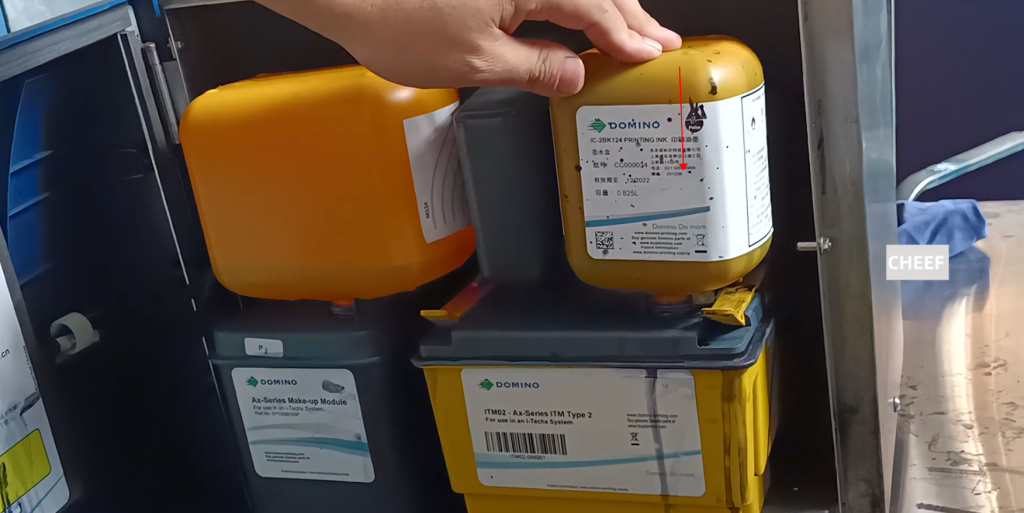
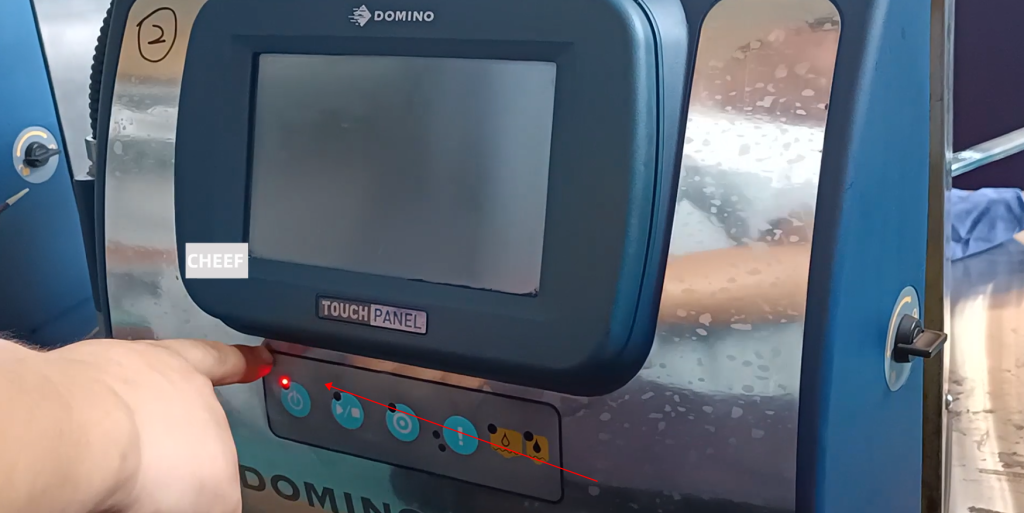
First, the machine must be turned off:
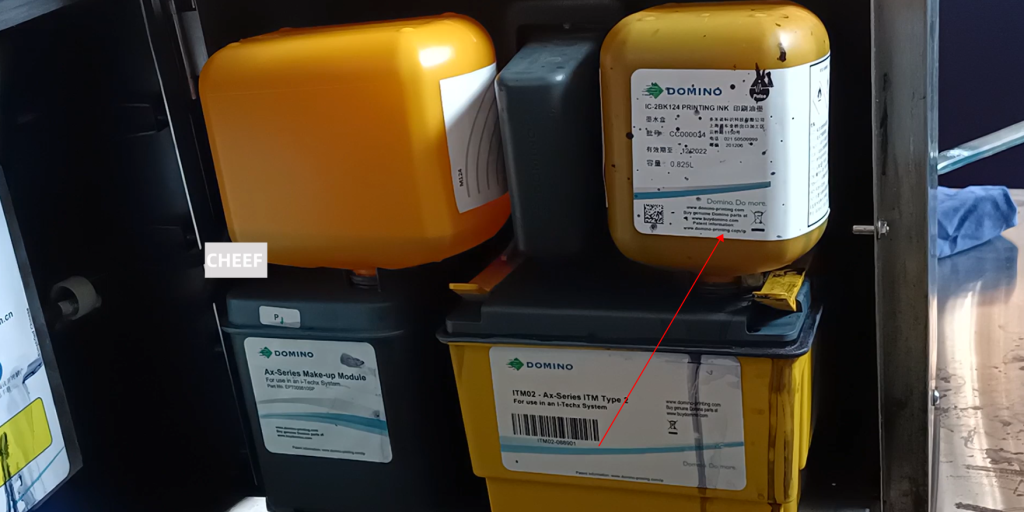
Then we unplug the ink tank:
Break the device holding the ITM02 up:
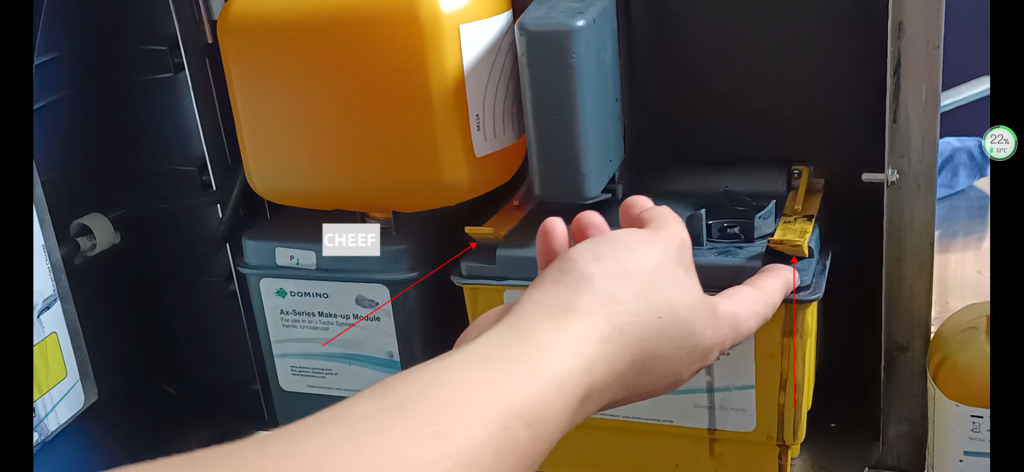
This can be pulled out:
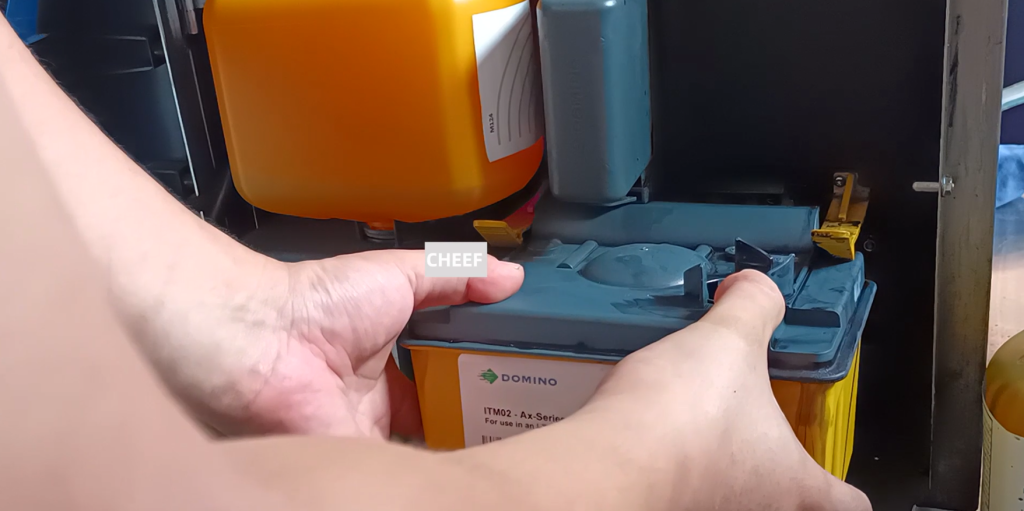
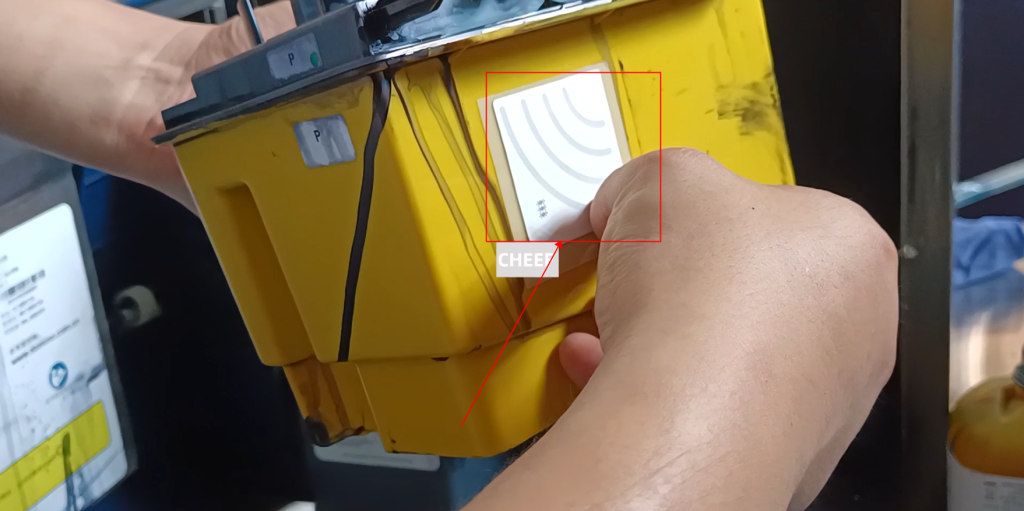
If we want to change the chip, we just take off the chip, and then replace the chip and install it again:
Take a new ITM02 and put it on it, push it in, be sure to align it with this side, and hear a pop, it’s ready to be pushed:
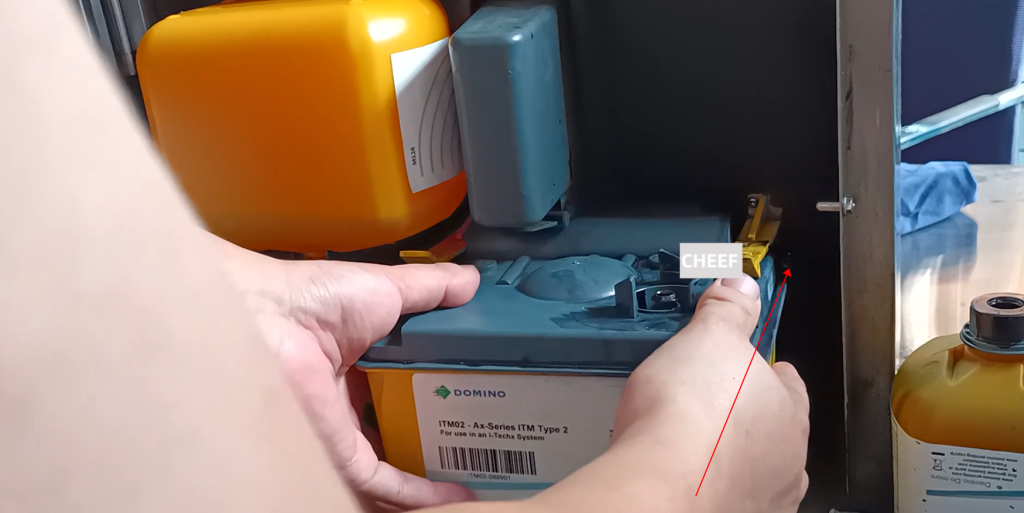
Take a bottle of ink and install it, with the label facing outward, and the chip must be facing the card reader side, so it is installed: