- Recycling fault
- The nozzle shot off, is the nozzle fixed screw loose caused by.
If the fixing screw is loose and the ink line is deviated, the fixing screw can be adjusted.
There is a fixed screw here, which can be loosened to adjust, and this screw is the left and right side of the ink line.
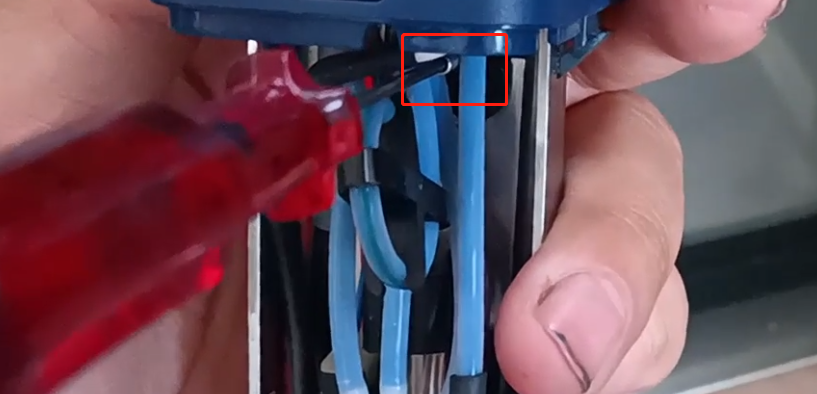
The back screw is the front and back of the ink line.
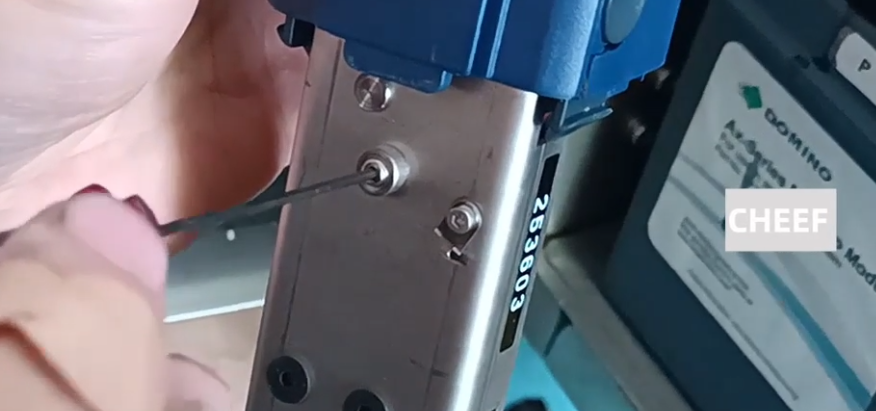
- The nozzle is blocked. If the nozzle is caused by the ink deviation, you need to clean the nozzle.

Click on “Settings” ,Click on “Nozzle Cleaning” in the Wizard.

When cleaning, take the cleaning pot and clean the spray cleaning agent until the ink line is normal.
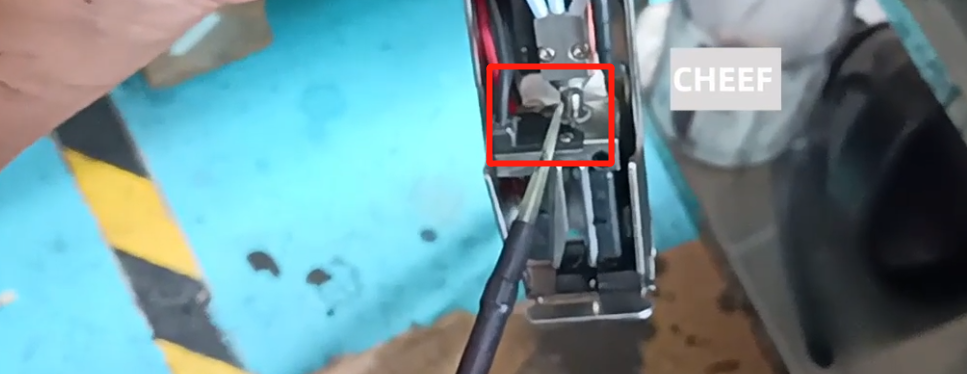
Note: It can only be cleaned without ink supply.
- High voltage failure
Check the high pressure plate above the ink, if there is the ink, wash it clean and blow dry, and then boot, the problem can be solved.
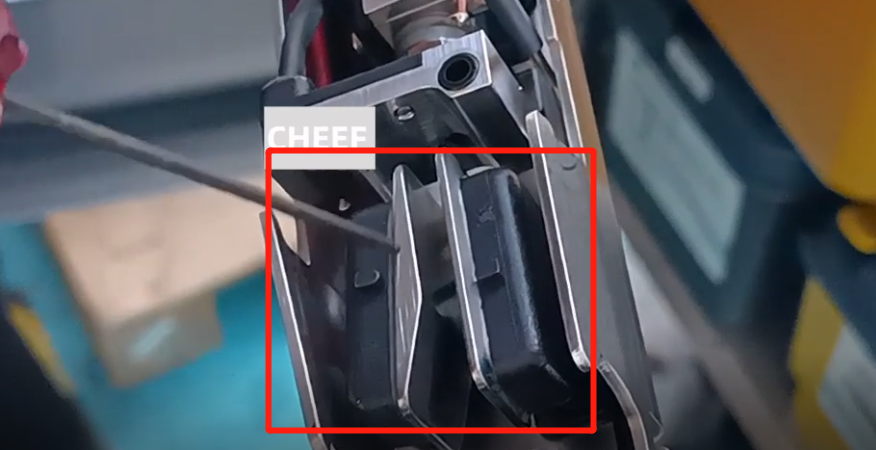
- Charging fault
Charging fault, the first thing to see how the ink point split.
- The ink points are not divided well
The ink point is not divided is the ink on the charging tank, to adjust its modulation voltage.
Click “Settings” and “Adjustment”, where the modulation voltage can be adjusted until the ink spot split is normal.

The premise is that the viscosity must be normal. If it is not normal, do not adjust it, first put the viscosity back to normal before doing the next step.
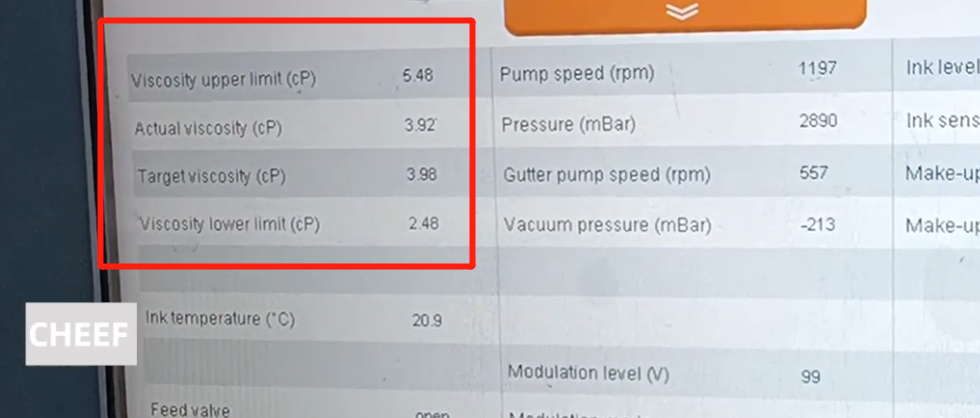
- Ink on the charging slot
See if there is any ink on the front end and back. If there is ink, wash it clean and blow it dry.
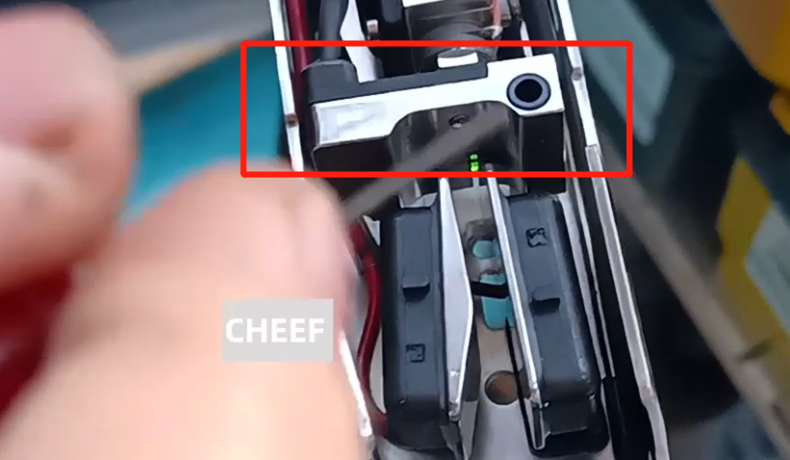
- Chip expired
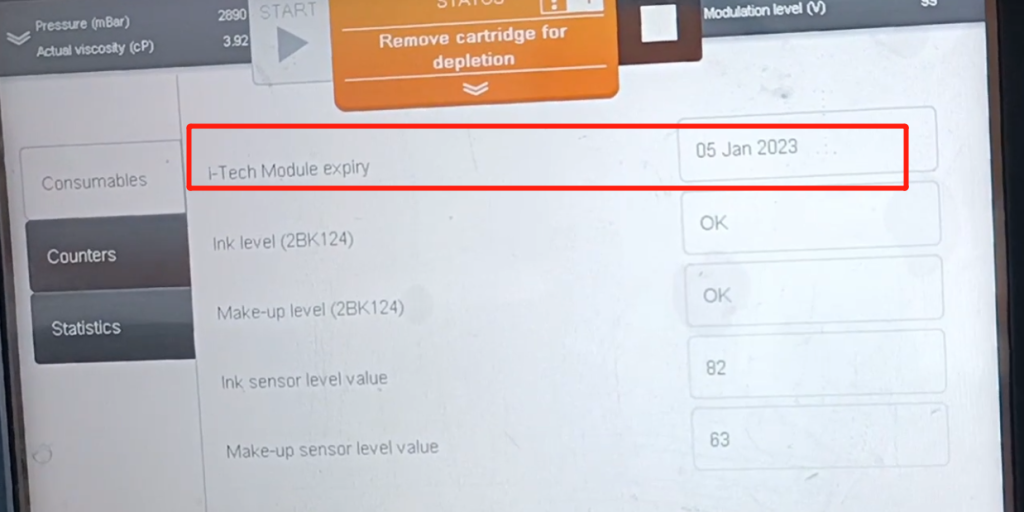
Whether the chip is expired, in the Settings can see when the expiration date is the time, will prompt the need to be replaced, after the replacement is ok.
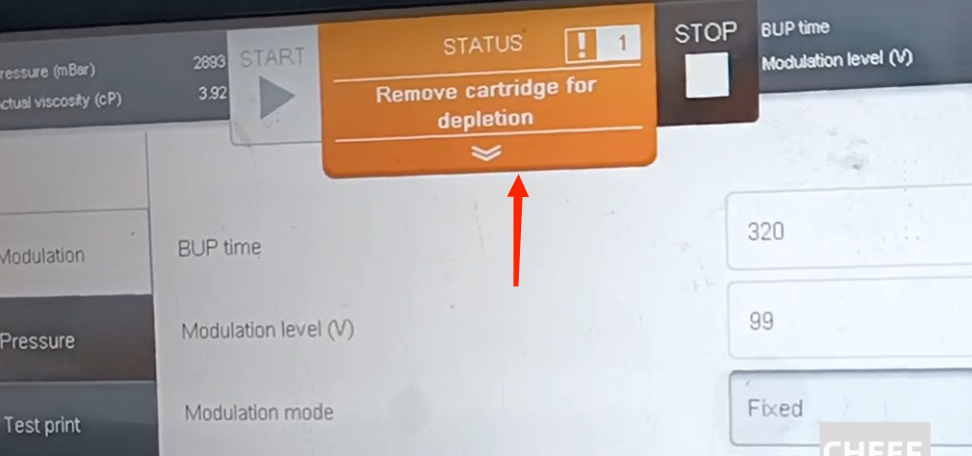
Click “Settings” and “Printer status” to view the expiration date.