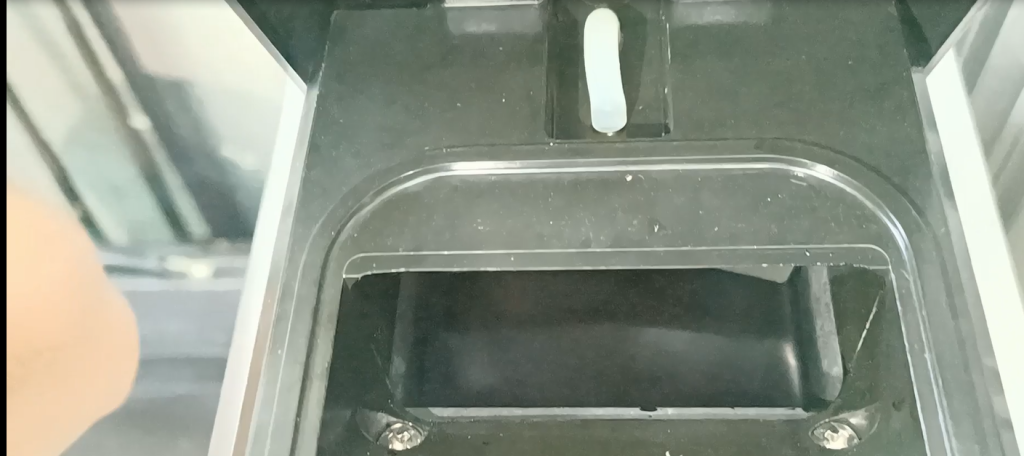
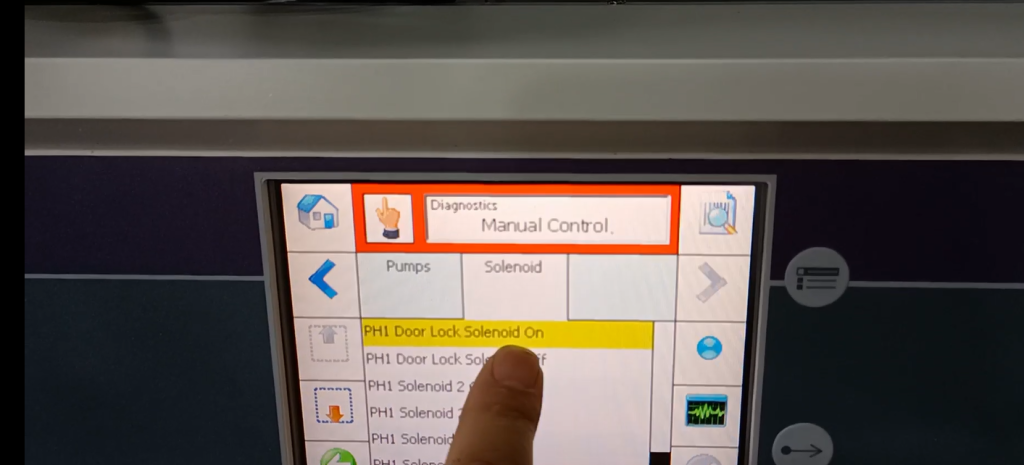
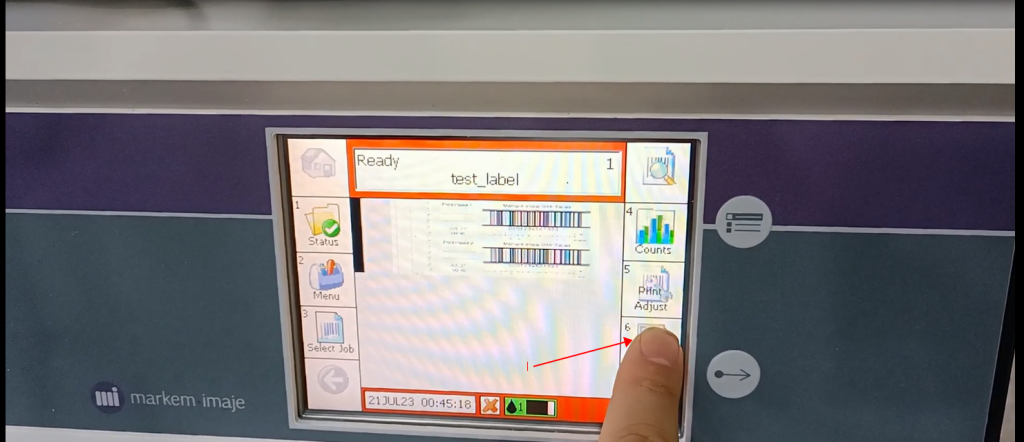
If it’s not turned off, let’s stop it first and press this button to stop it
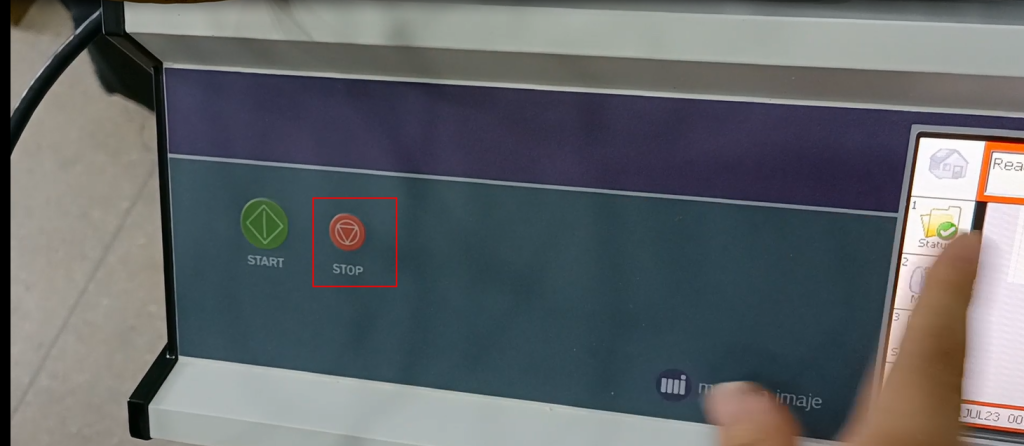
readiness
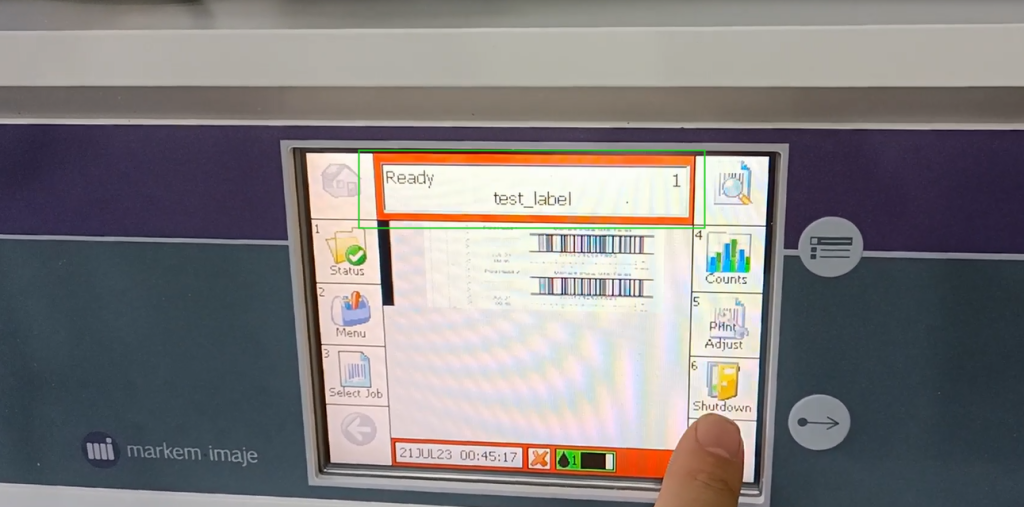
Then we can turn it off by clicking this one again
Click Ok
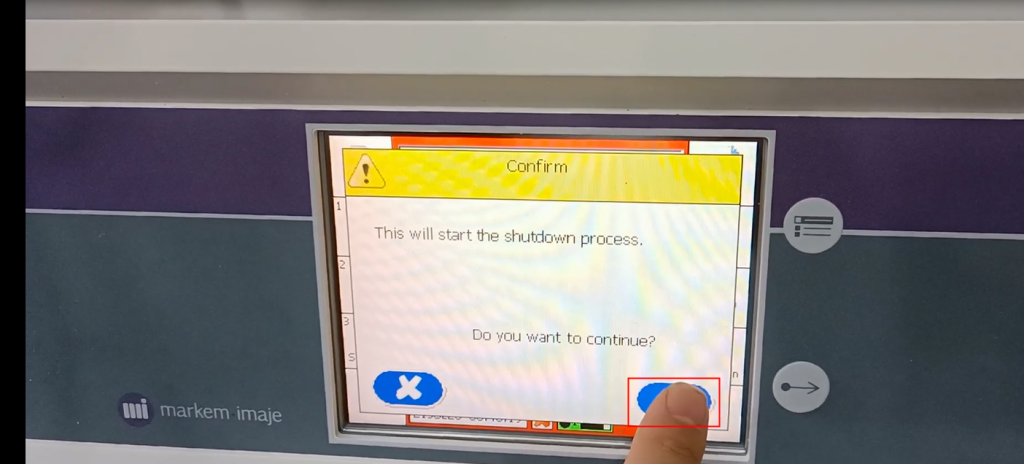
This has a relatively long duration

It takes about 30 minutes for this ink to completely cool down

This is the shutdown of this machine
Next, let’s talk about the startup of the Imax 5800 machine. Let’s plug in this power cord
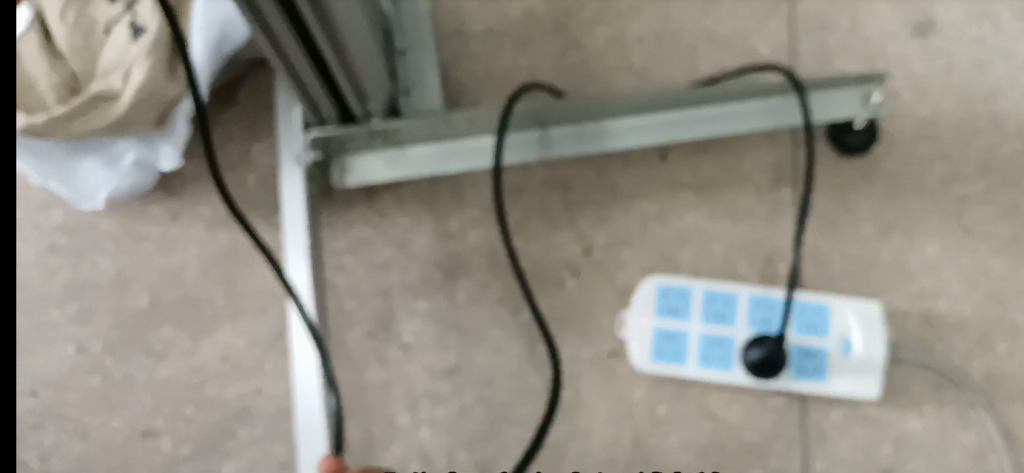
Insert in this position
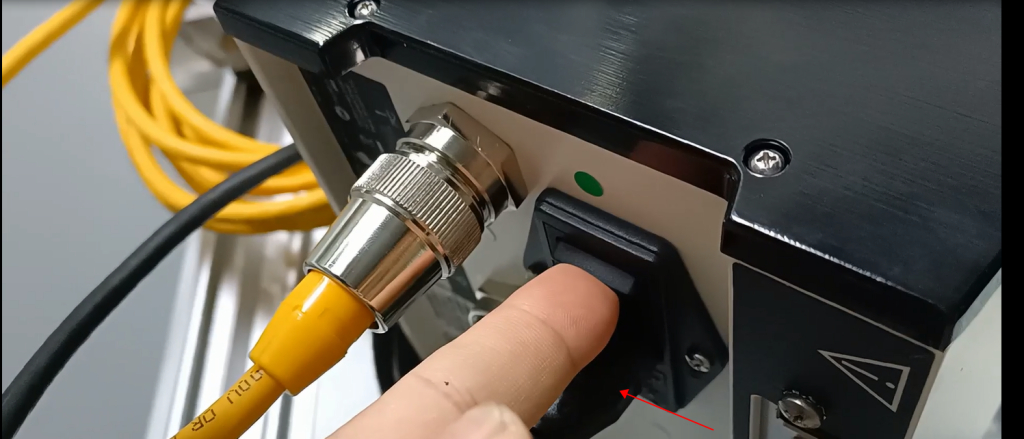
After plugging it in, there is a switch here, and the switch button is here
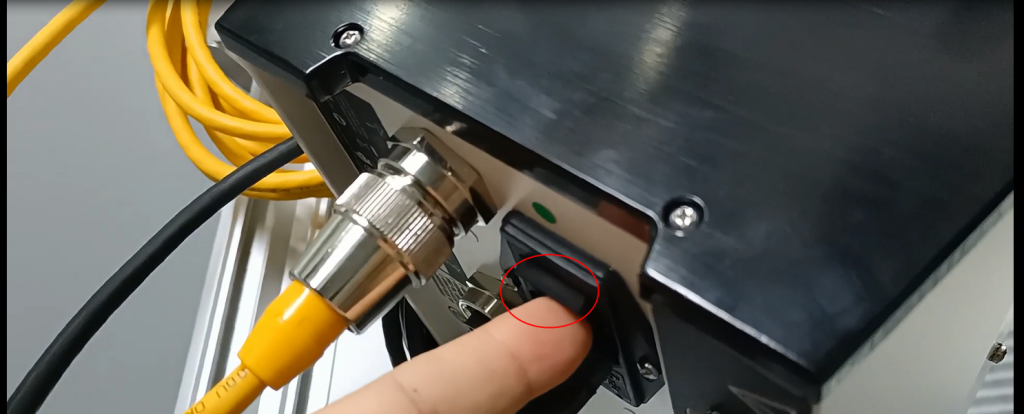
Then we turn on and start. This is the startup
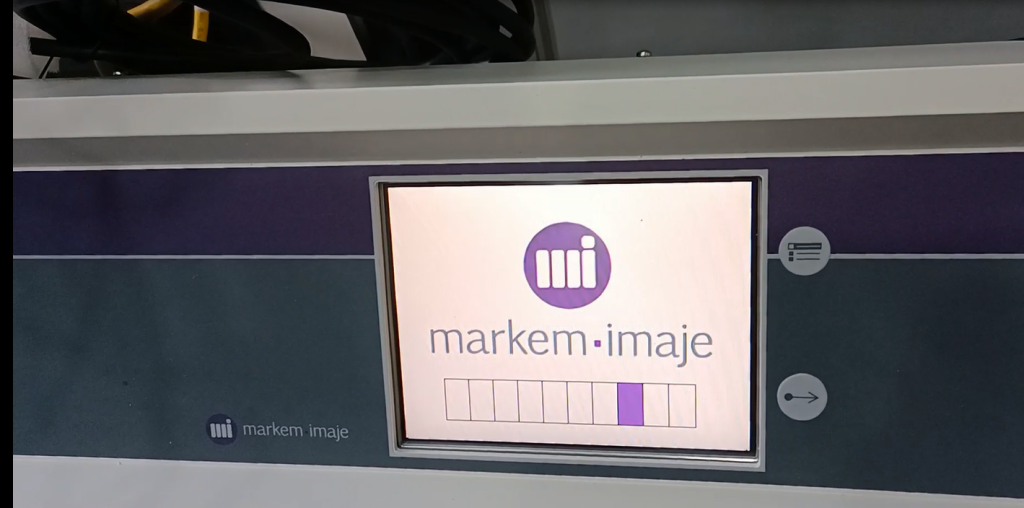
Automatically start, this will automatically heat up, automatically start heating
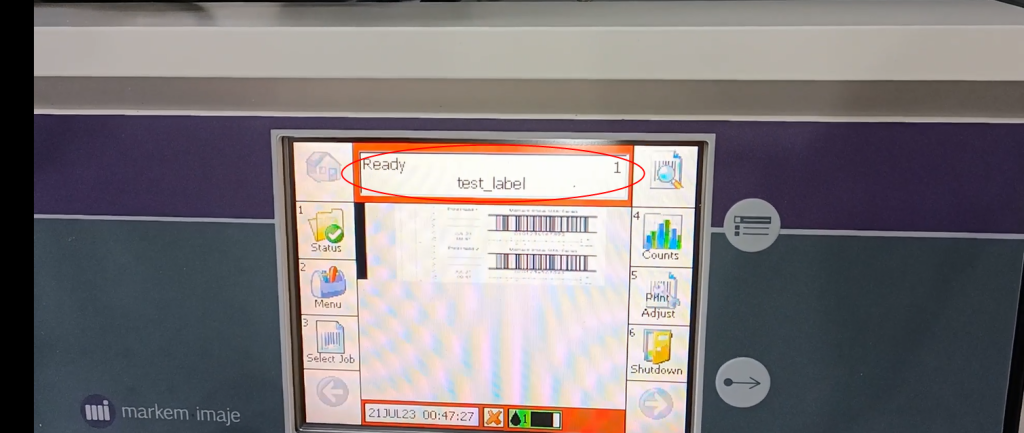
Now it shows’ ready ‘and it’s ready
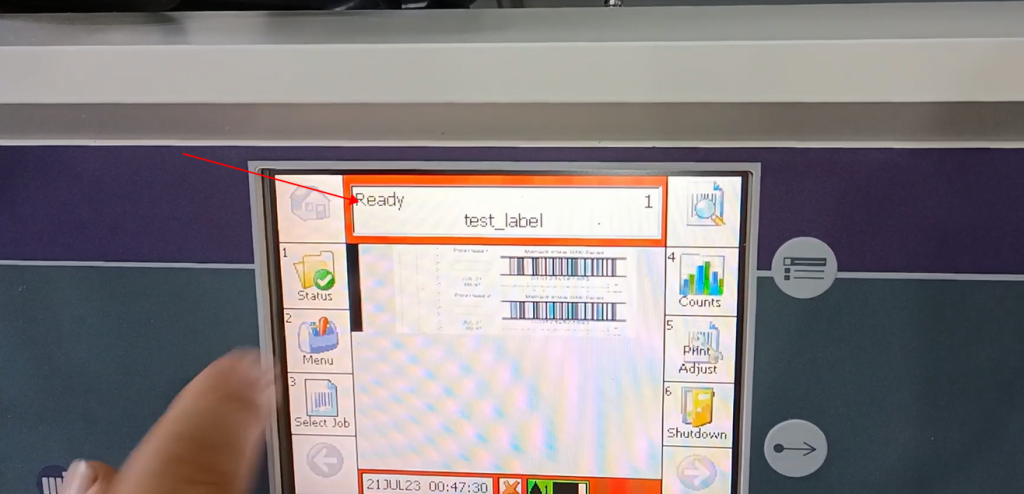
Of course, it has already been heated before this time. If not, you may want to order that one and heat it up here
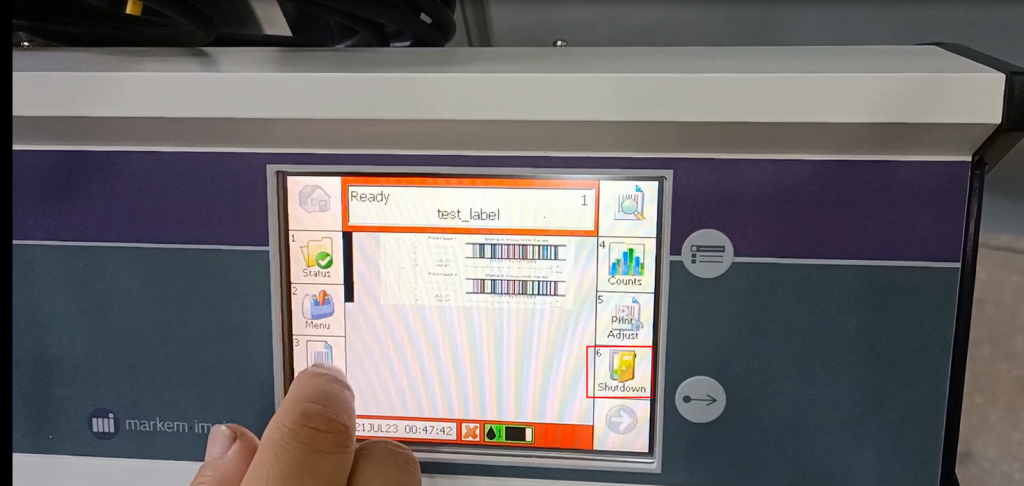
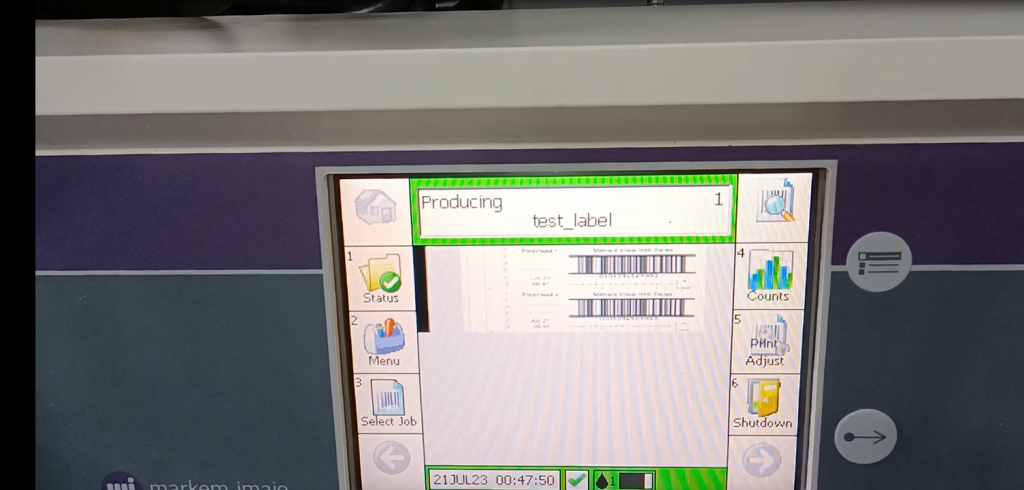
If we print, we just press this print button
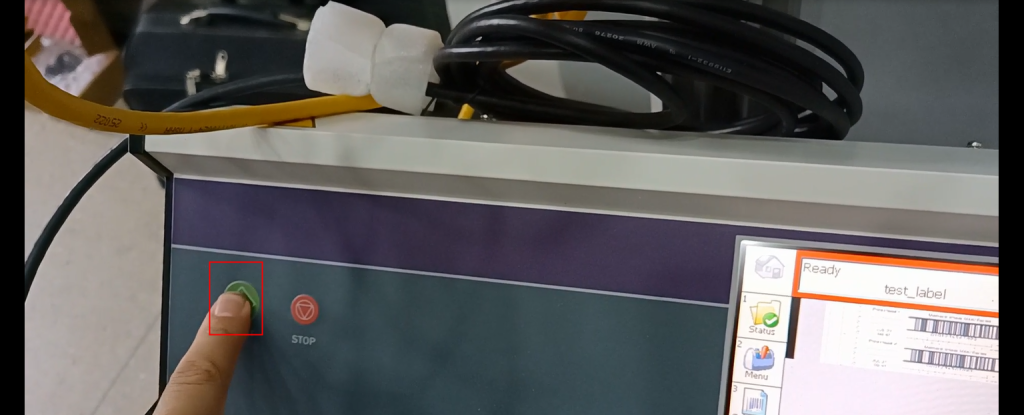
That’s fine
When our screen shows’ stop ‘, it means that our machine has completely stopped
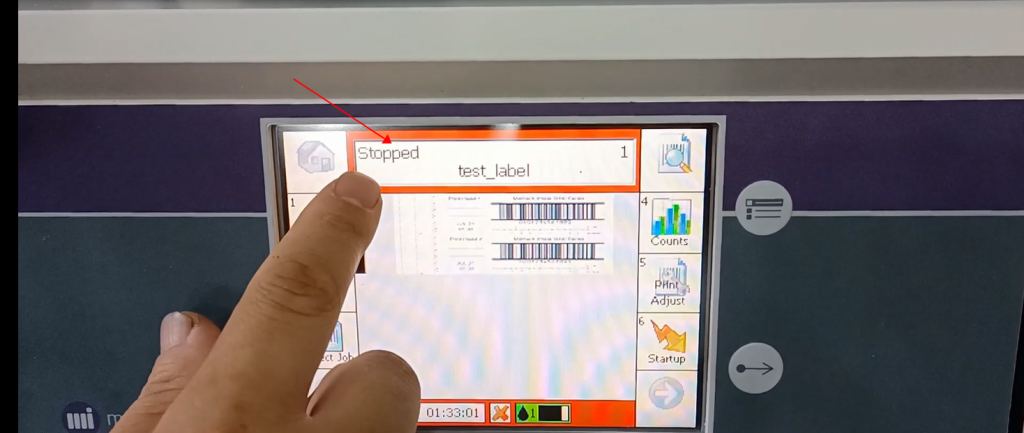
Then the liquid, wax liquid, and flowing liquid on our side will become solid, indicating that our shutdown program has been completed
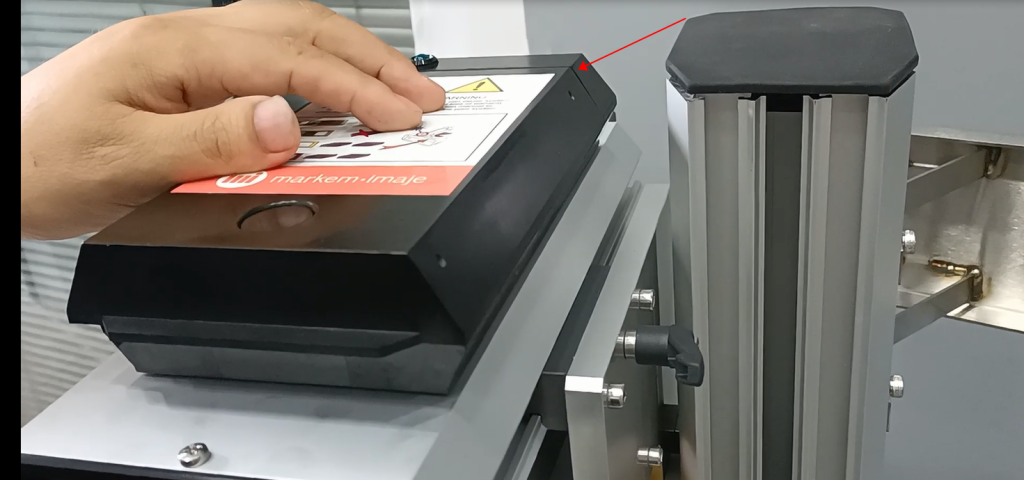
Check if the ink has turned solid, then turn it off again