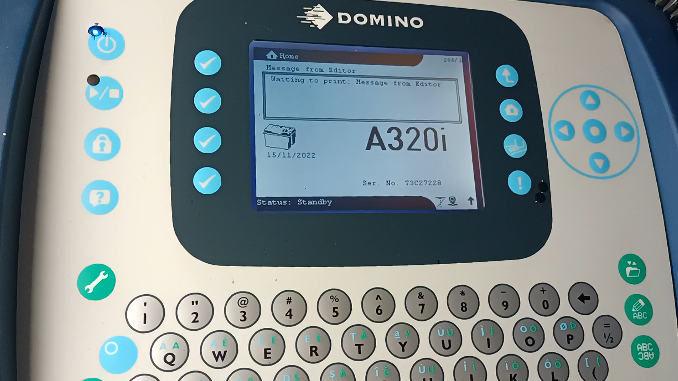
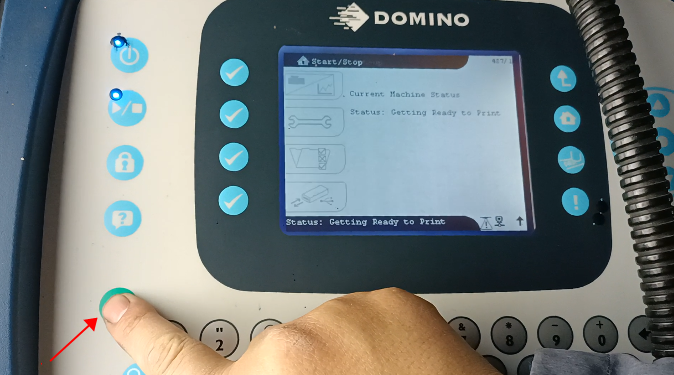
First we need to light up the screen. Here’s an open key, press and hold for 3 seconds without releasing, the machine will boot:

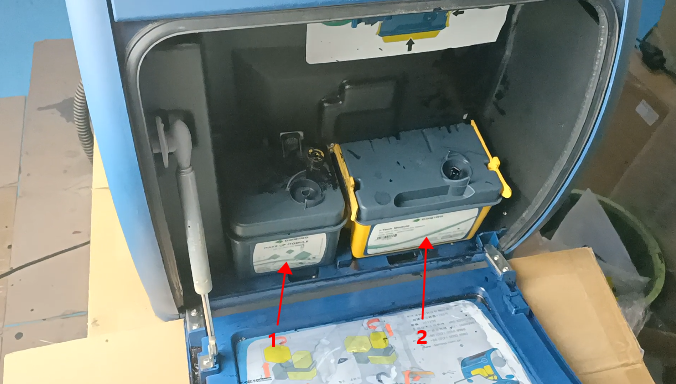


Note: When venting, ink and solvent must be added to a certain level, otherwise the bottom of the screen will report ink empty or solvent empty:

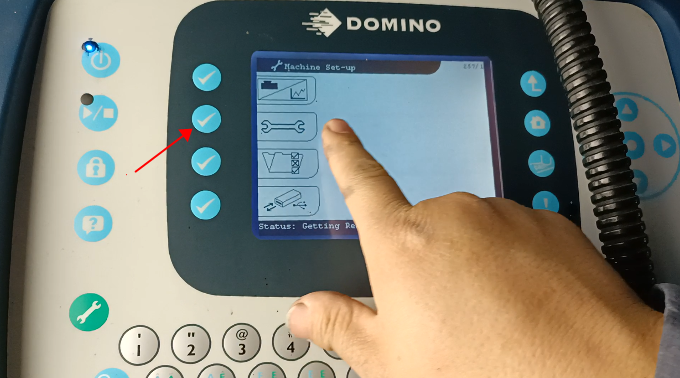
After the filter has been vented, we select Bleed Head and press the Confirm key:


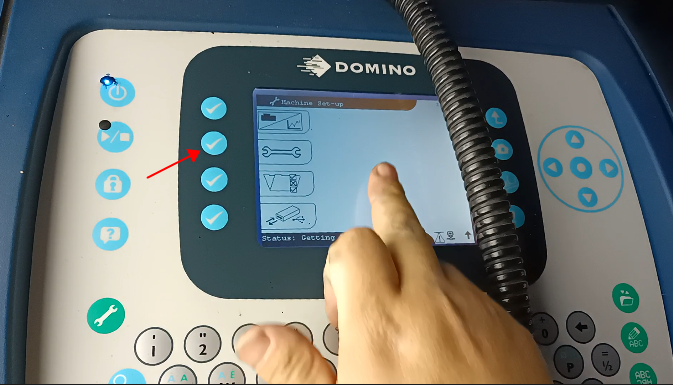
On this interface we can press the wrench key:
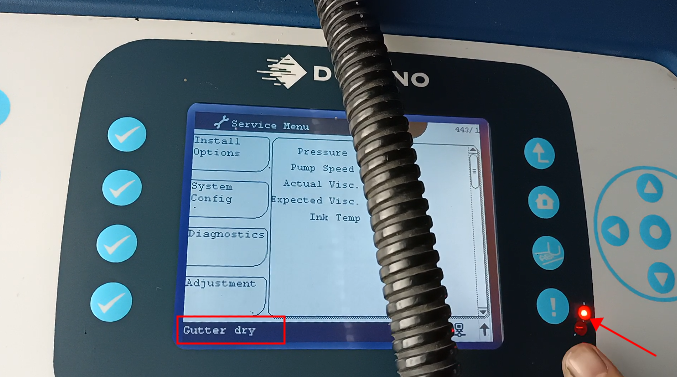
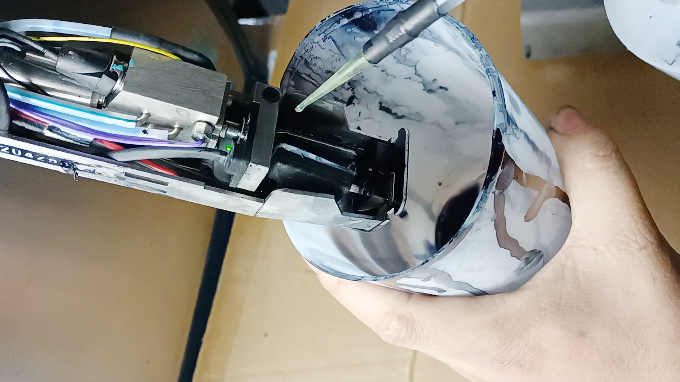


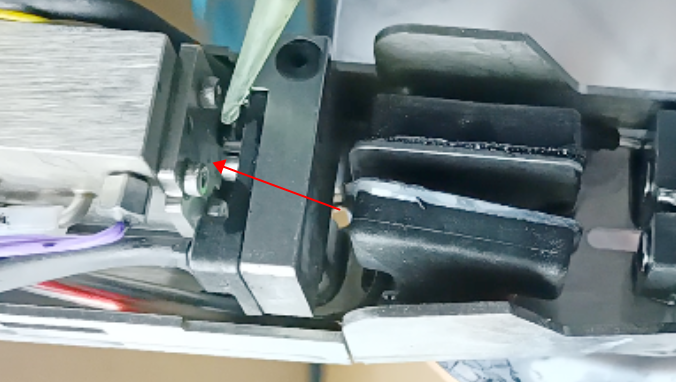
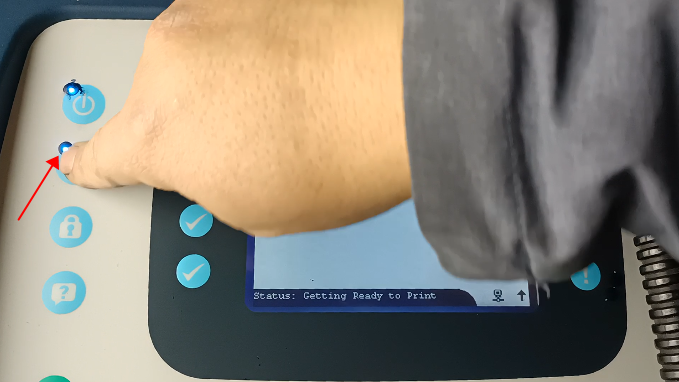
Then we hold down this key for 3 seconds without releasing, opening the ink line:

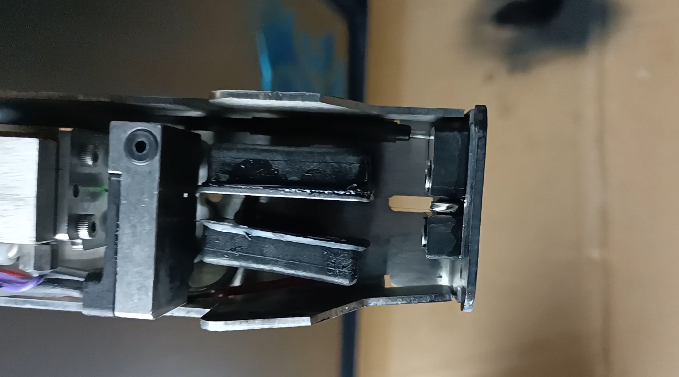
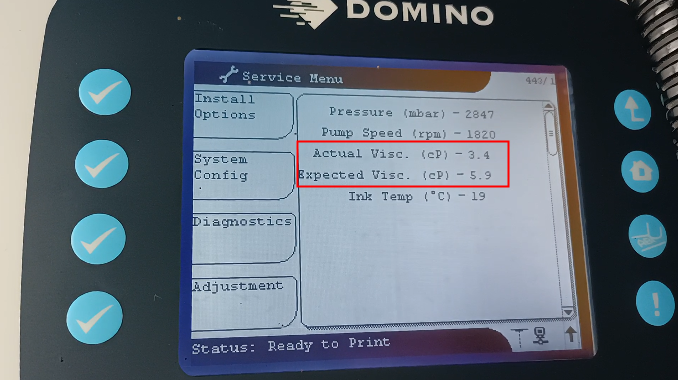
If the viscosity value is a little low, for example, its target value is 5.9, and now it is only 3.4, we only need to run the machine, do not need to shut down, its viscosity will slowly reach this value: