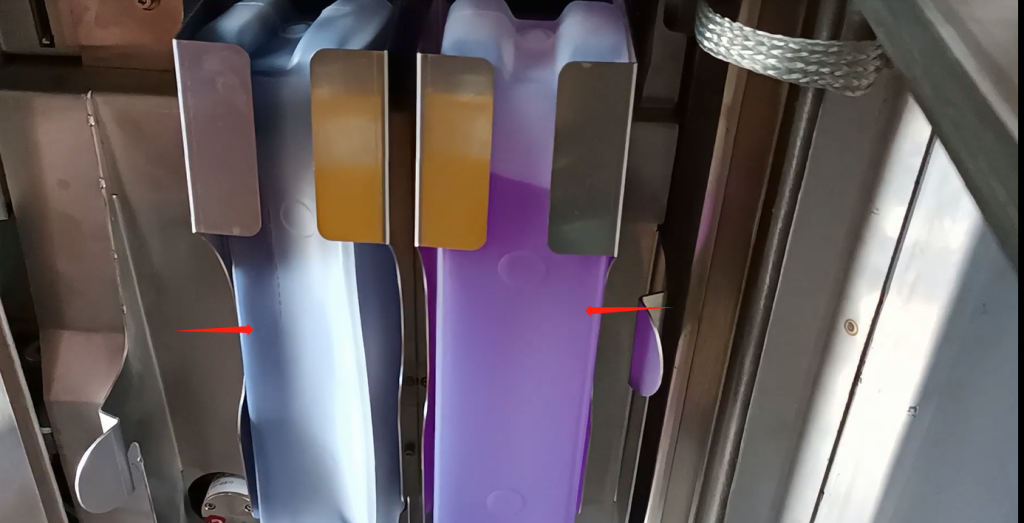
Let’s look at the 9232 machine.It’s the first ink supply.The first ink supply is actually very simple.We just need to put the ink in the bag.Just put in a new ink bag.Put it in our position on the left.Then a new bottle of solvent is placed on our right.We’ve got to get it in place.
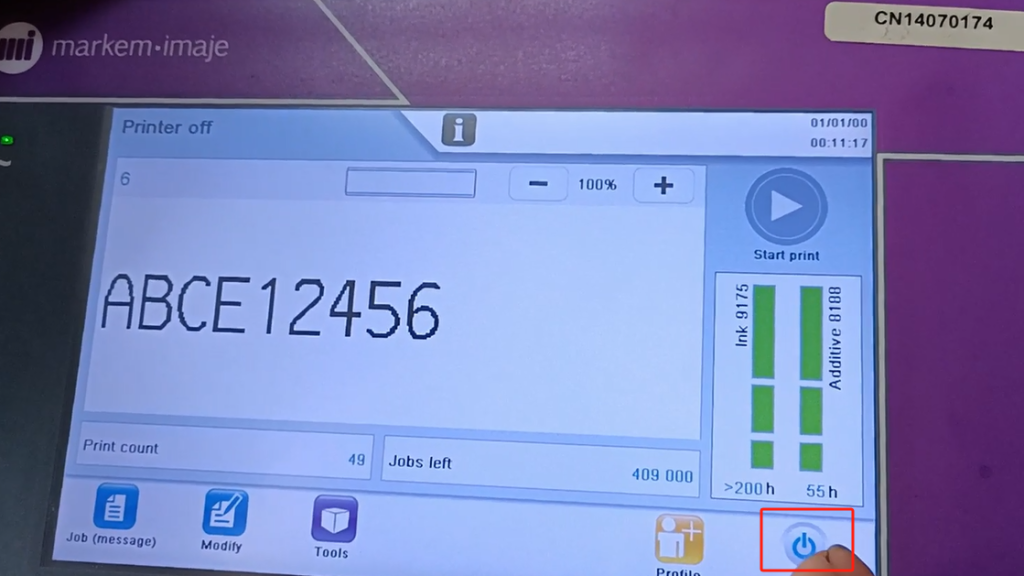
After installation.Then we can proceed to the next step.We have an on-off button here.Running machine.Let’s click it.
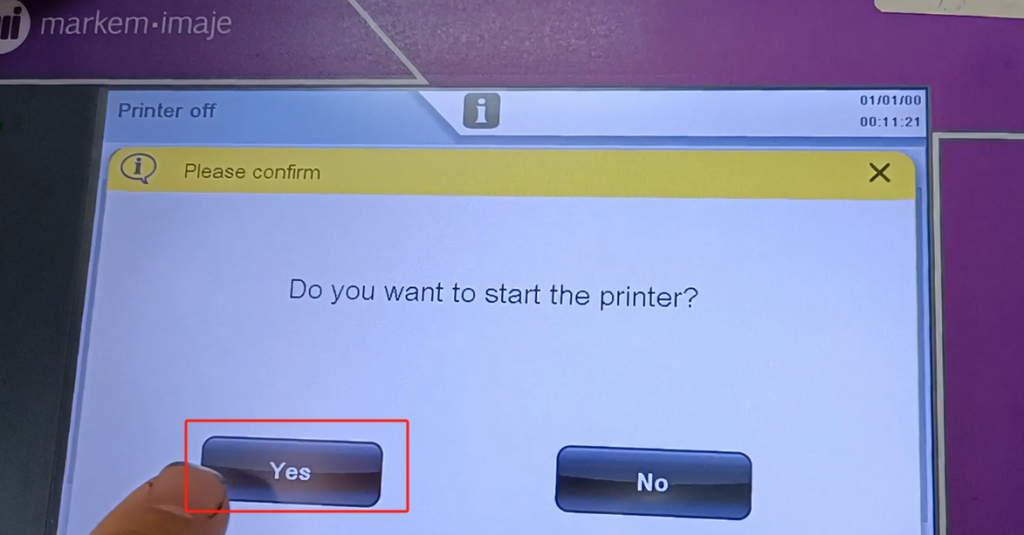
And then select yes.
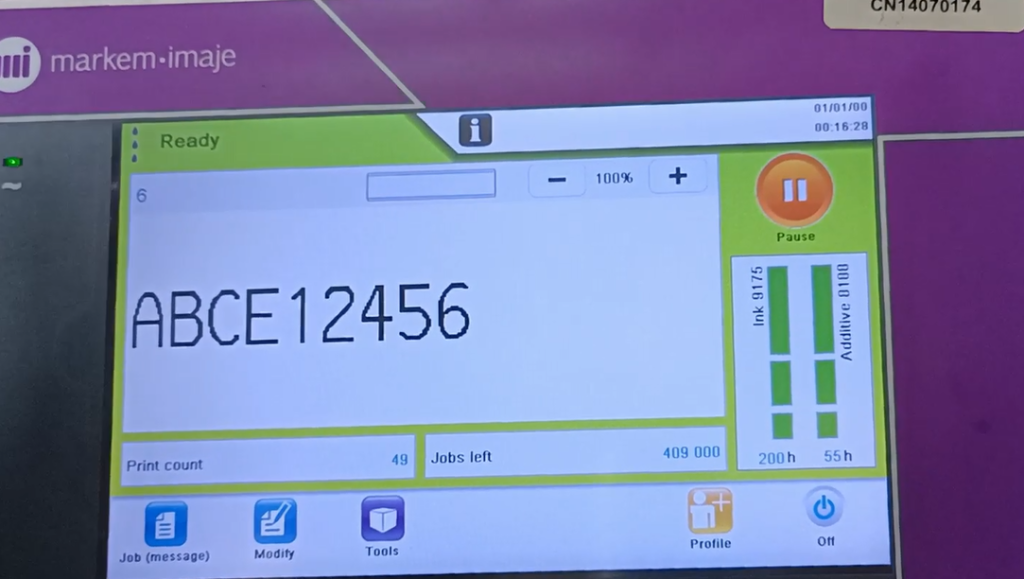
Just select Boot.Wait, like, two or three minutes.We can see.There’s a parameter here for it to start.Wait for our current speed to come out.Pressure out.Default speed once out.And then the pressure starts.Then the viscosity comes out and the boot works.It just says ready here.
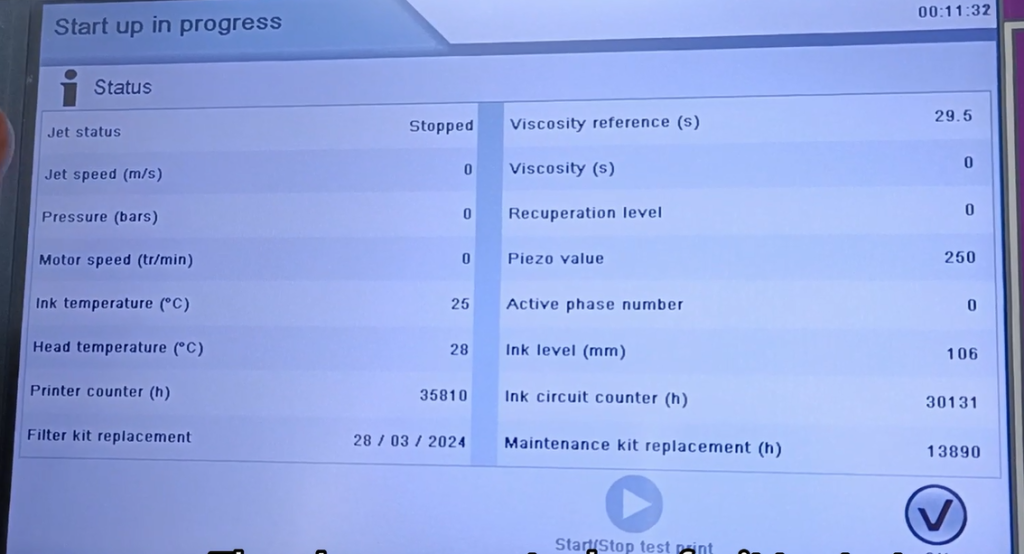
Our side parameter.”ready” means we’re on.Have finished.Our current speed,Pressure, rotational speed.And our viscosity is normal.And tell us there’s nothing wrong with the machine.If there’s no problem, just say OK.

Now I am boot is complete.This is the first ink supply.And then after the ink.We select a message that we want to print.Select a message that we want to print.Then you can just print it.