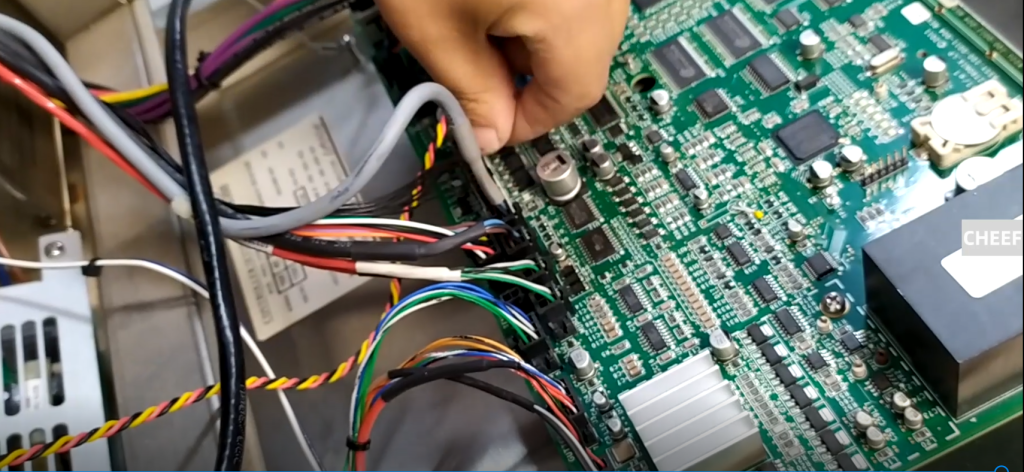
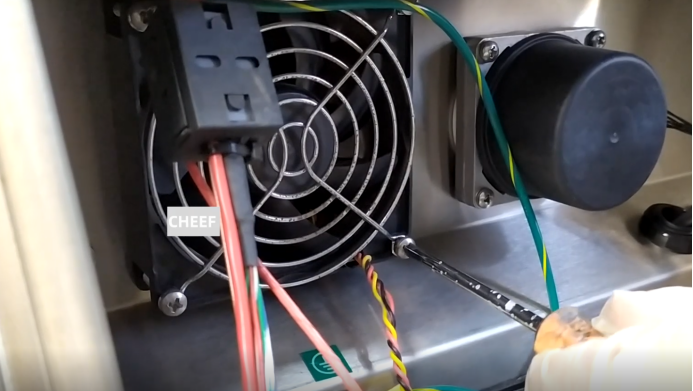
Let’s take a look at how the fan is removed. There are four screws on the fan. Let’s remove the four screws.
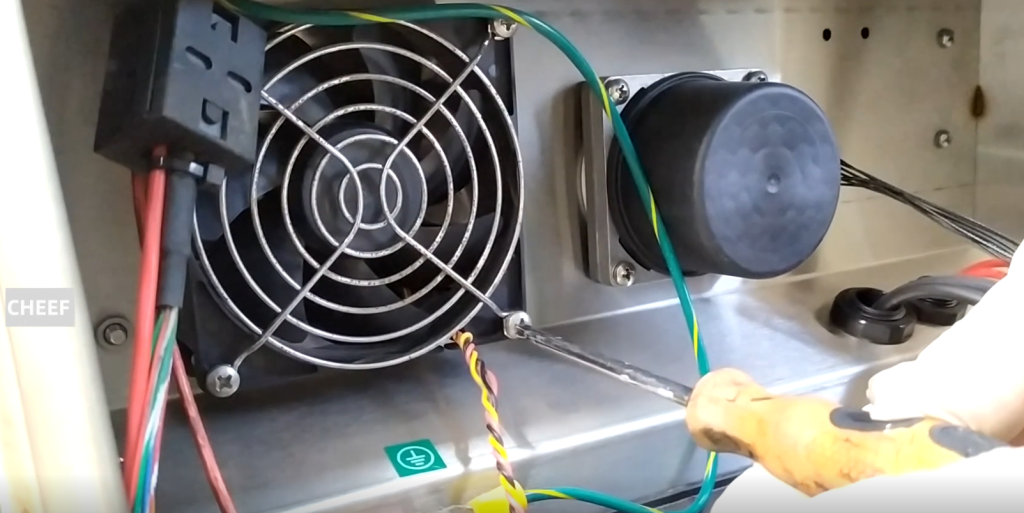
The fan has been removed. If it needs to be replaced, we will unplug the cable on the motherboard here. Then if you wear it, you can just pull it off and replace it with a new one.
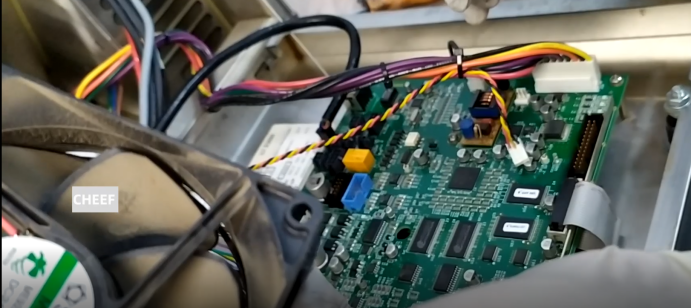
After replacing it with a new one, plug in the wires on the motherboard.
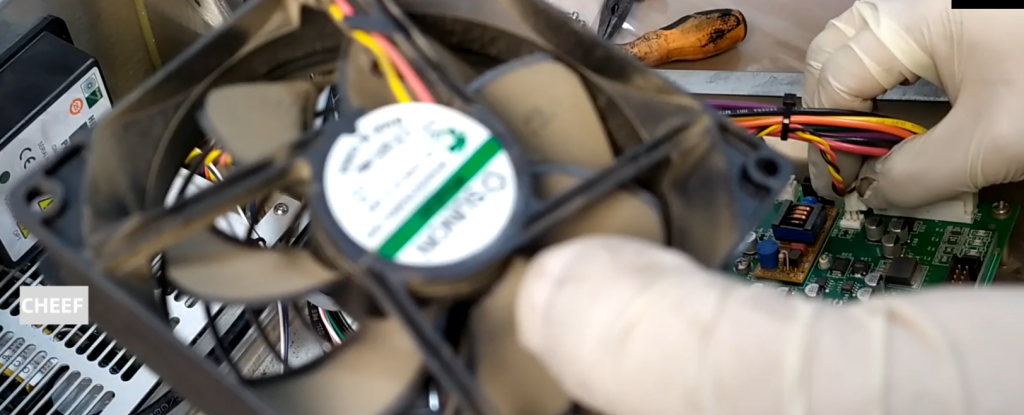
After plugging in, how to tear it down is how to install it.
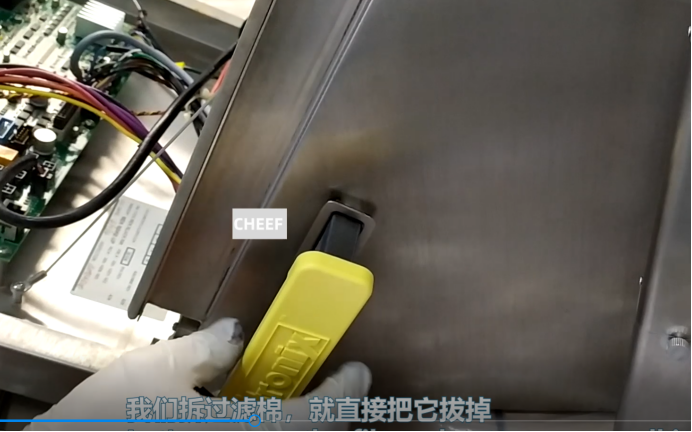
We remove the filter cotton and pull it out directly.
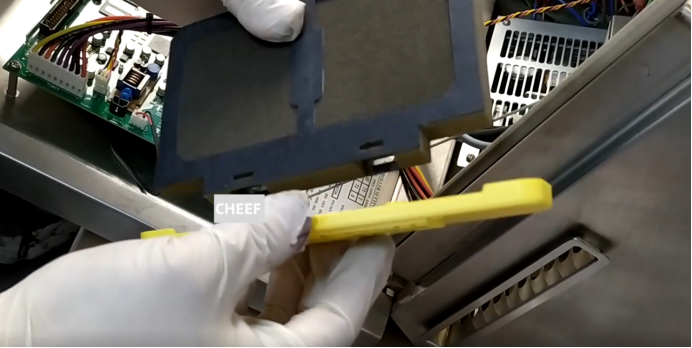
Then we change the filter cotton. Installation, directly installed in, directly a card on the line.
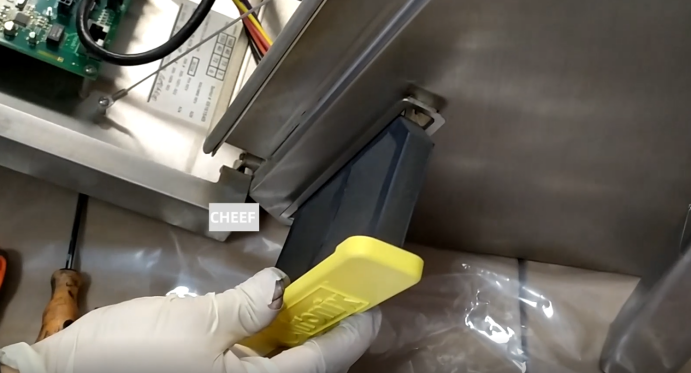
Once installed,plug it in.
We’re going to pull this line out when we tear down the motor.
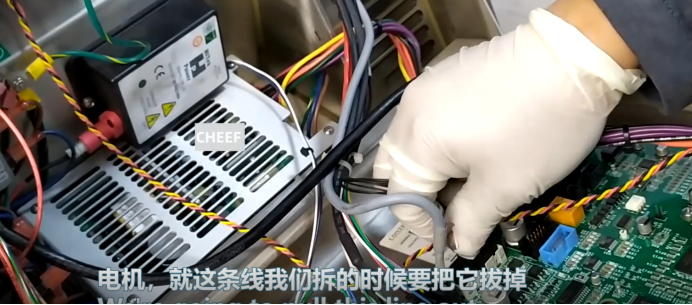
When you have unplugged, just remove the four screws. The motor over here can be taken out.
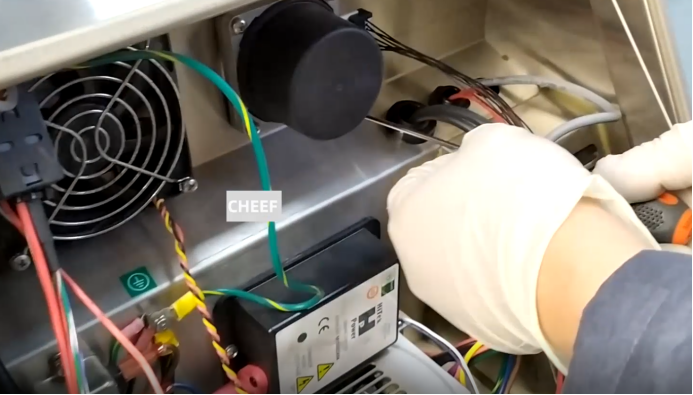
Remove the pump from that end, then we can take out the motor. Loosen the screw on the back cover, push it up, and the back cover can be removed.
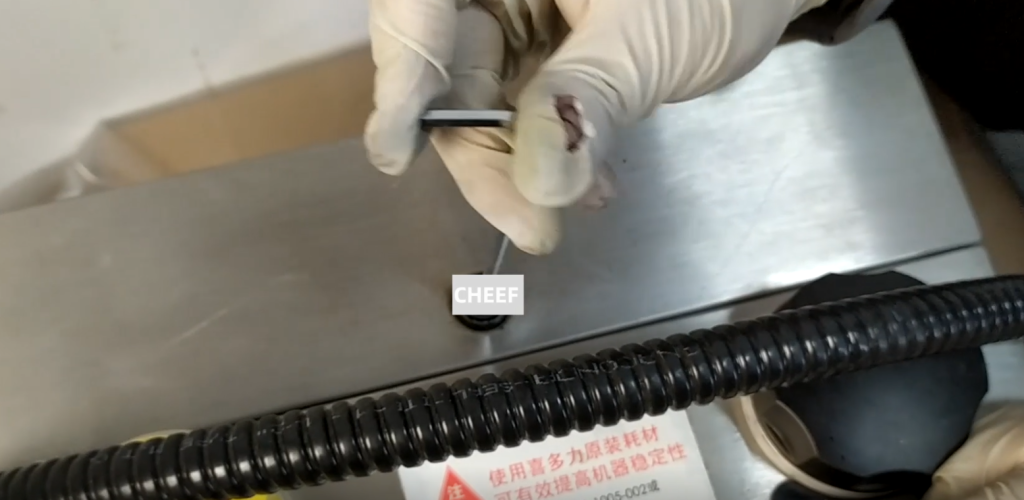
If we want to remove the motor and pump together, there are screws attached to the top of the motor screws, we have to remove three screws.
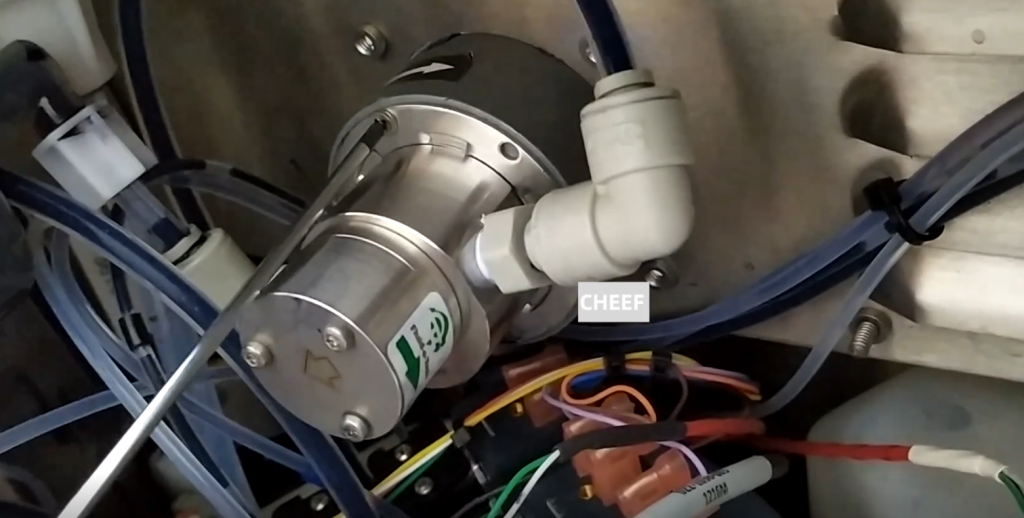
The pump will come off as soon as you take it, and then we’ll take the two pipes off.
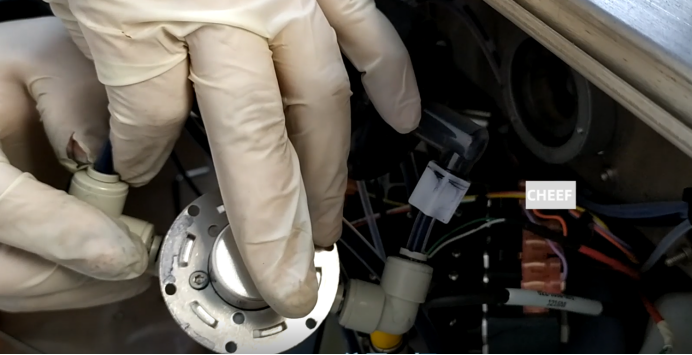
This pump, when we put it on again, the pipe we put it on again. The pump has been removed so the motor can be taken out. If you disassemble the motor, you must disassemble the pump at the back. Otherwise the motor won’t come off.
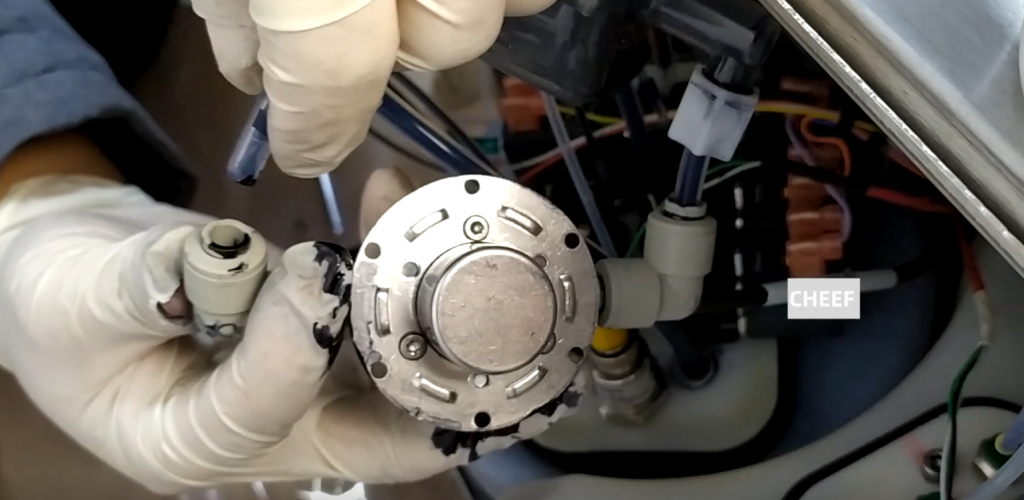
Let’s put the motor on now.Then install the pump.
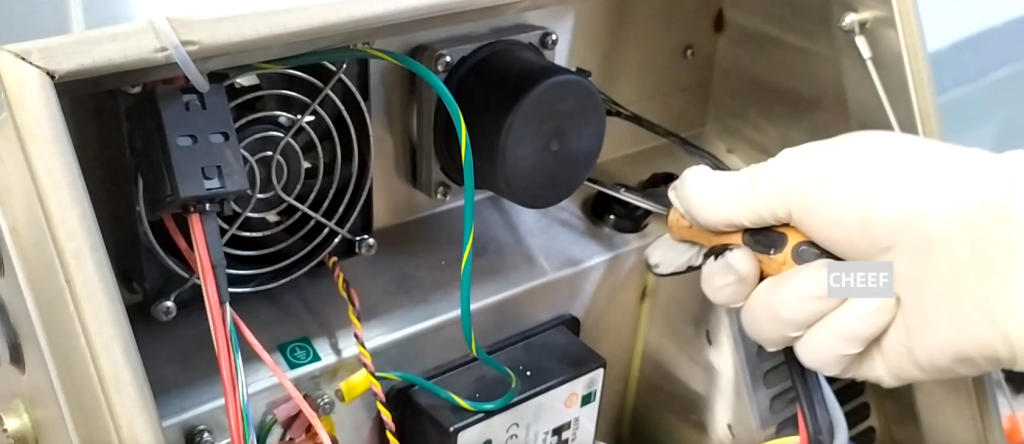
Let’s put the pump on.
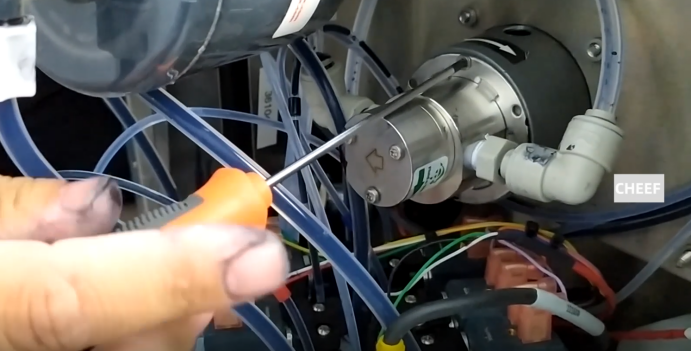
Plug in the line of the motor here.