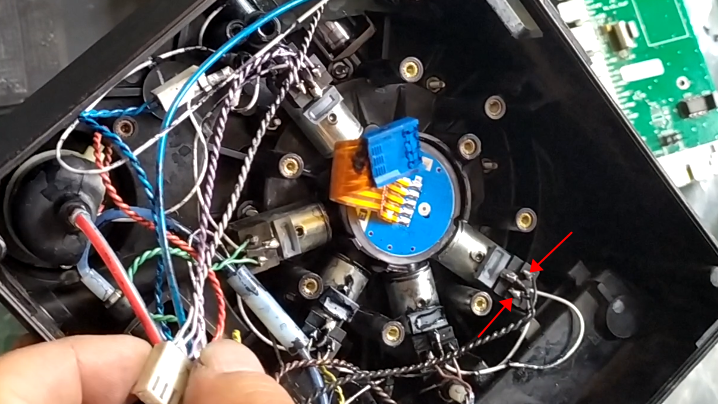
Now that it’s all been taken apart by me, the 9020 ink core can be divided into three pieces. This is the lid:
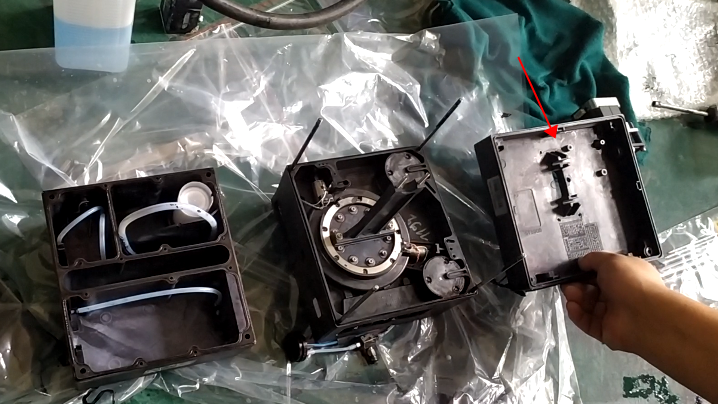


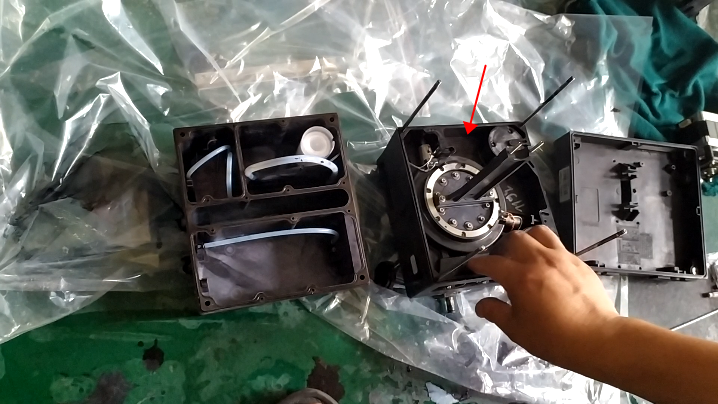
The main thing is the lower half of it, solenoid valve, ink core plate are here:


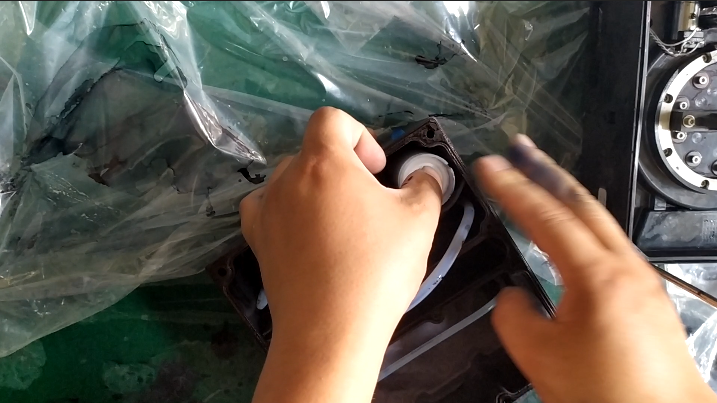
Originally only the middle layer is ink, unless the diaphragm is broken, in general, the pressure is not correct, high and low, or recycling is not good:

The uppermost diaphragm is recycled, and the lowermost small diaphragm is stressed, with compartments in the middle and two not attached together:
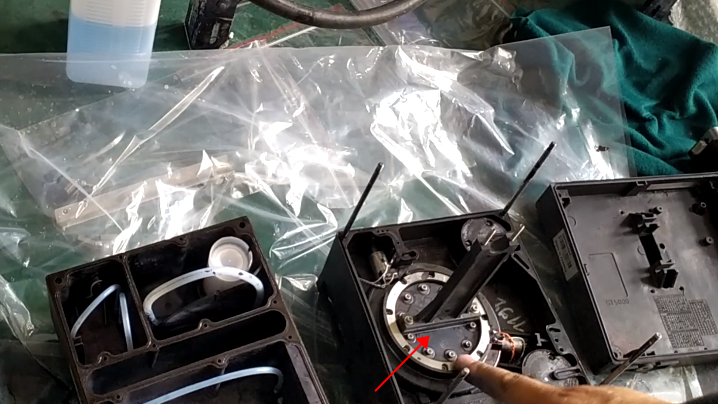


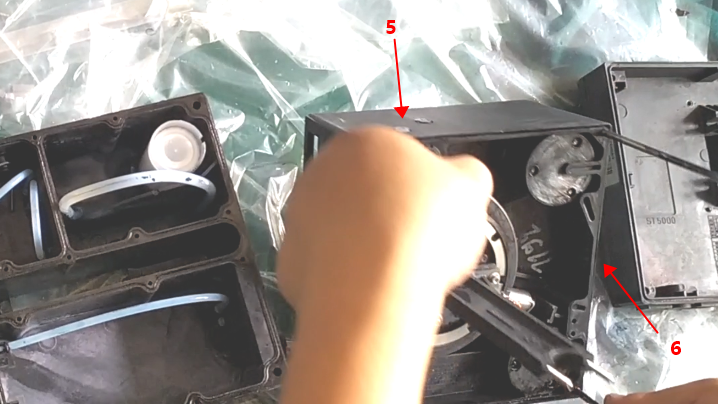

Remove the screws on the ink core plate, pull lines off, and the ink core plate can be removed. Removed ink core plate, whether it is the front or back, as long as there is ink or dirty, to wash it clean with cleaning liquid, wash it clean, with the cold air of the hairdryer to blow it, be sure to use cold air:


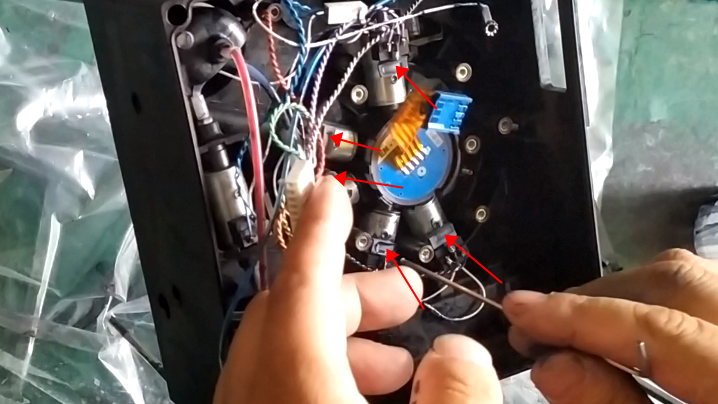

From simple to difficult, first determine whether it is a pressure sensor problem, then see if it is a problem of ink core plate, and finally consider the problem of motherboard.
This is the solenoid valve, which valve is broken to replace which valve on it:
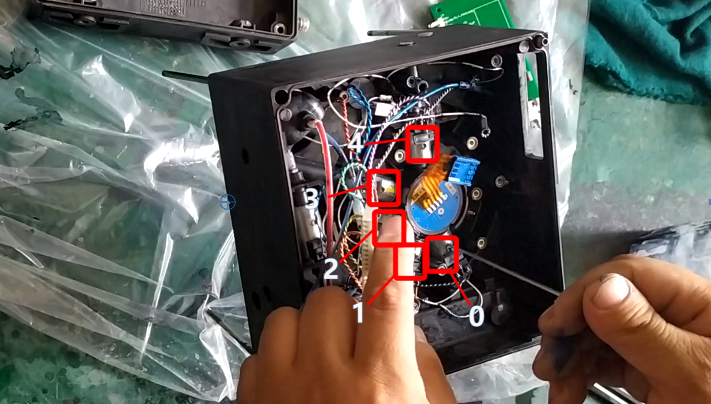
If the volume of voltage, each solenoid valve has three lines, the above line is the ground line, we only need to measure the voltage of the left and right line, DC 24V, the valve is open state, give it current and voltage to measure: