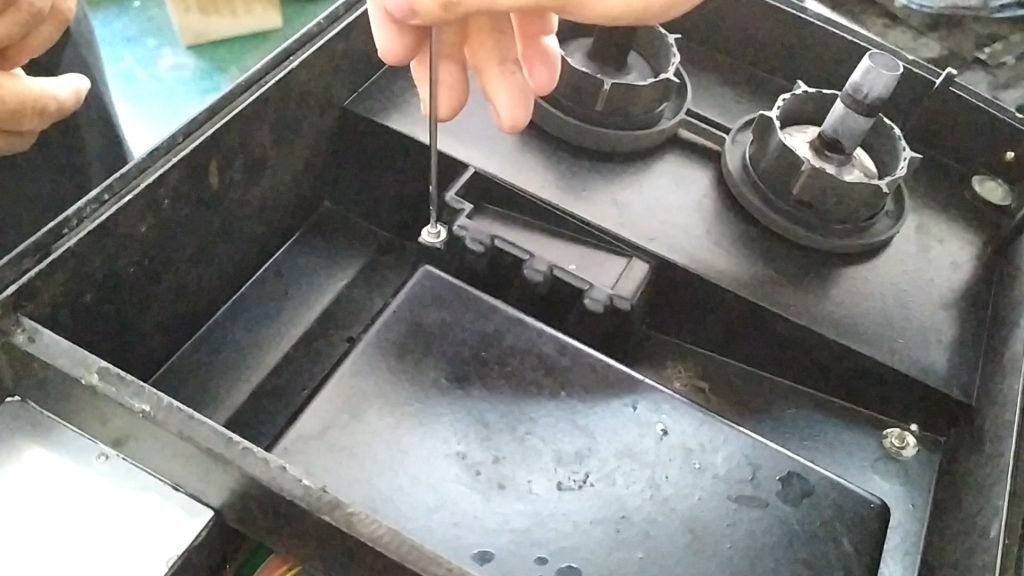
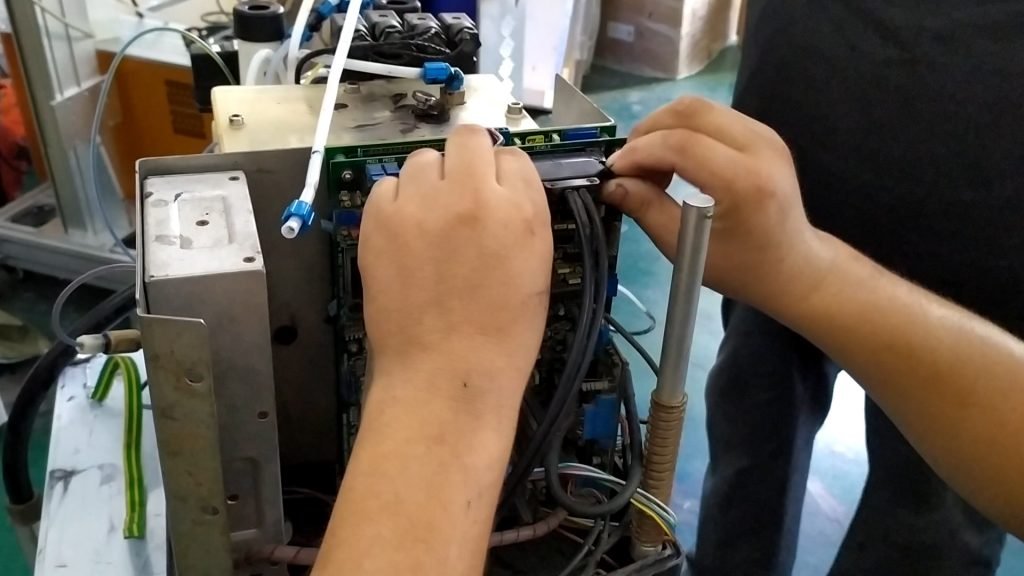
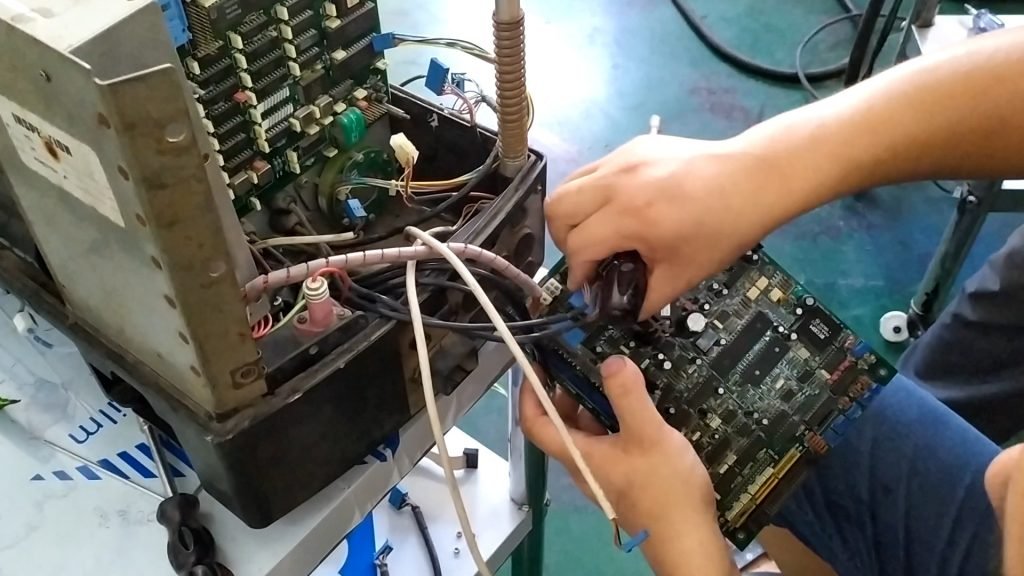
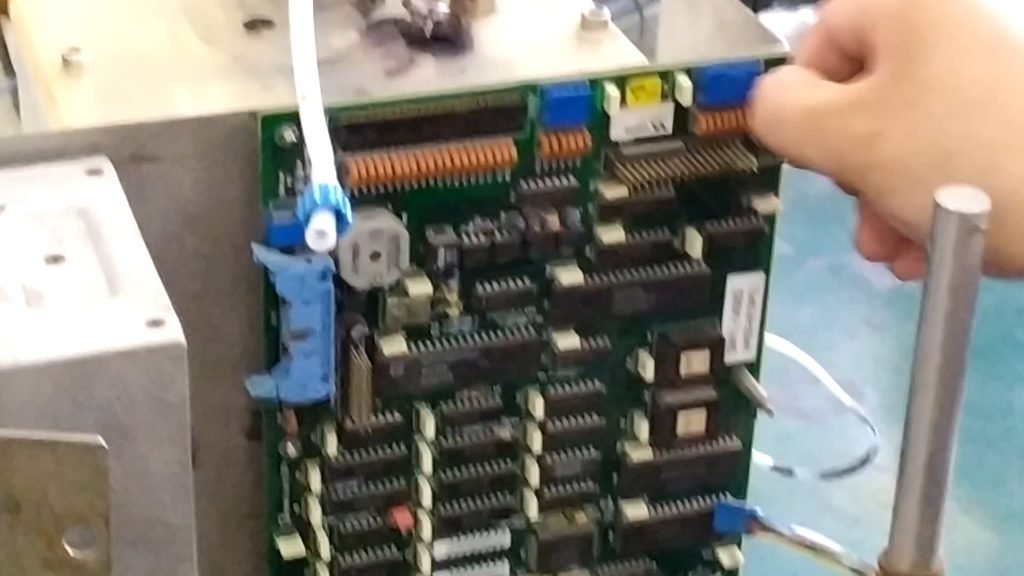
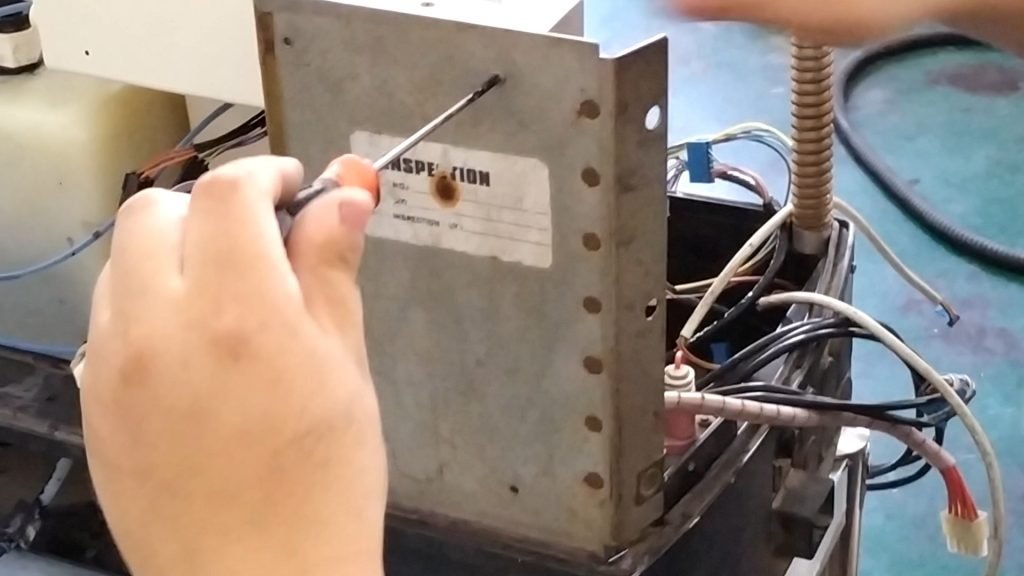
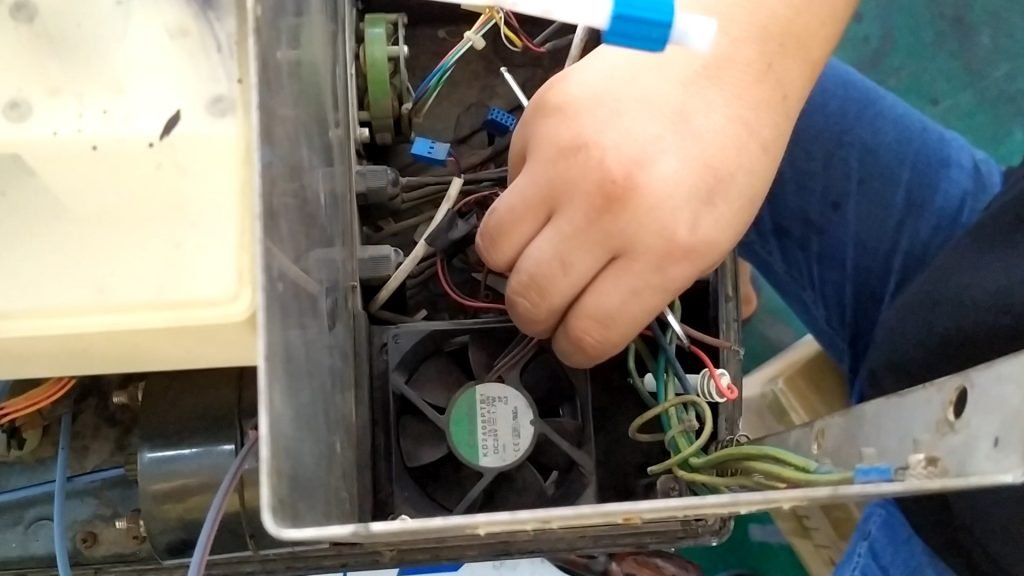
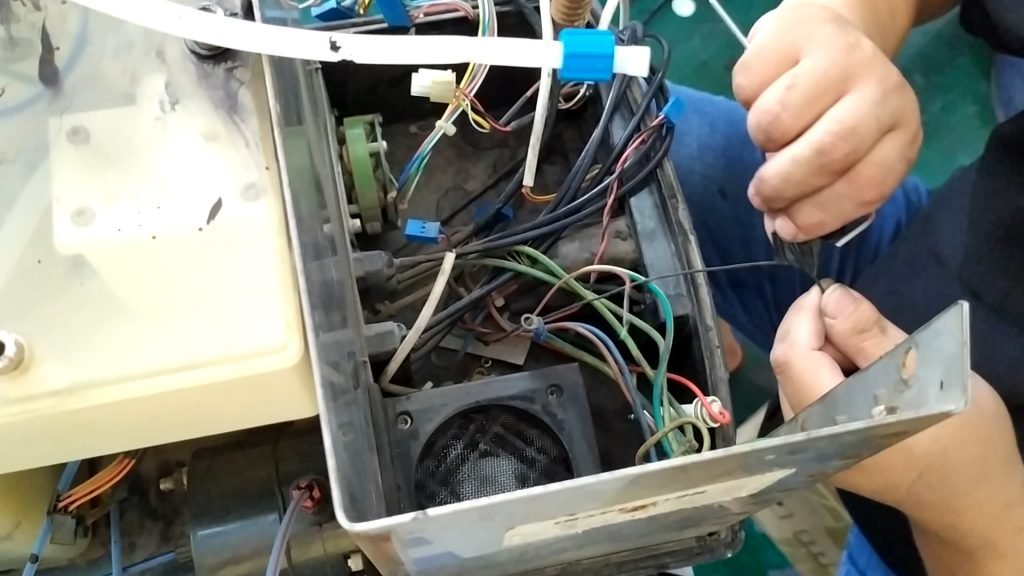
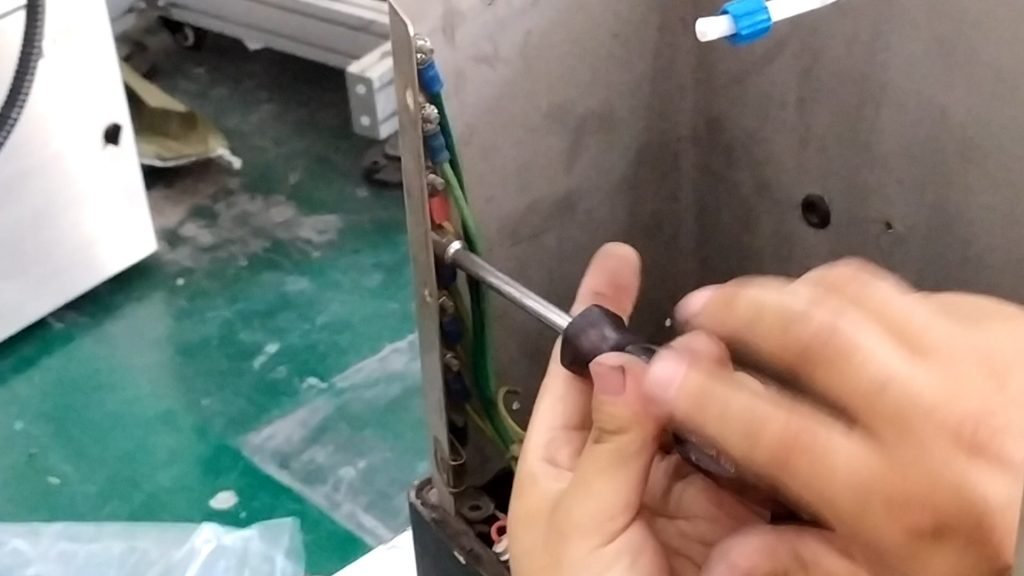
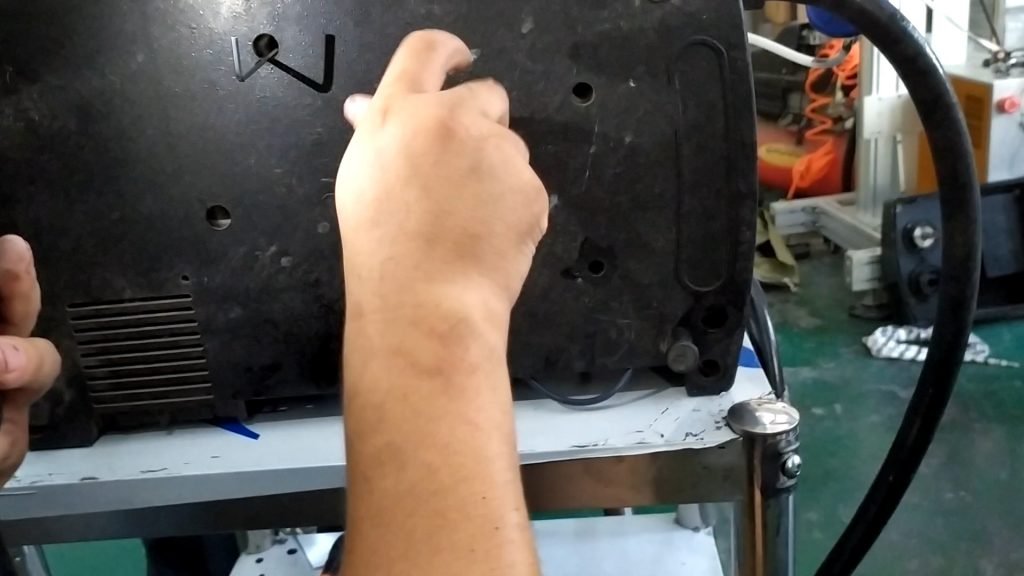
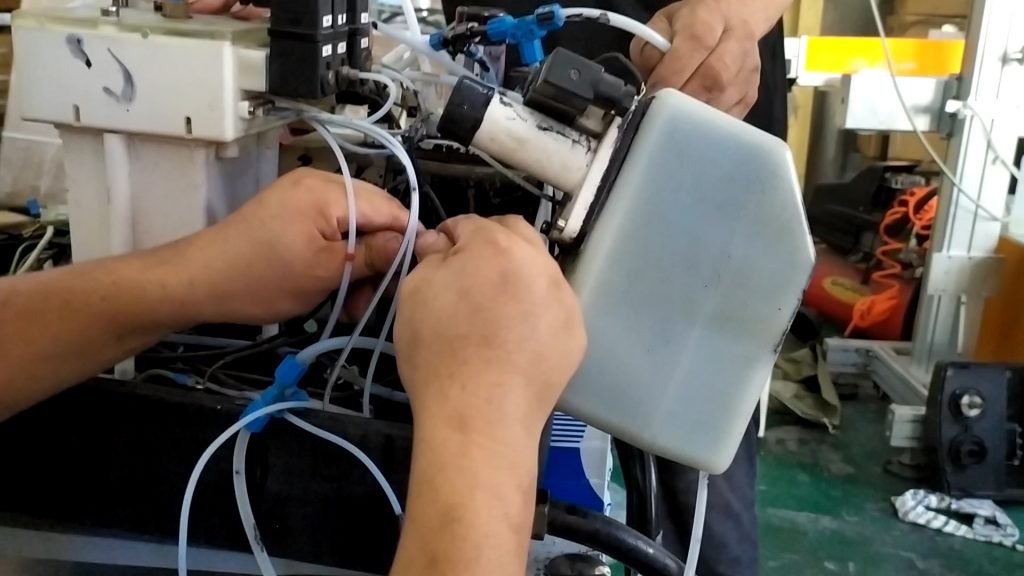
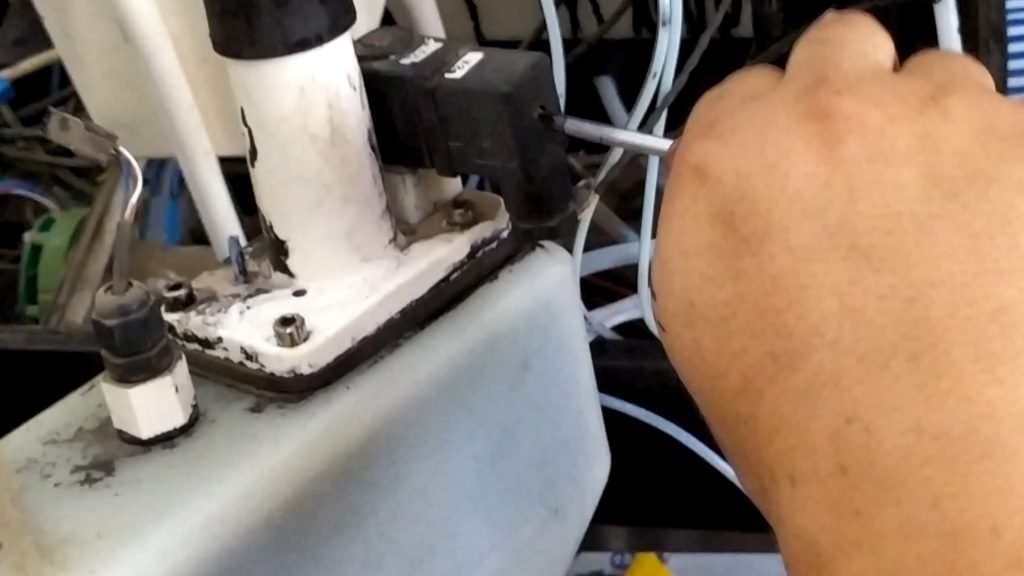
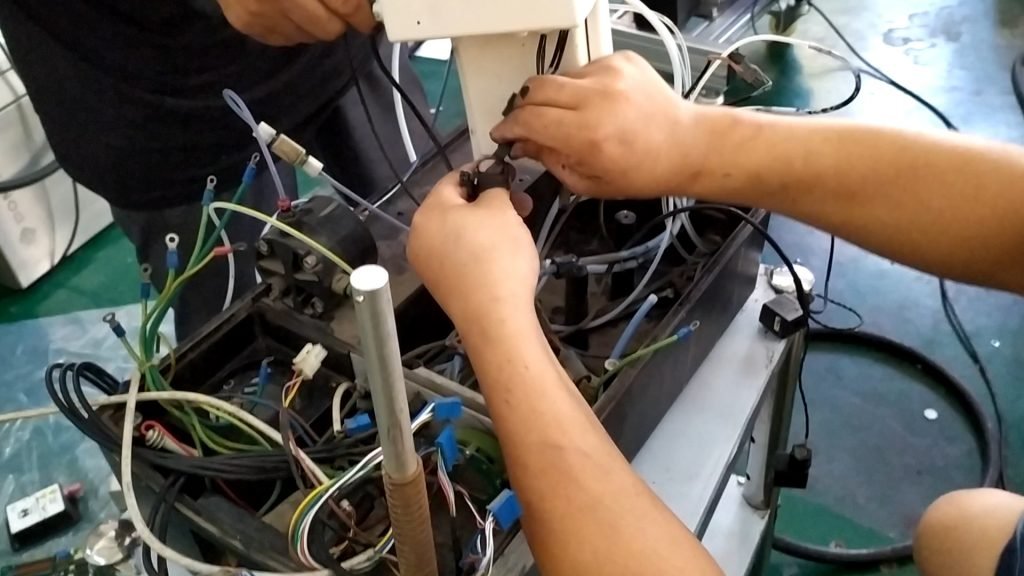
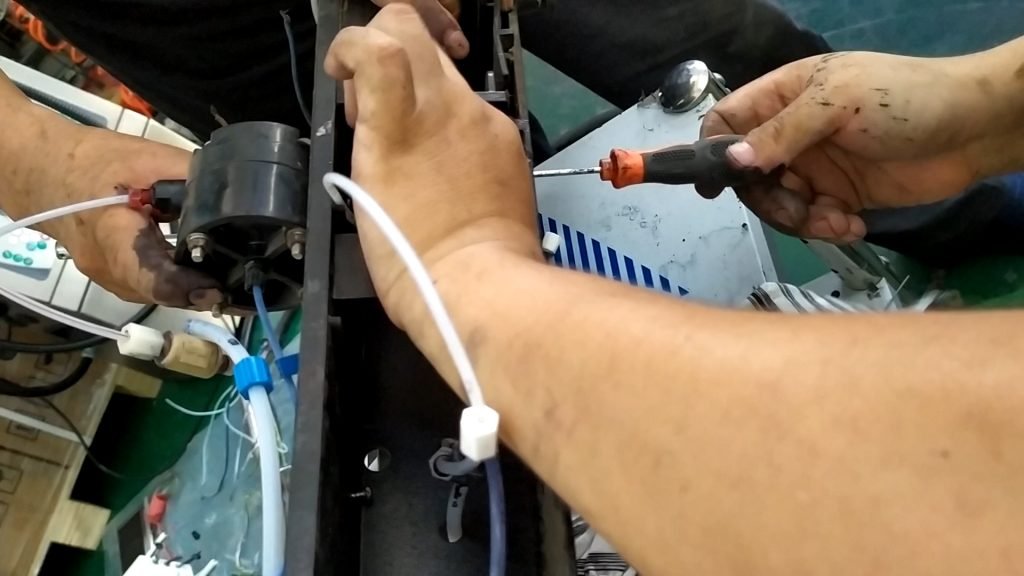
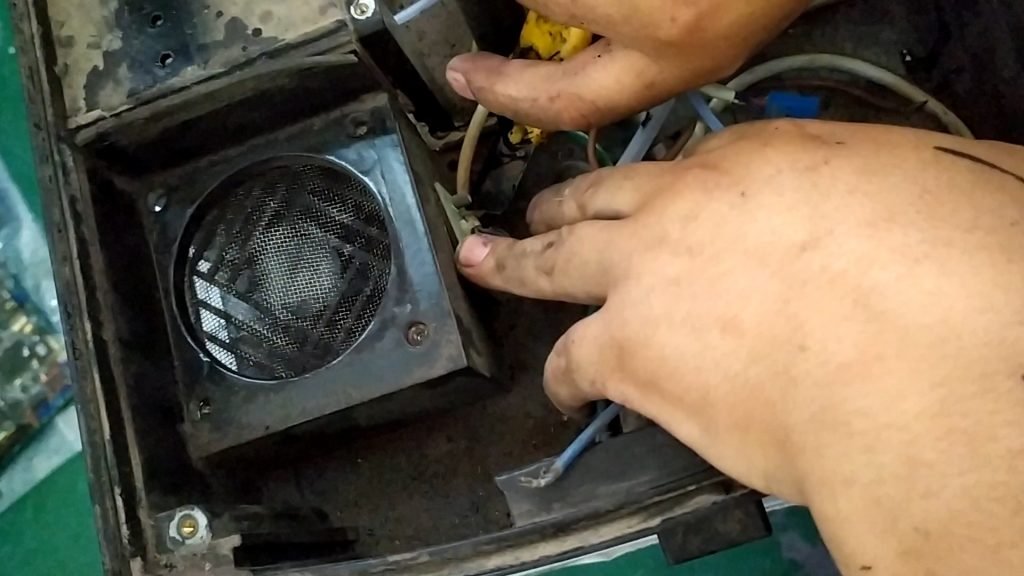
Take this thing down again:Remove these wires:Remove the screws:Take out the keyboard:Remove these four screws and the display can be removed: Remove the mainboard and remove these wires first: Pull out all the cables below:Ink remover control board:When the power cord is disconnected, the ink machine control board is unplugged:Split the flow plate again:Then remove the power supply: Remove these wires:Then remove the high-voltage package and remove the high-voltage cable: Loosen the two screws of the fan: Tear off these rubber bands:Remove these two screws:Remove the screws of the main ink tank and the main solvent tank:Unplug this cable:Remove the screw, the ink, and the thread:Unplug this pipe:These rear pipes should be removed. If it is difficult to remove them, they can be cut off with a knife:We pulled out the line under the pipe and removed the three screws:Take the wire apart:Pump removal:This pipe was also removed:Thread cutting:These lines are reserved:Remove this screw:Removal of cleaning pump:Fan sensor, sensor, cut off:Remove the fan sensor:
Cheef
CIJ,DOD,TIJ,Laser Coding Machines.
Machines, Spare Parts, Consumables.
One-Stop Coding Marking Solution
20 + Years of Industry Experience
Welcome to Inquiry at any time