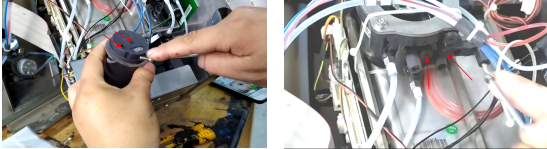
We turn off the machine, shut it down, unplug it directly, and then we remove the filter:
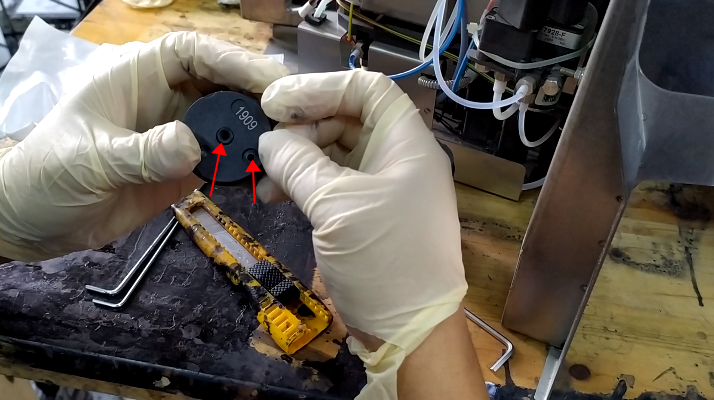
Just take the two screws off:We took this filter down:Then put the O-ring on top of the new filter:When installing, these two holes must be aligned with its two holes:Then we install the main filter:
Cheef
CIJ,DOD,TIJ,Laser Coding Machines.
Machines, Spare Parts, Consumables.
One-Stop Coding Marking Solution
20 + Years of Industry Experience
Welcome to Inquiry at any time