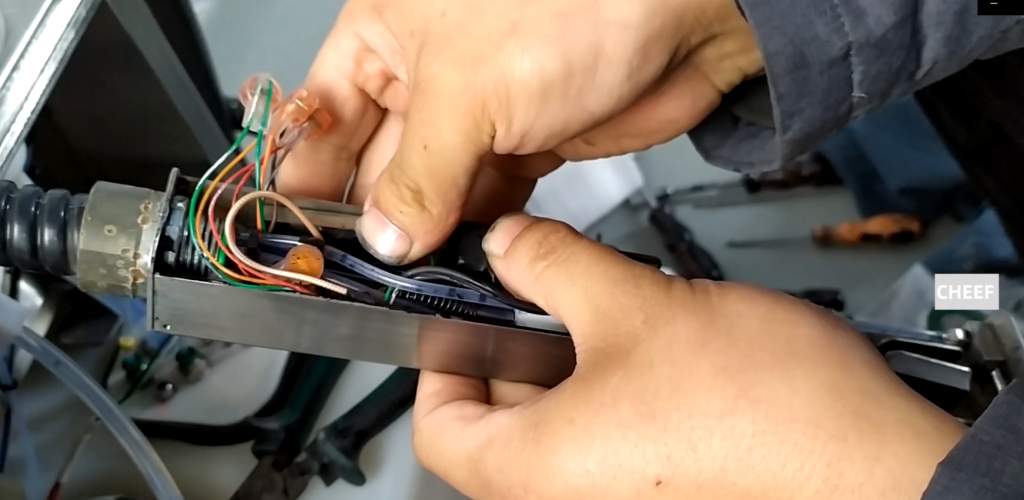
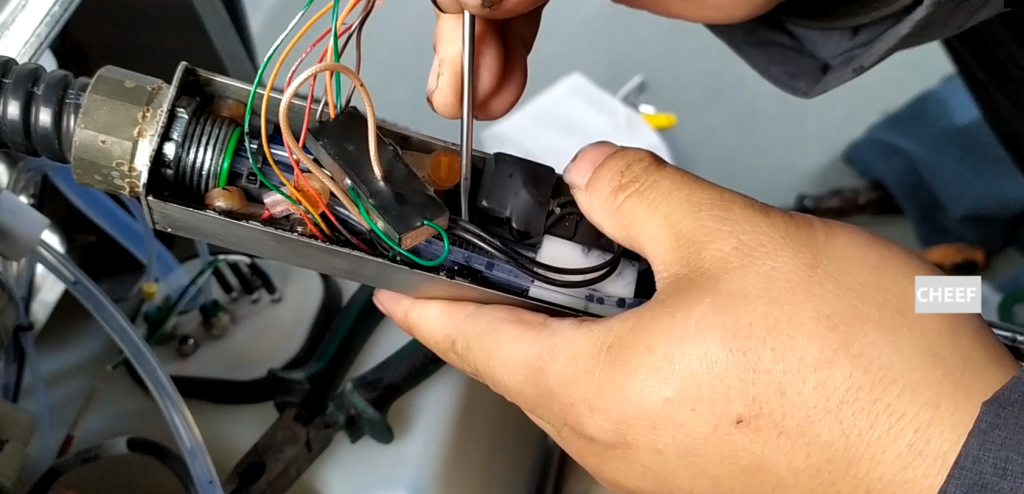
Let’s change this one. It’s called a phase amplifier, also called a phase detector.
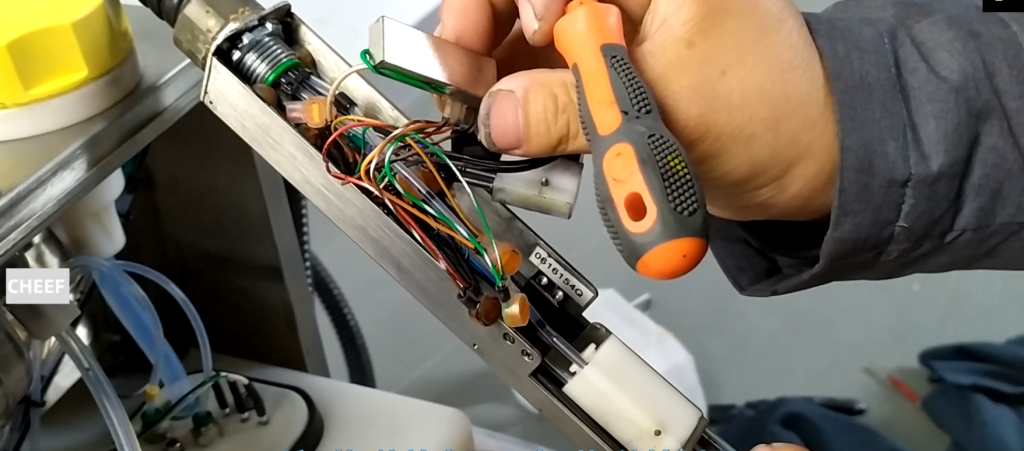
Let’s see how it’s torn down. We first have to remove this side and loosen this screw. Release it with a 0.9 hexagon screwdriver.
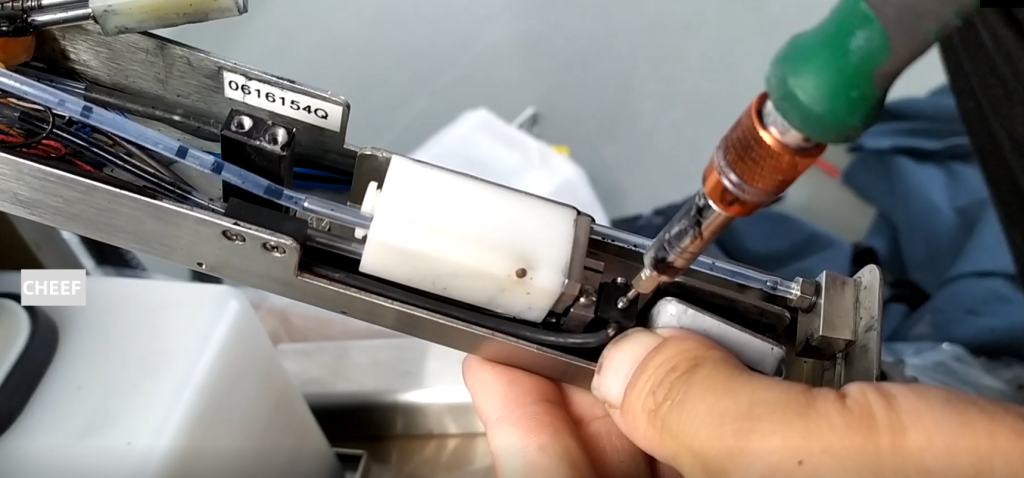
After we loose it, we can take it off. And then this one, and we can take it off.
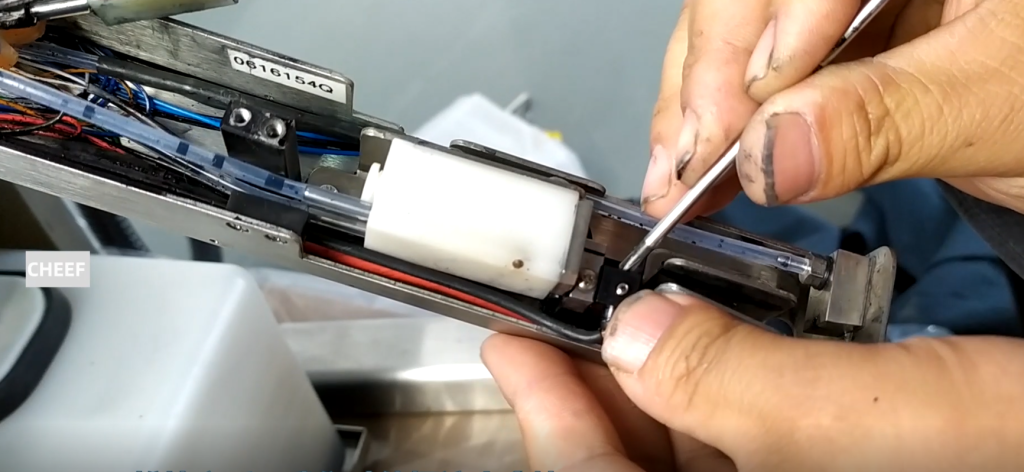
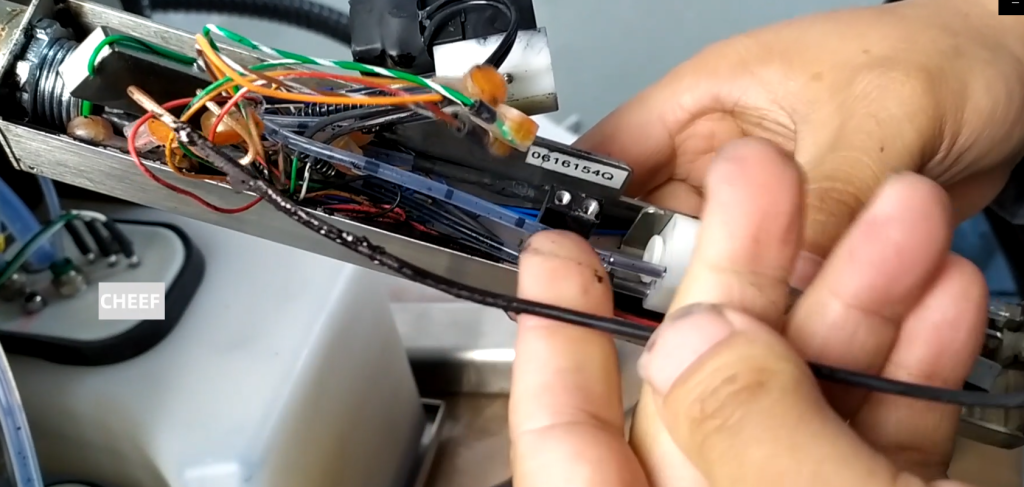
After taking off, our side of a few lines, pay attention to remove the words one by one correspondence. Take that one and take the thread. Look at this, the black brown line joins the red.
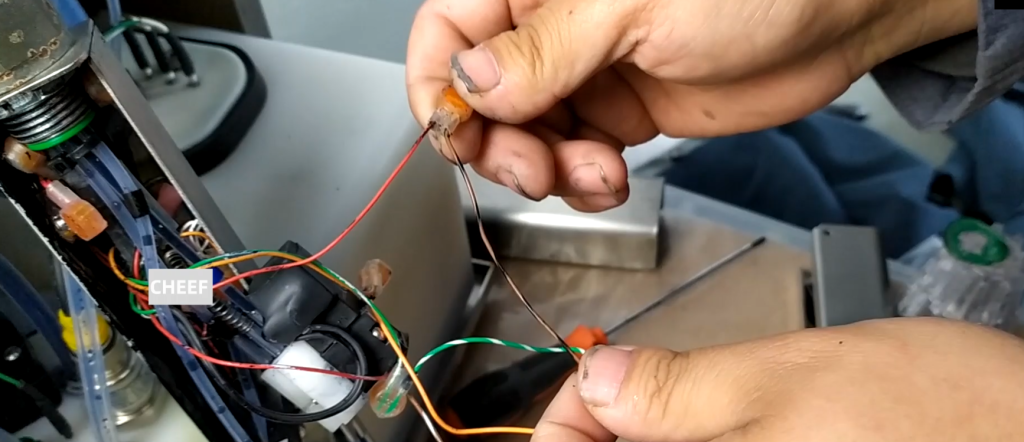
We cut this out with the pliers.

Then take the black line off, and we take this new, this new black line. These two wires, and we plug it in. To the top, always top to the top.

Let’s add another white-brown line and this red line. We cut this out with the pliers.

Connect the new white and brown line, and when we reach the head, we press it with pliers.

Third, cut this off first.
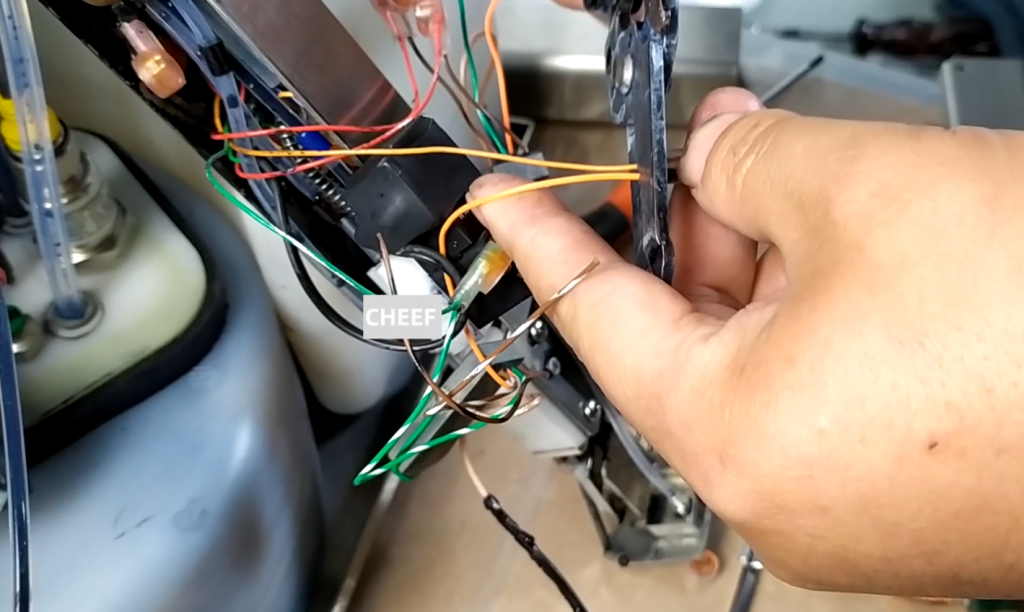
Then we connect the line with our orange line. We’ve got this done, too.

There is also a line. Blue and white connect blue and white, connect to our new blue and white. We just changed it here.
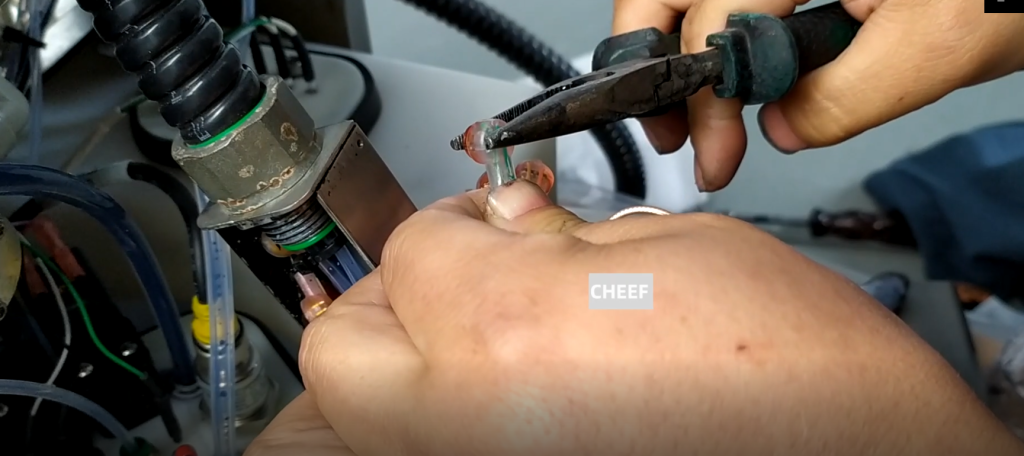
Well, let’s just glue it on here. We broke the multimeter. One end of the screw, the other end of the top to see the ring, the sound is through.

Get this line right.

Then we put the nozzle electronic valve in it.
Then we press this down, in this position, it must be in this position.