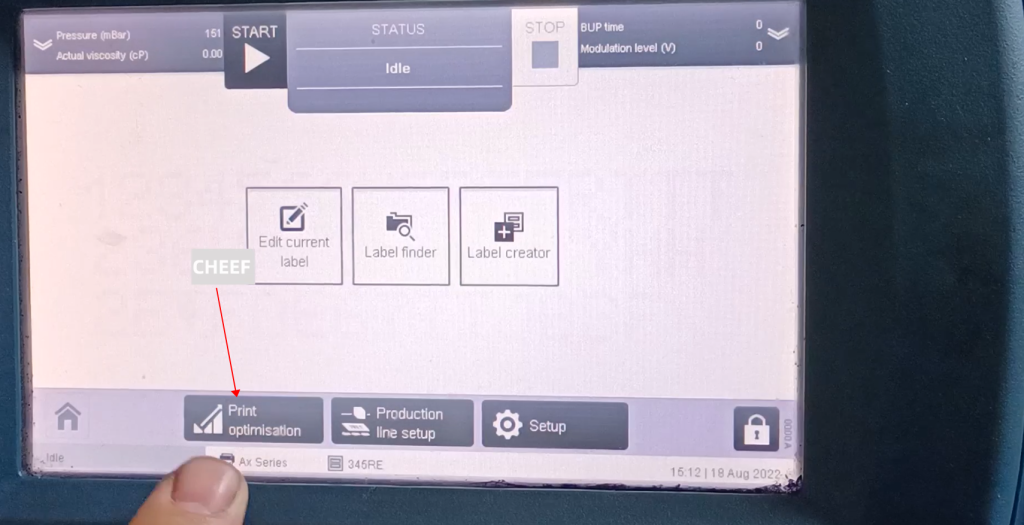
First let’s take a look at the menu here, let’s take a look at the print optimization:
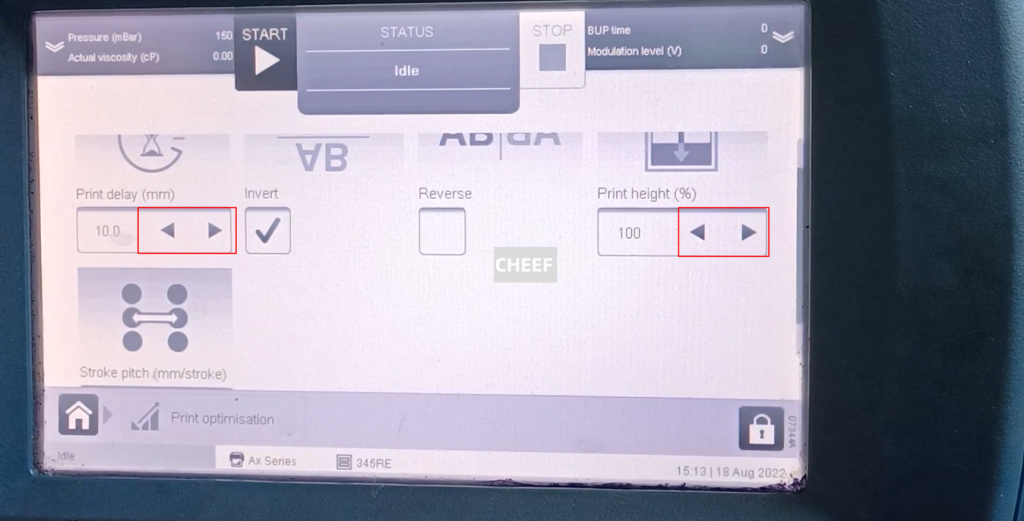
In the printing optimization, the printing delay, inversion, flip, and height adjustment, etc., can be adjusted by the arrows, and it will be automatically saved, and there is no need to manually save:
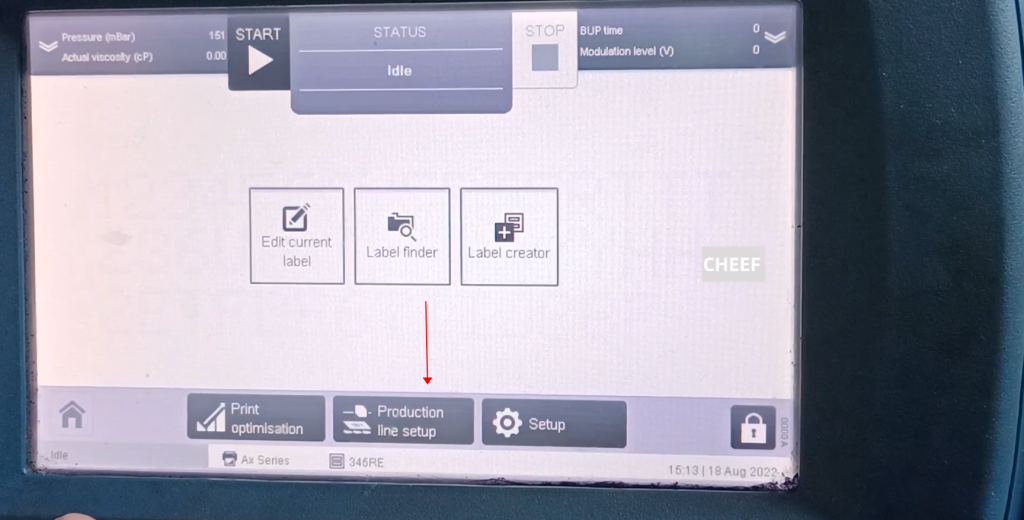
Then in the production line configuration:
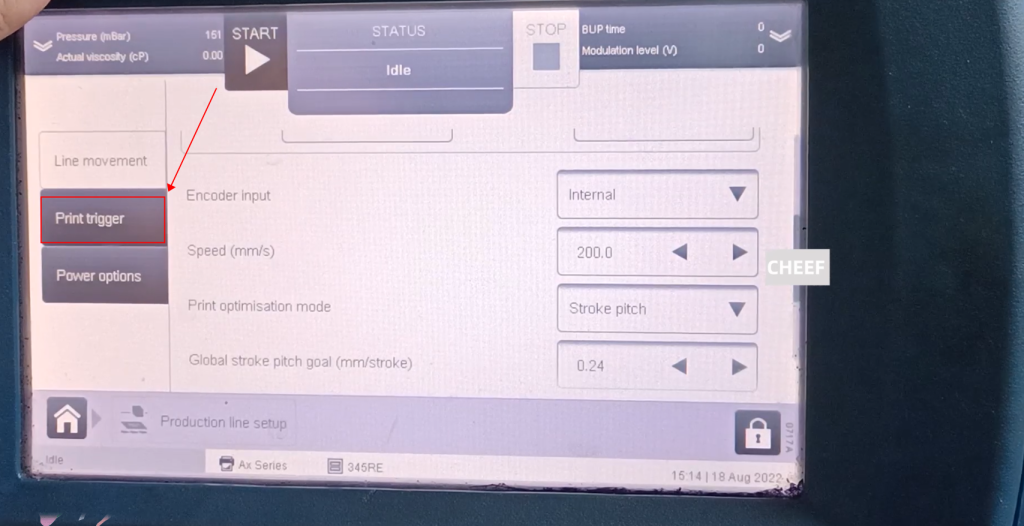
This is an encoder, the encoder has internal and external, if using external:
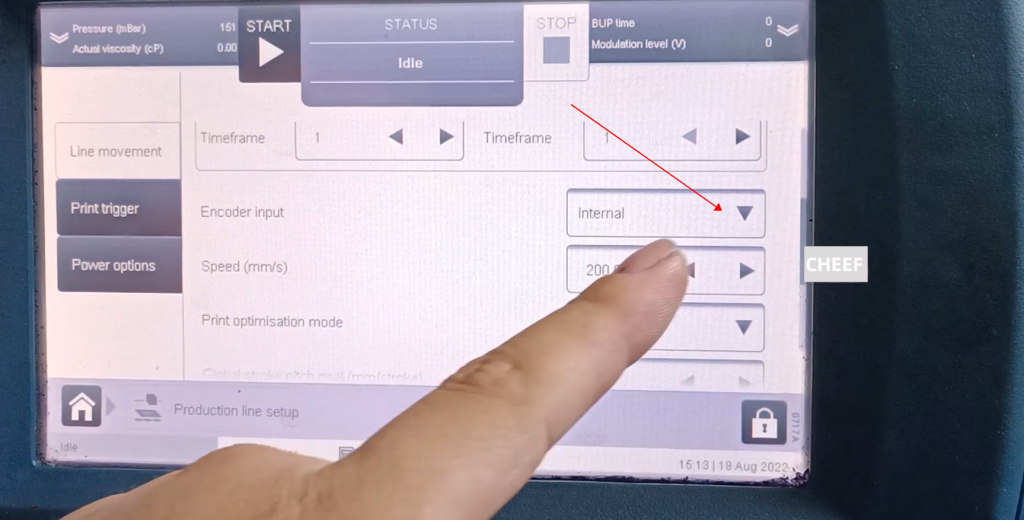
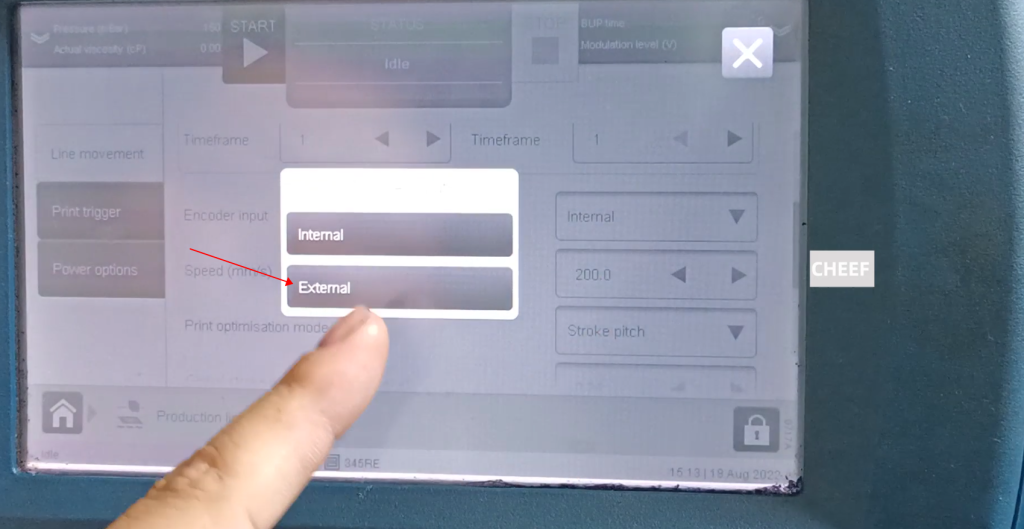
It is necessary to adjust the sub-frequency to adjust the length and short of this production, which is equivalent to the printing speed:
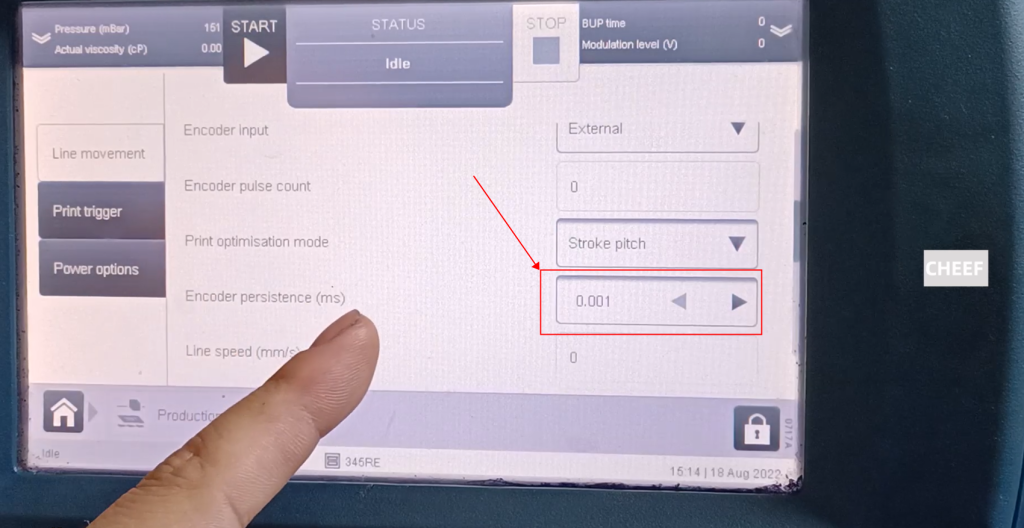
f it is internal, it means not using the encoder
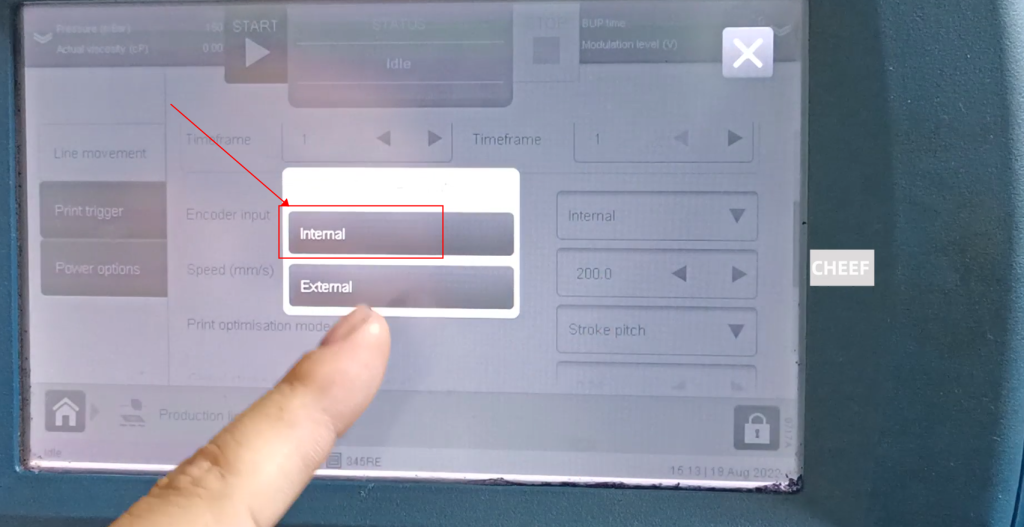
Let’s adjust this speed:
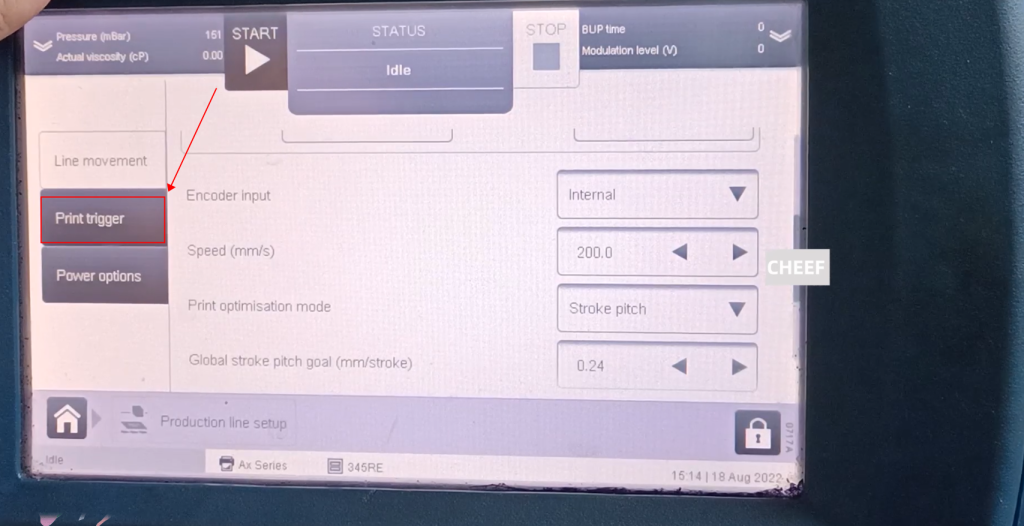
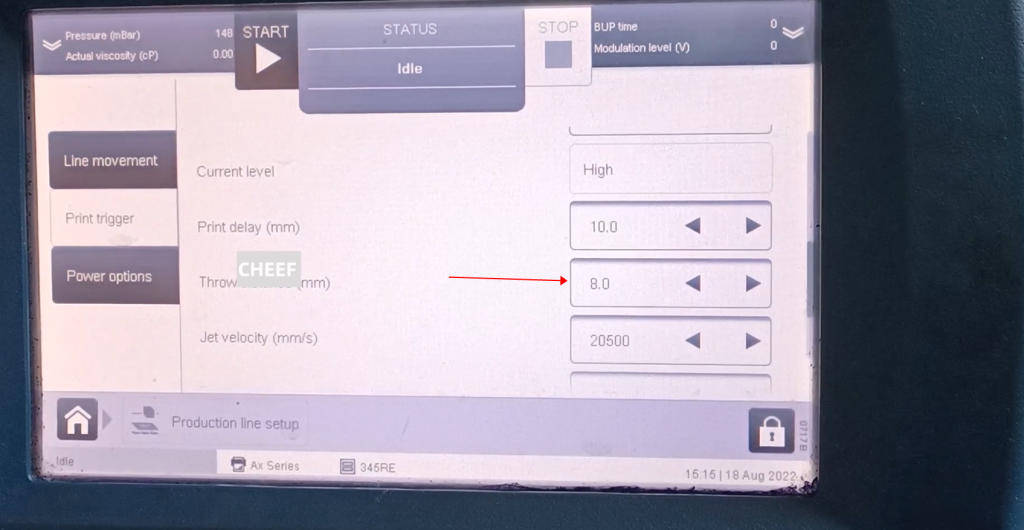
Take a look at the print signal:
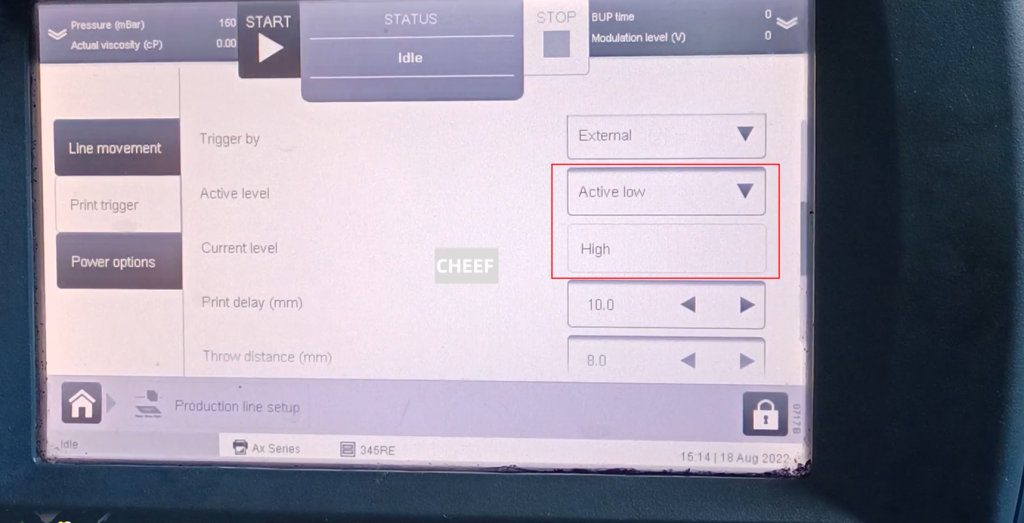
The trigger signal has a trigger frequency, and it is also divided into internal and external. We usually choose external. This is a low frequency trigger. Now it is a high frequency, that is, when the frequency is high, it does not print. When we sense the photoelectricity, it will change from high to low. If it becomes low, it is equivalent to giving a signal, and he will Print:
Here is the print delay:
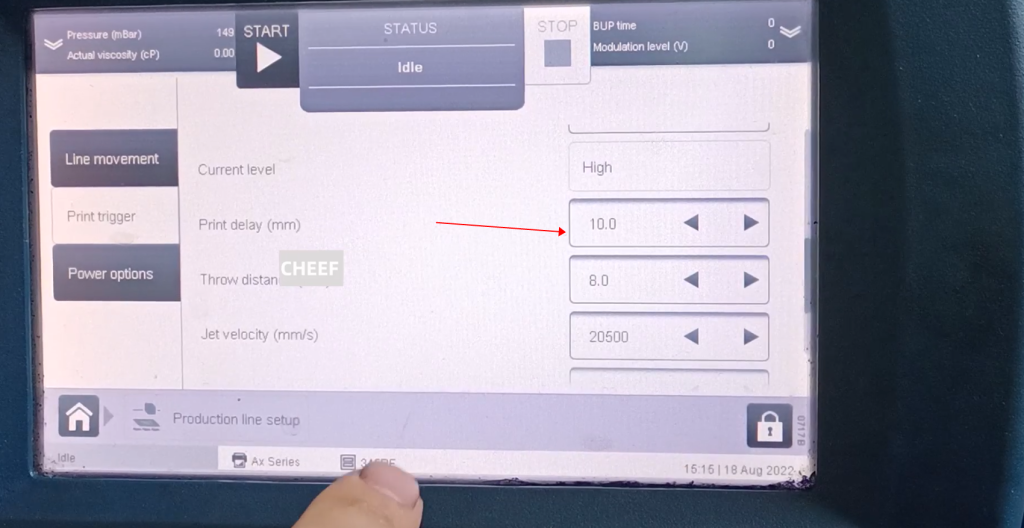
This is the height of the nozzle from the product setting:
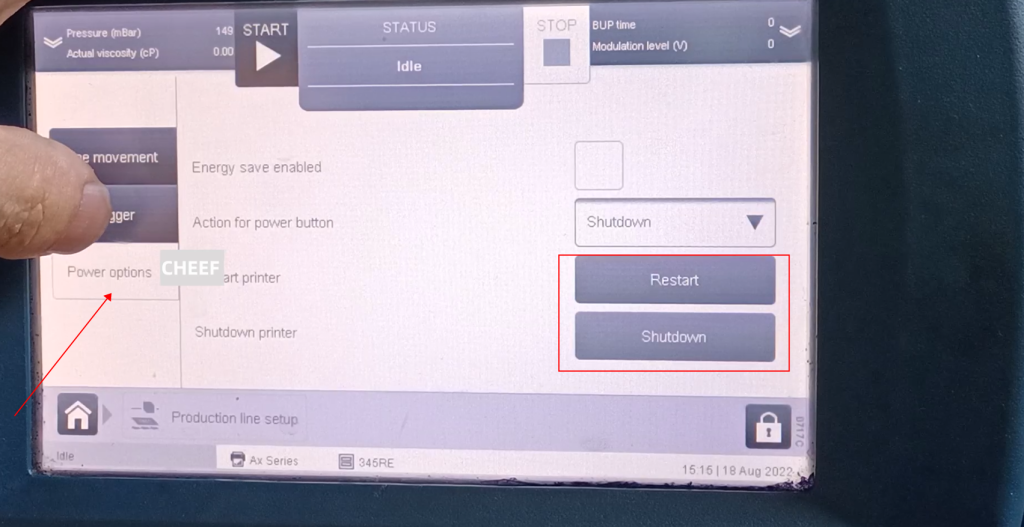
This is the power supply, which has restart and shutdown: