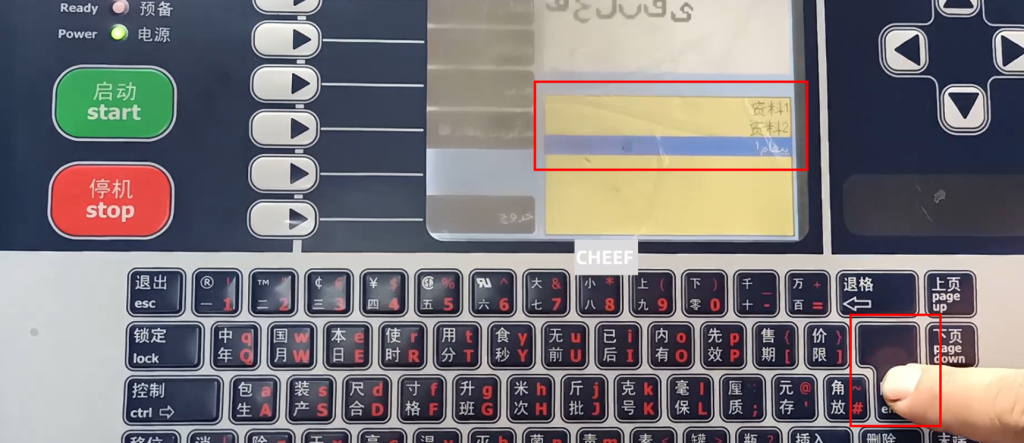
First switch the language to Arabic, select it in the menu, select the settings and then press to confirm:
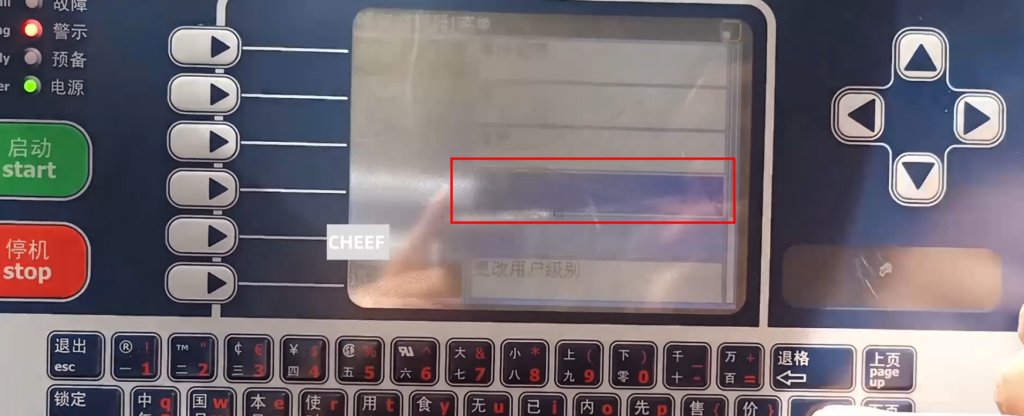
In the installation configuration:
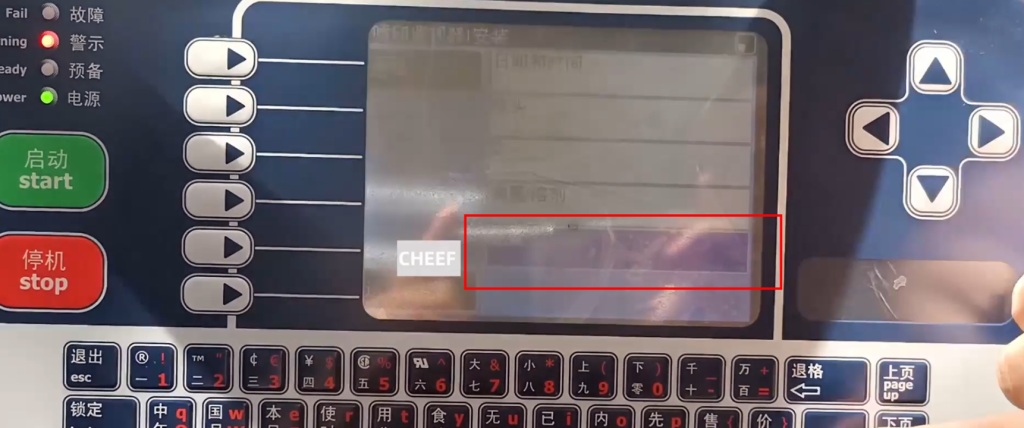
Choose Arabic language and return to the main interface:
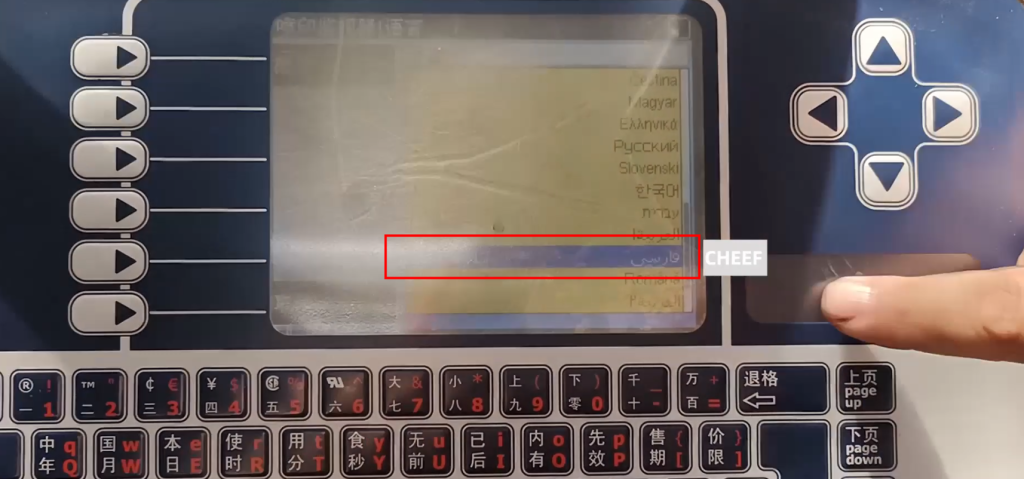
Next, make a message and select the folder:
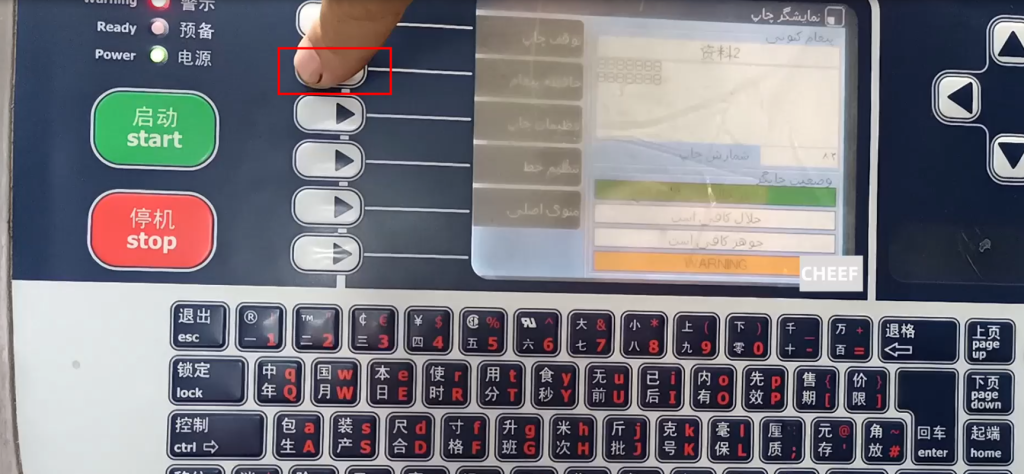
Choose the third new construction:
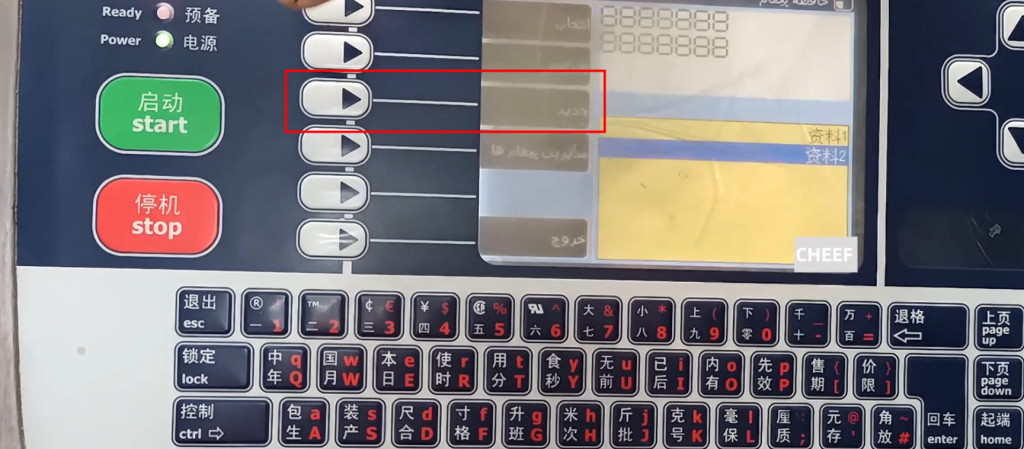
Then select this, choose down:
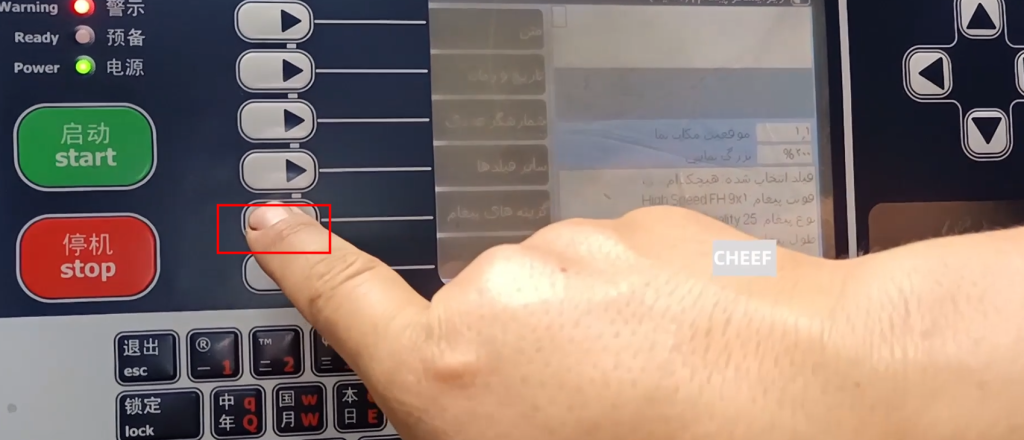
This is the current font, change it:
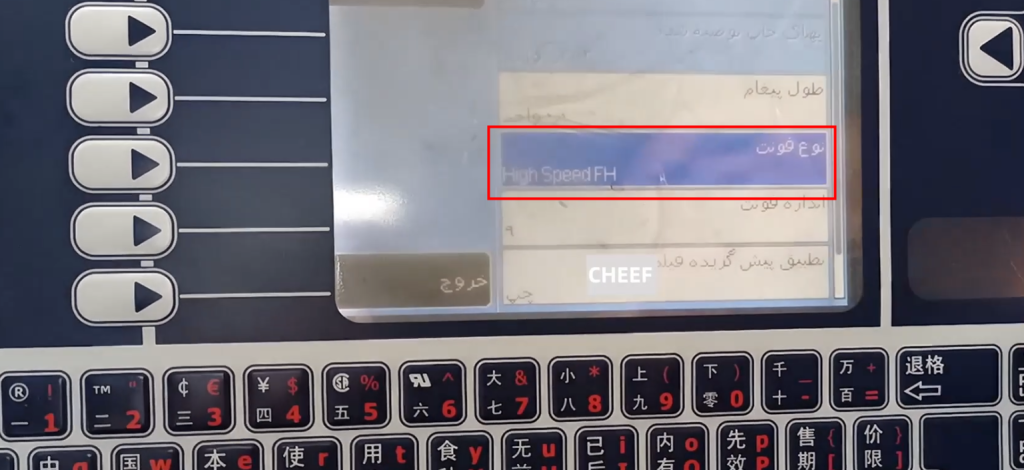
Choose the Arabic font to Persia and press OK:
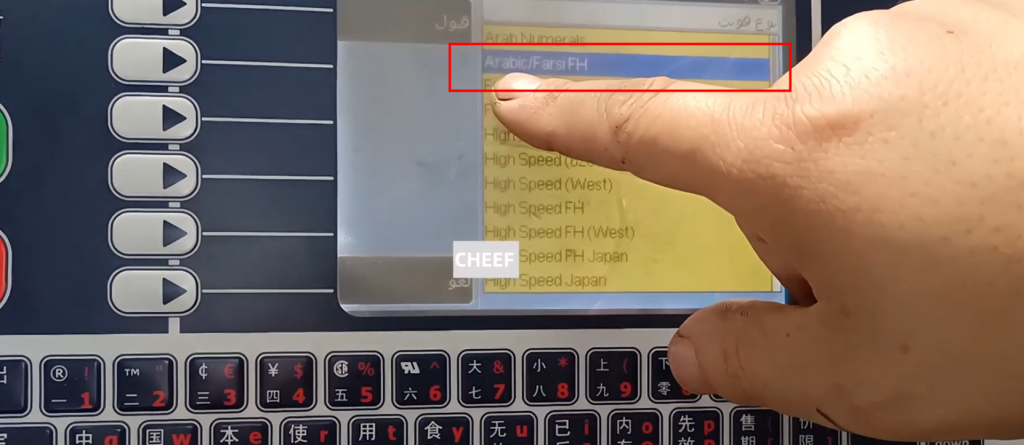
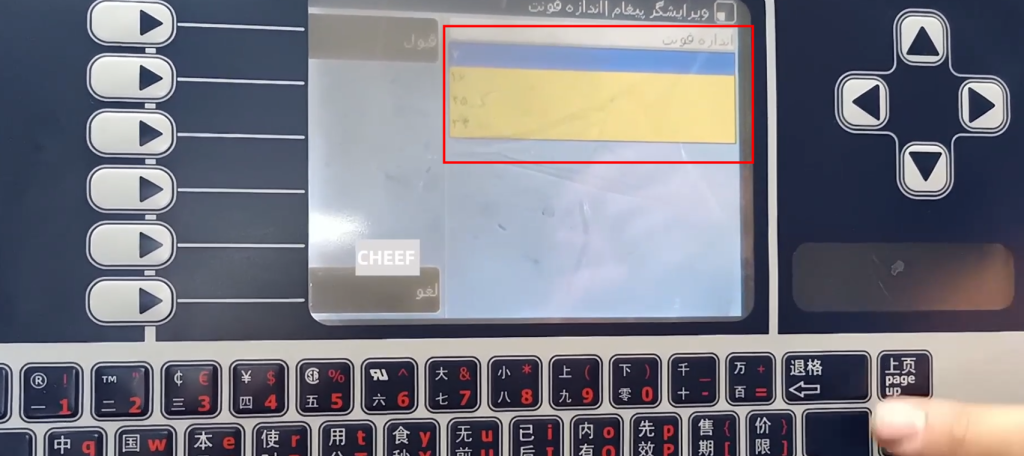
Select the size, then switch, and then exit:
This interface can be edited:
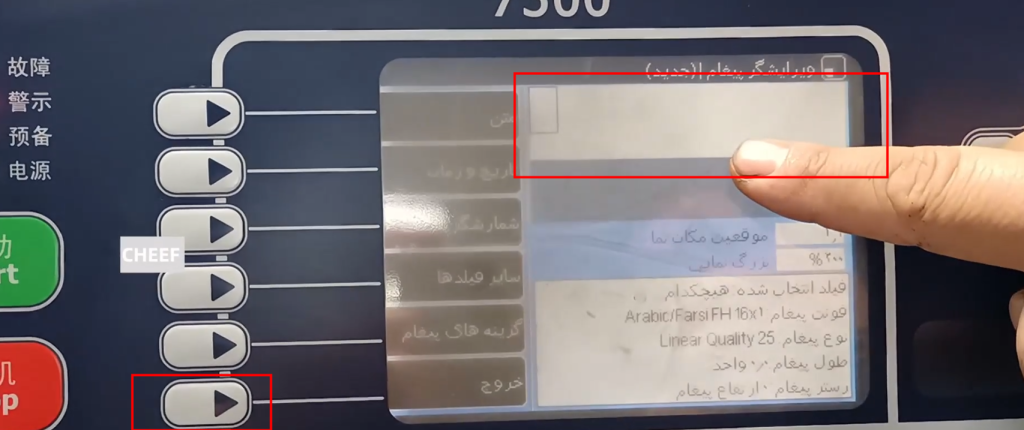
Enter the content you want and press the Enter key:
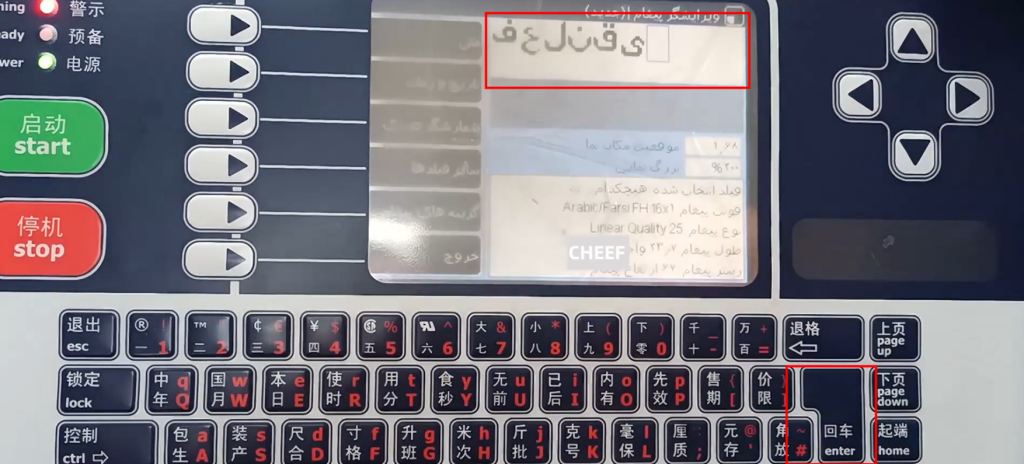
After editing, you can choose to save changes, or withdraw or give up:
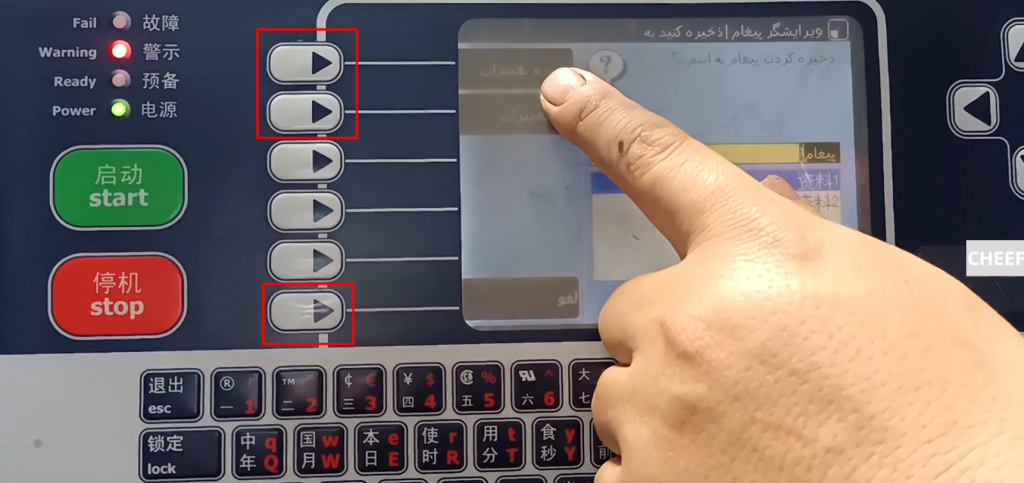
If you want to print the information and choose the information, select the second button:
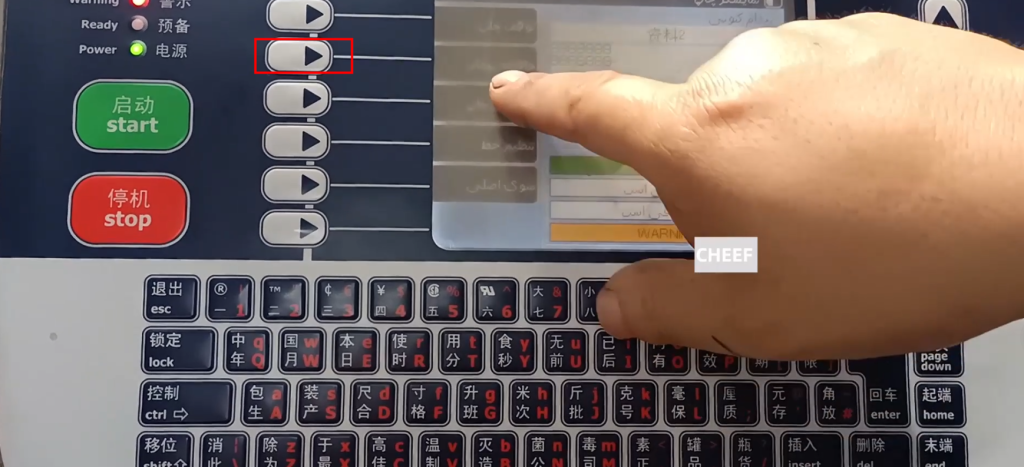
Select the previously edited, click the Enter key to print this information: