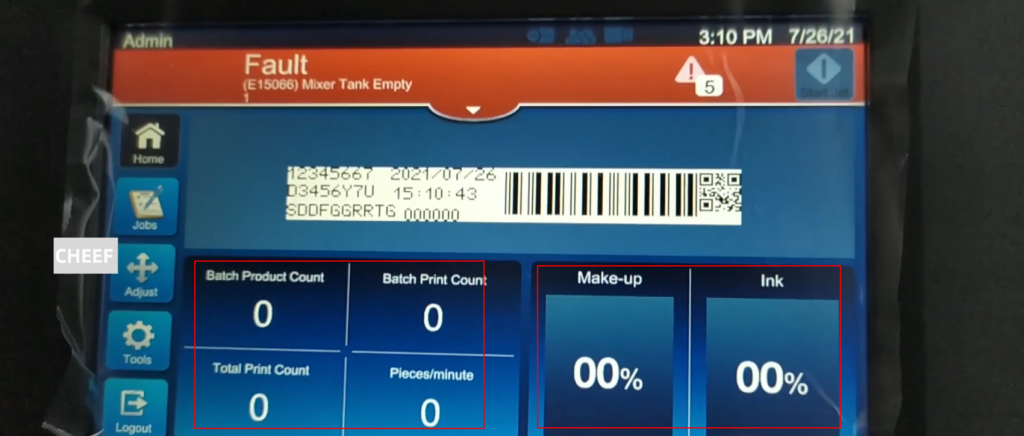
Let’s talk about the main interface. From left to right, the product counting, printing count, total printing, total running time; the percentage of the solvent on the right and the percentage of ink:
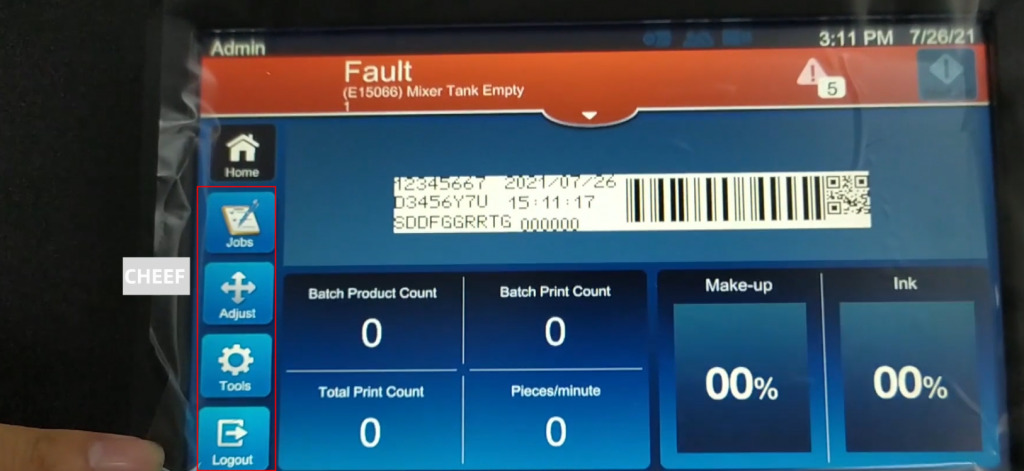
The left button from top to bottom is the main interface, operation, adjustment, tools, login and cancellation:
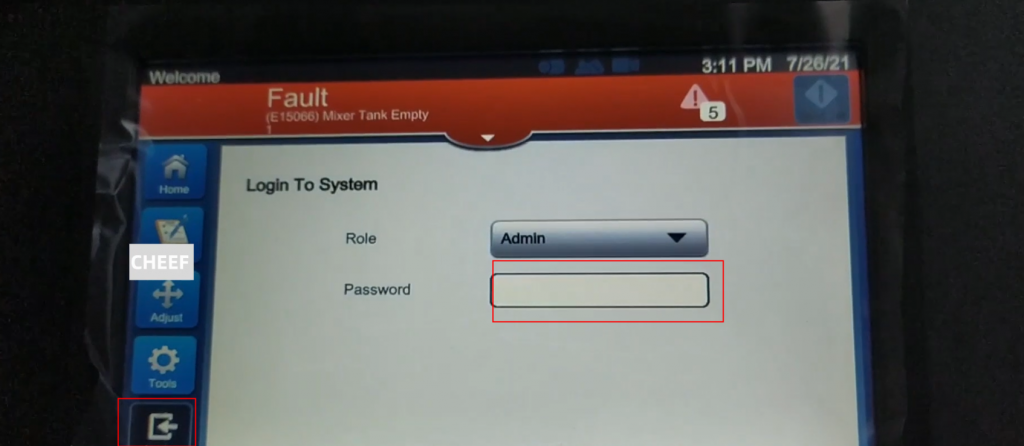
The login password is entered here:
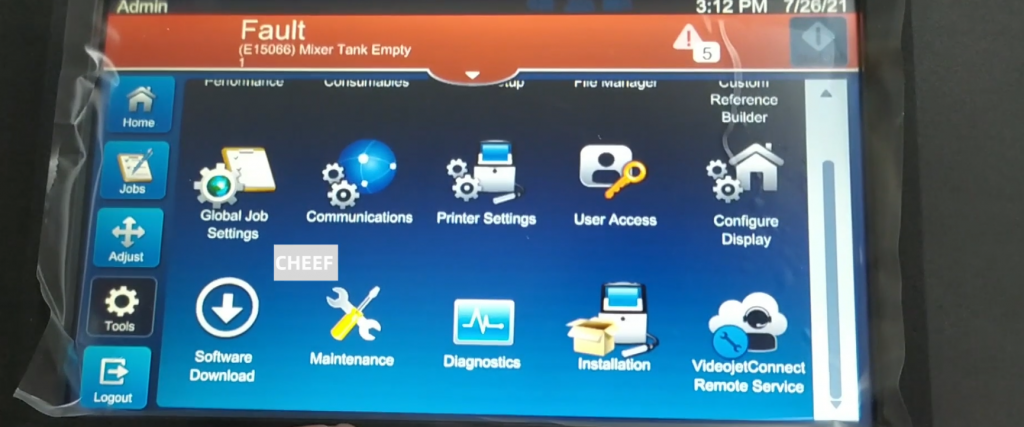
Looking at the tools, the first row is performance, consumables, production configuration, file management, and merging field editor; the second row is global operation settings, communication, coding machine settings, user access, screen configuration:
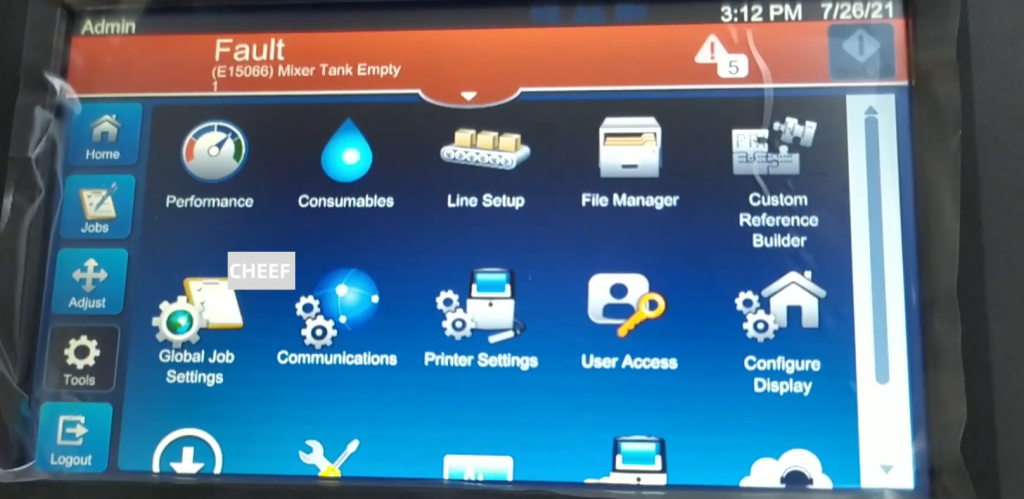
The third row is downloading, maintenance, diagnosis, and first installation:
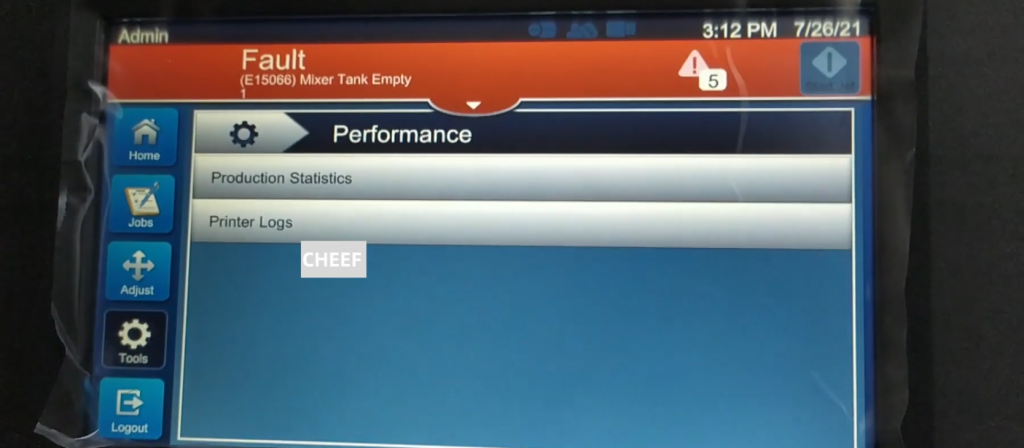
Talk about the common part, the first performance, click to see the production count, that is, in the main interface reality:
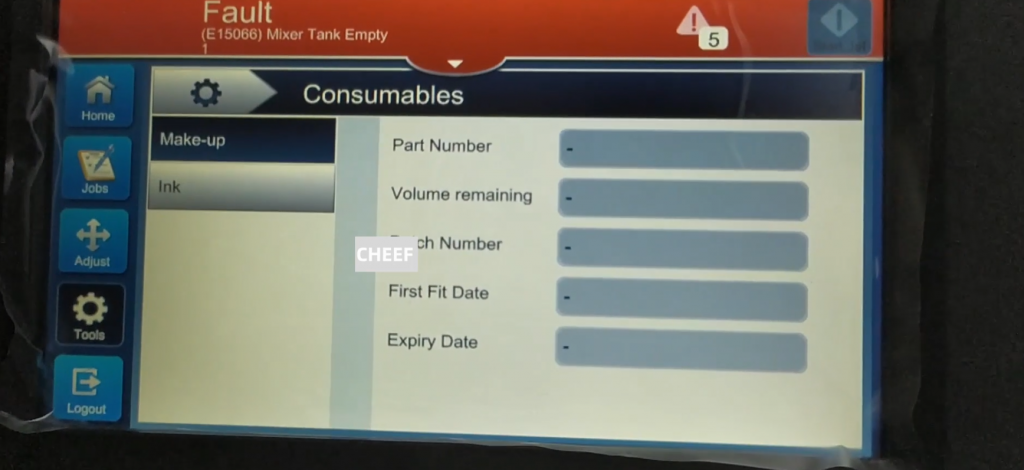
The second consumable, with models, remaining quantities, batch numbers, first insertion date, validity period, ink simultaneously:
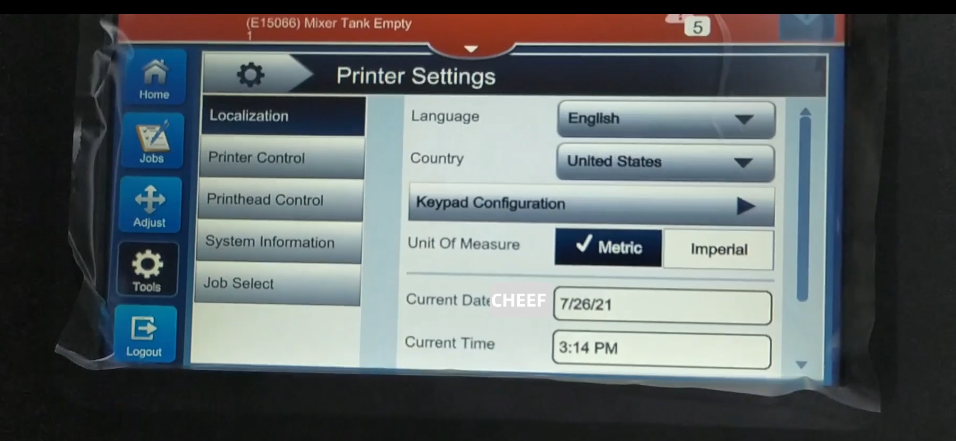
Let’s look at the inkjet machine settings. There are languages, national regions, and dates:
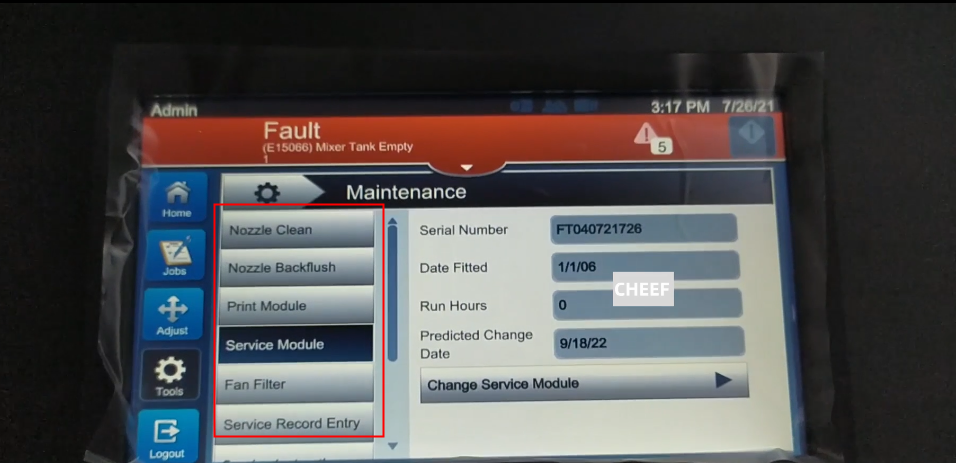
Take a look at the maintenance interface. There are strong cleaning, weak cleaning, print modules, solvent control modules, air filters, maintenance registration:
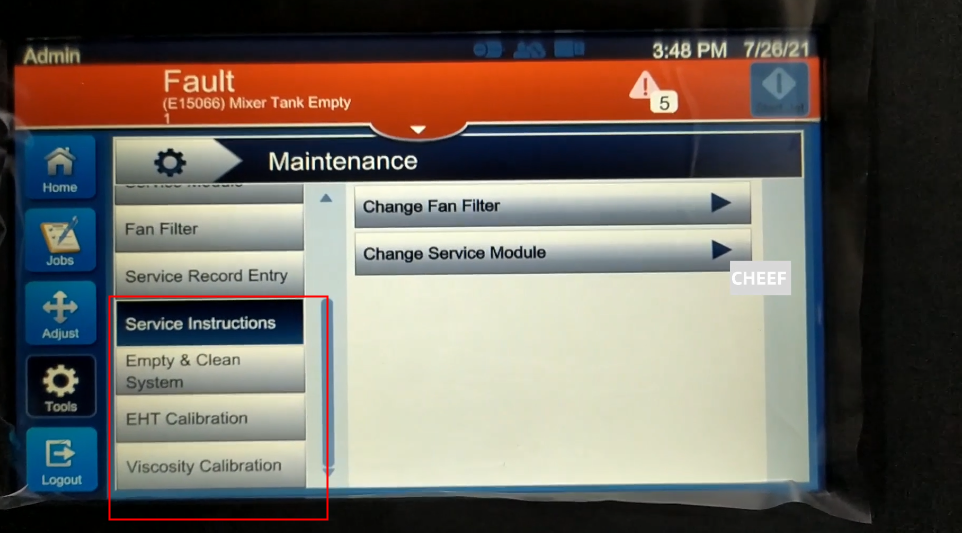
Looking down, there is a maintenance instructions for maintenance. There are replacement filters and replacement service modules. There are video tutorials in it:
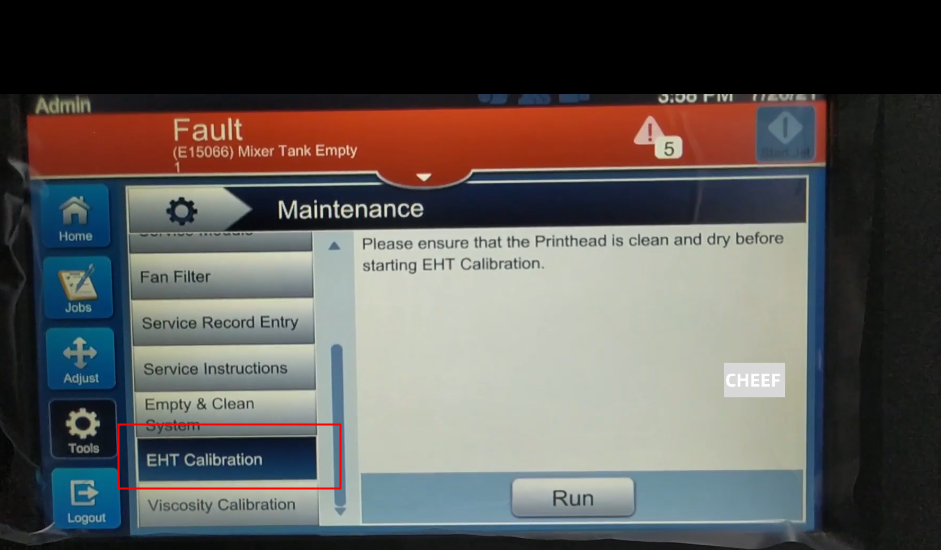
There are high -voltage corrections on our side. We need to clean the nozzle cover, nozzle, and high -pressure plate, and then perform high -voltage correction:
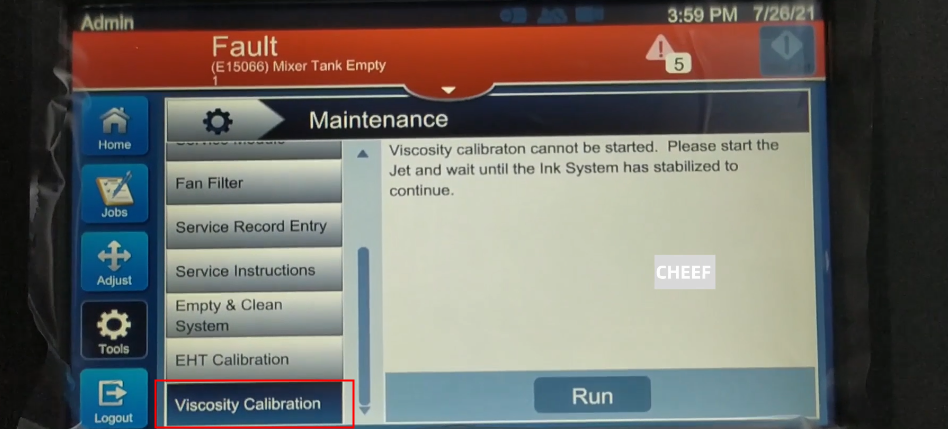
The viscosity correction must be running on the ink line for a period of time. It can be corrected with viscosity after almost 20 minutes:
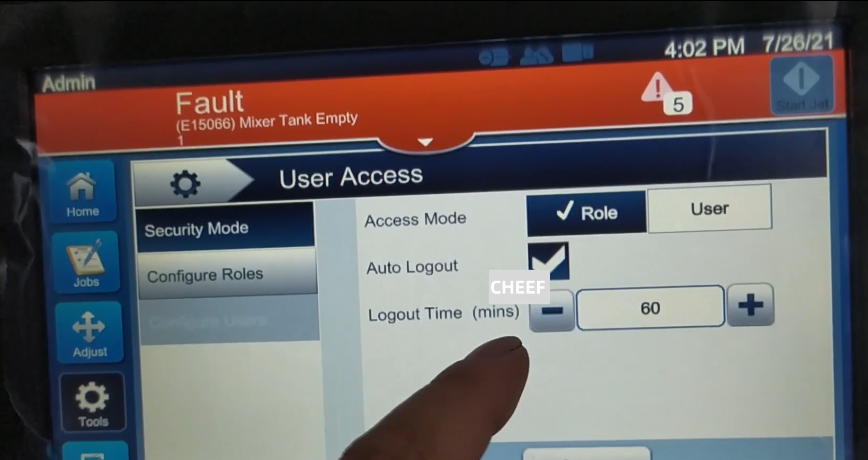
In the user interview, there is a cancellation time, now set to 60, the default is 15, and the setting 60 is one hour. You must enter the password again: you must use it again:
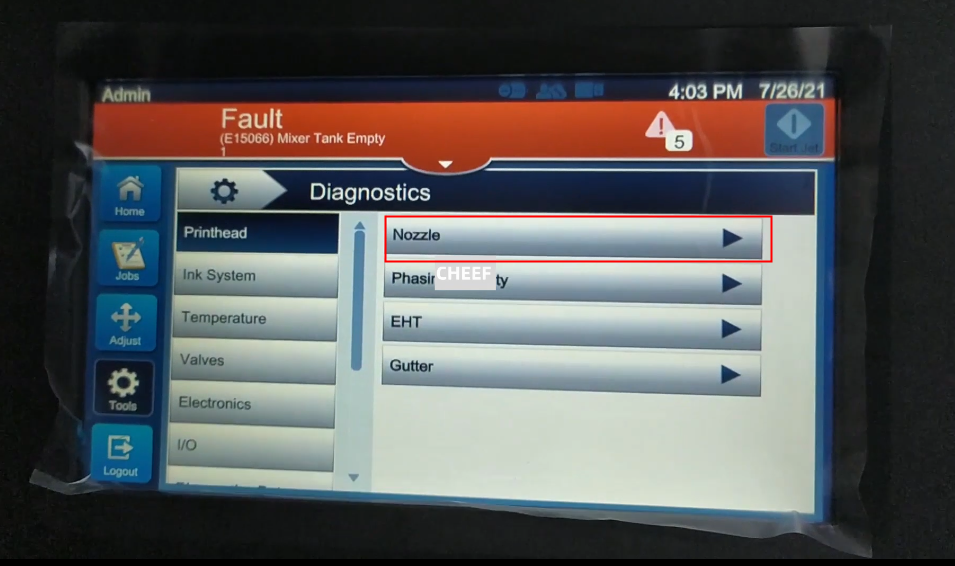
Take a look at the diagnostic interface. There is a nozzle in the sprinkler. The size, information and parameters of the nozzle can be seen inside:
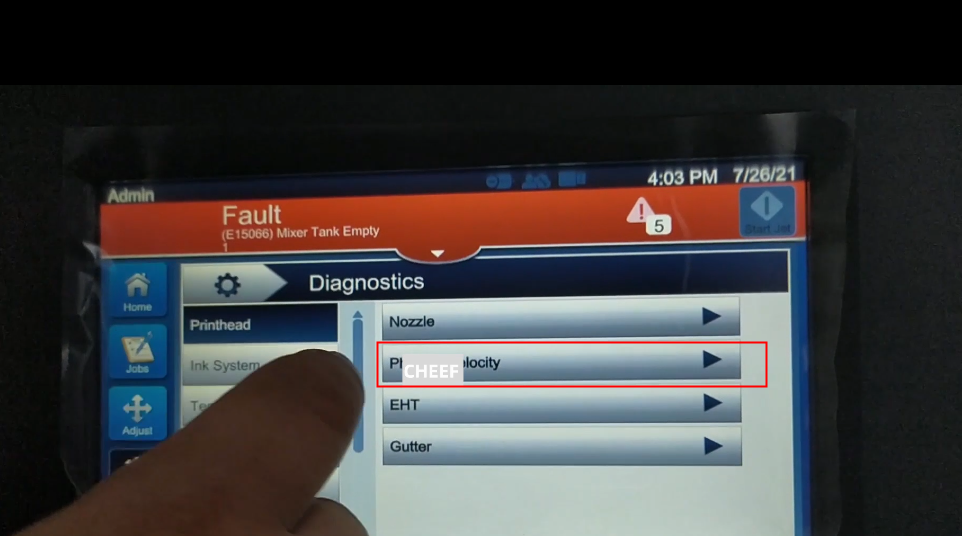
Here are phase and flight speed. It can be seen in the phase diagram, phase change, phase difference, and the valuation of the phase:
In the third diagnosis of high voltage, you can see voltage, current, and trip value:
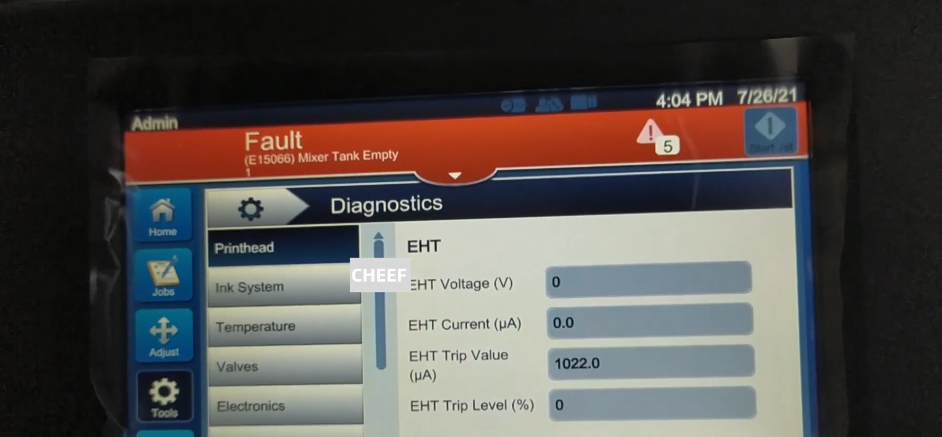
The fourth recovery slot can see the state of opening and closing:
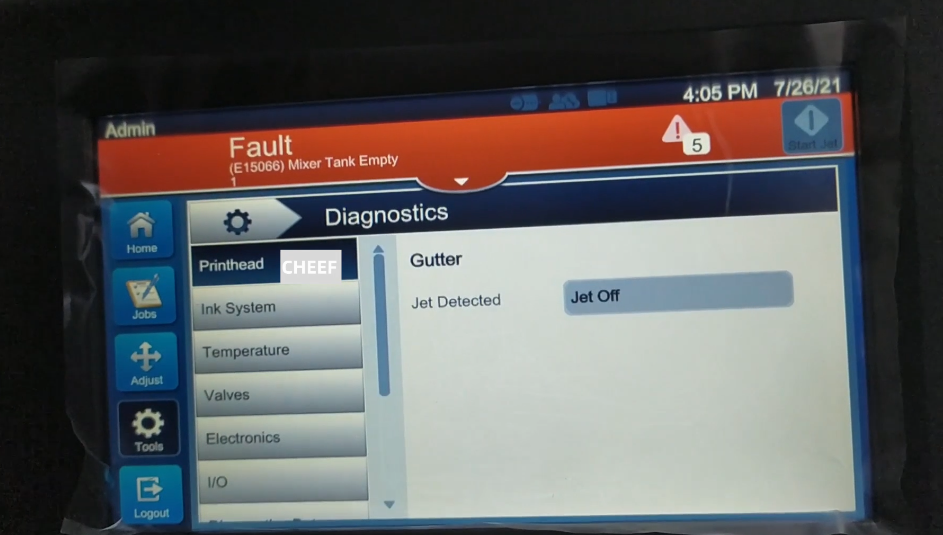
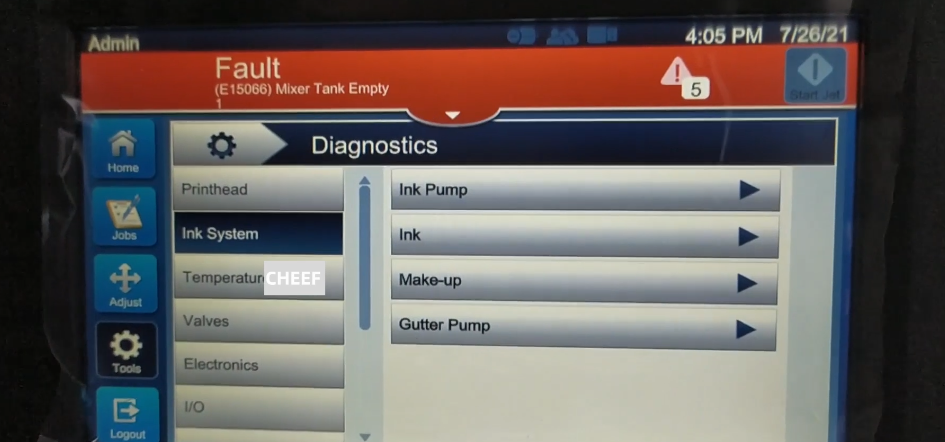
Here is the ink system, which contains ink pumps, ink, solvents, and recycling pumps. You can see the parameters when you click in:
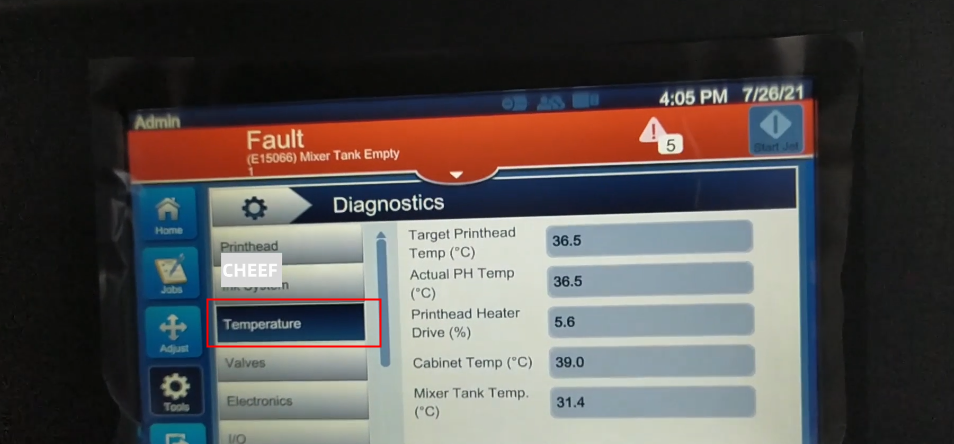
On the temperature, there are parameters such as the target temperature of the nozzle, the actual temperature, and heating driver:
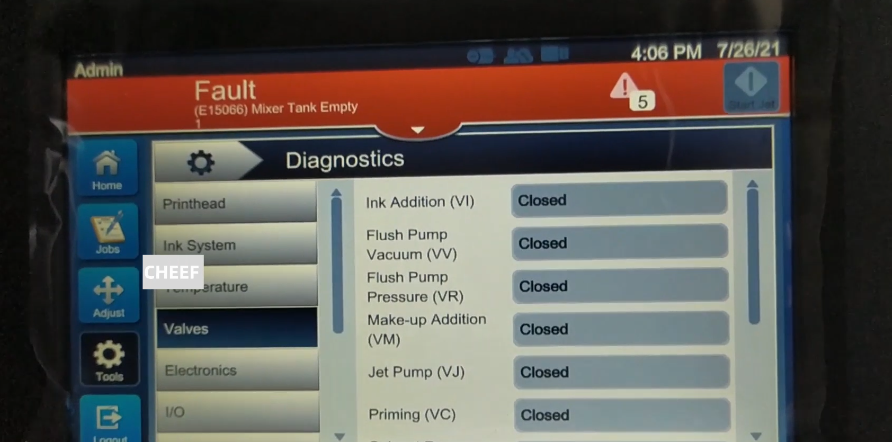
Electronic valve tests are all here, you can choose to open and turn off:
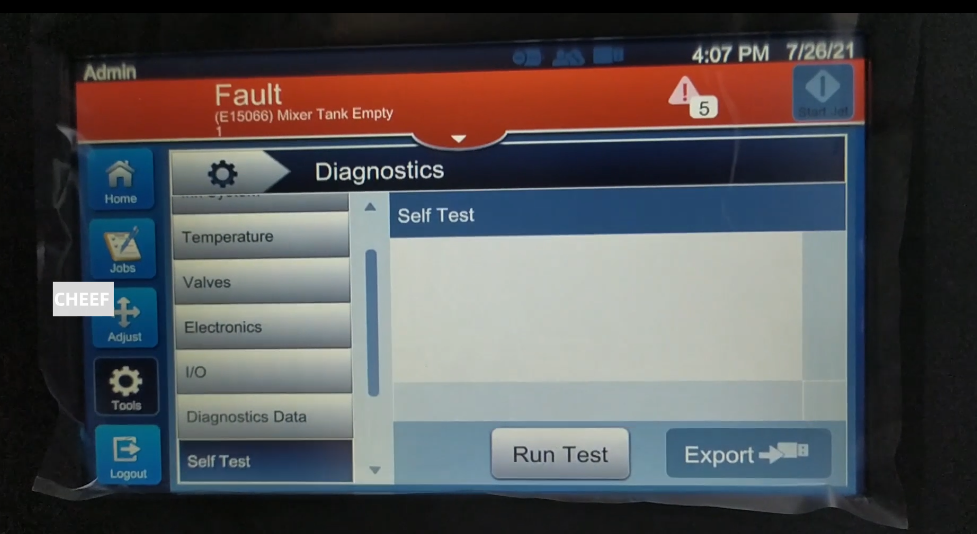
Here is a self -inspection. Determine whether there is any problem with the machine to self -check here: