Videojet ink core installation and ink core classification explanation

1. How to install the ink core

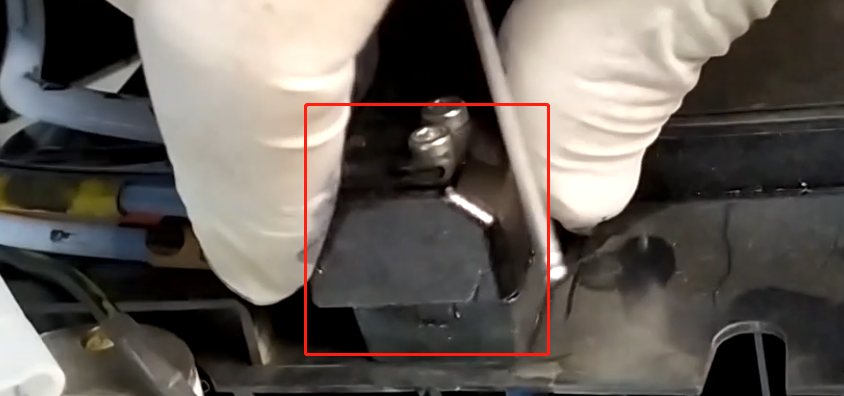
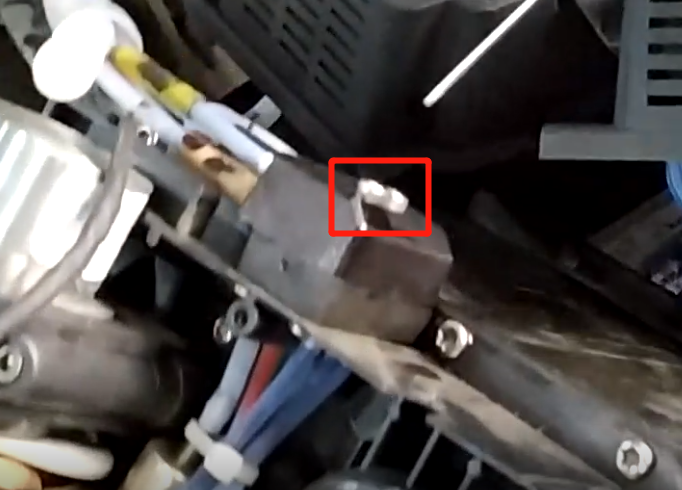
Remove this thing first, and then remove the two screws on the side. After removing the part of the screws, you can remove the whole ink core.
2. Ink core classification
Ink core, there are five types of A, B, C, D, E, this is the C type ink core
Among them, A and B have three sets of valves, and C, D, and E have two sets of valves.
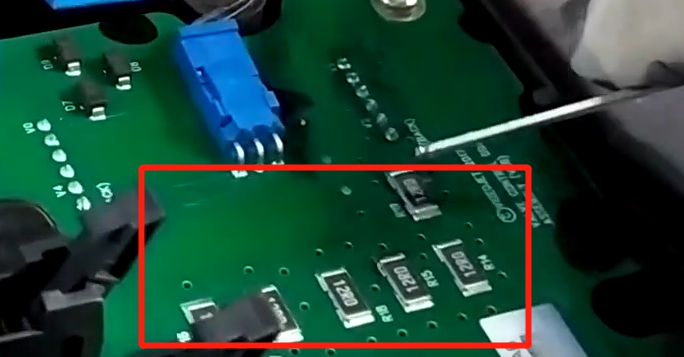
You can remove the ink core board, remove the four small screws, and then remove the screws here
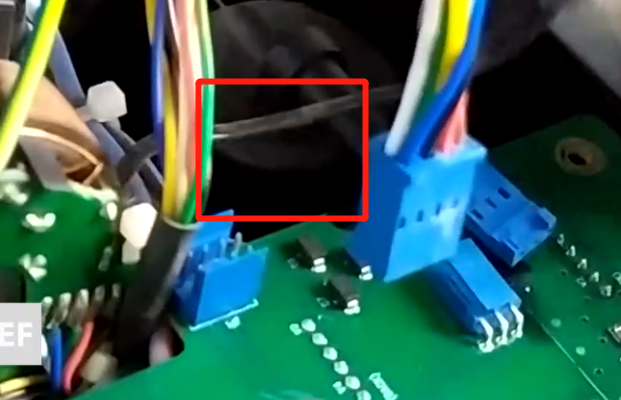
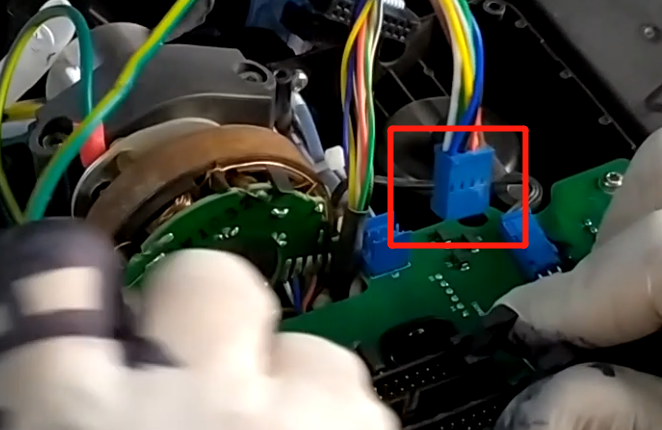
Unplug this plug, so that the entire ink core board can be removed
After opening, you can see that there are two groups, one with two valves above. That is to say, a flashlight is a valve, and there are four valves here. The ink core is different, the structure is different, the structure is different, the ink core board is different. After finishing, install the ink core board.
Facebook
Twitter
LinkedIn

Leave a Reply

Your email address will not be published. Required fields are marked *