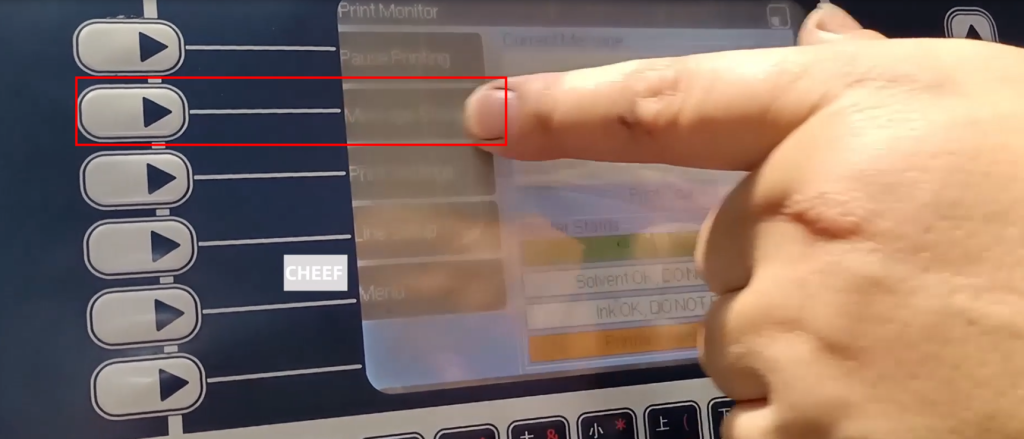
Select the second folder option:
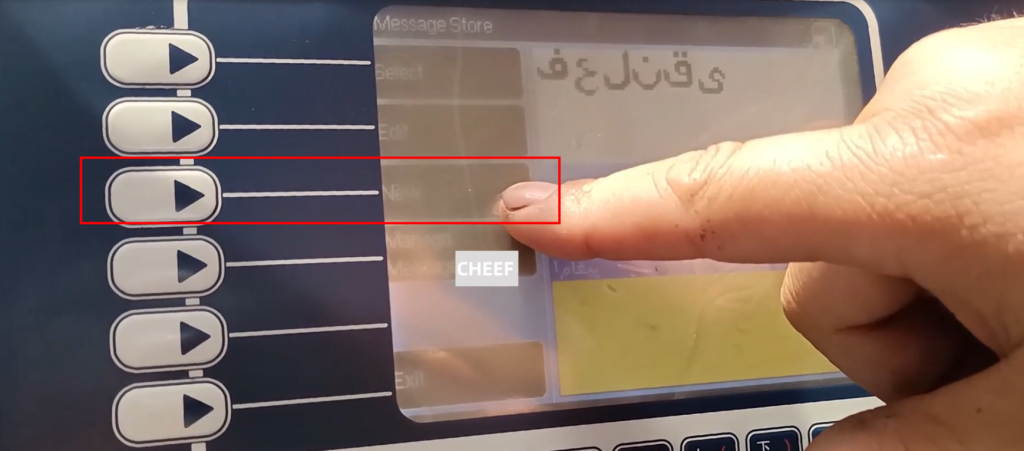
There are selection information, editing information, new information, and selecting new information:
You can see a text box and a small box here. The font size created according to needs can be modified here:
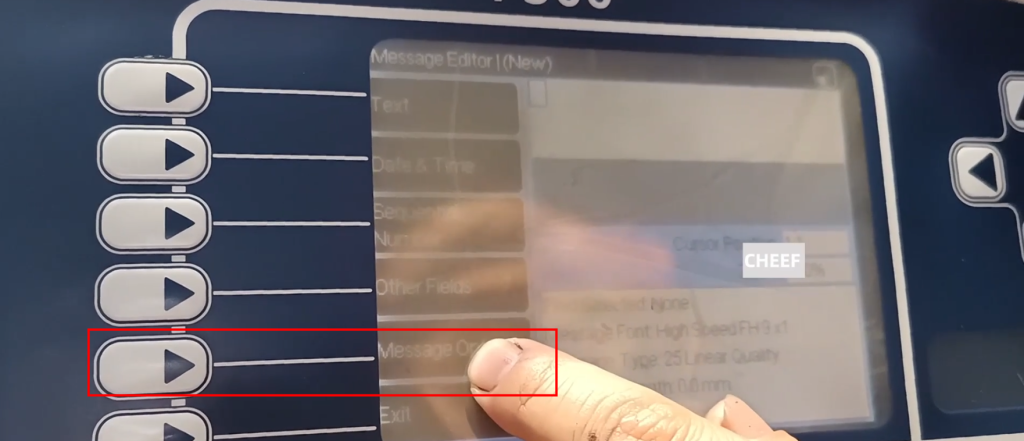
First of all, this text box can be selected here:
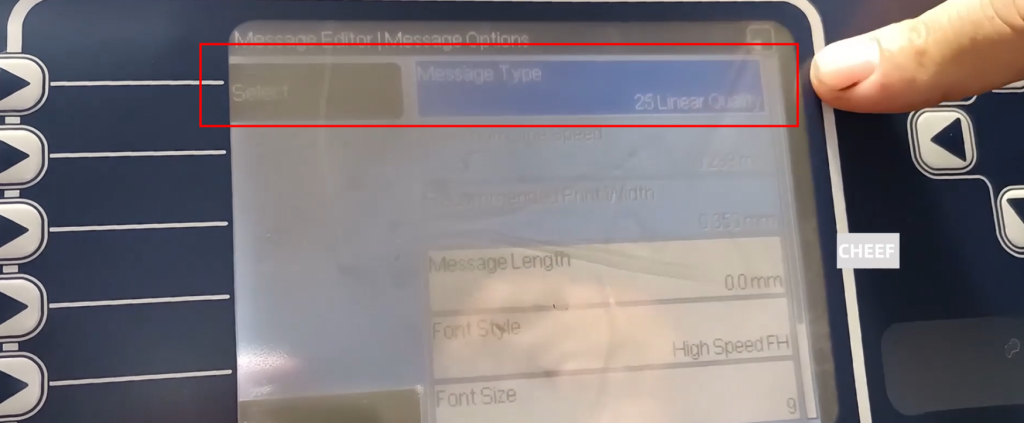
If you choose the right one, you can type three lines of words if you are 25, you can choose 8.0 if you play a line of words, and use 7.0 to choose it. Now the default is selected as 25:
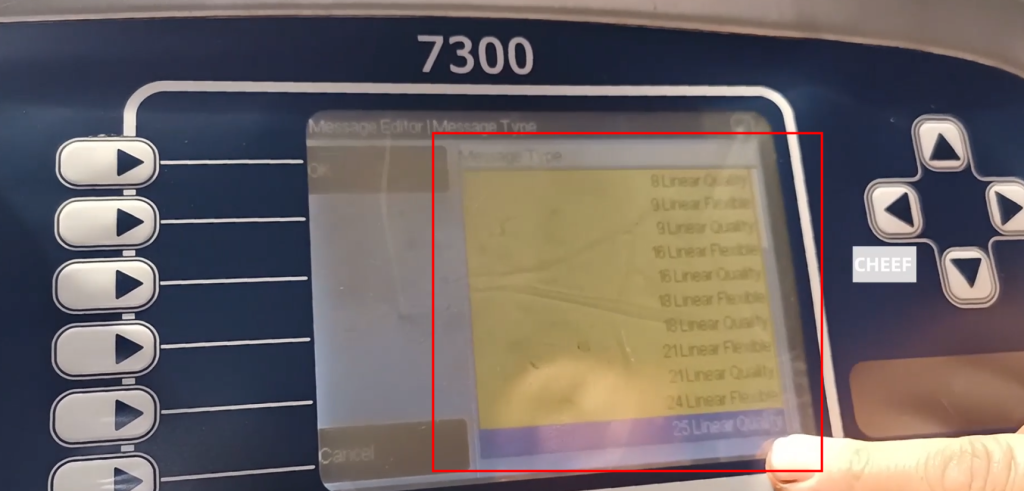
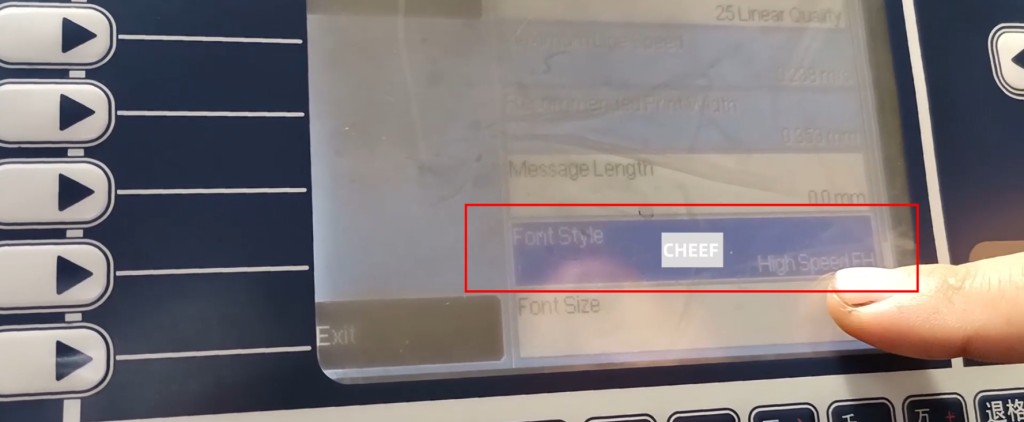
V and then select it down. There is a printing style. Now it is a high -speed. If you want to modify it, press Enter:
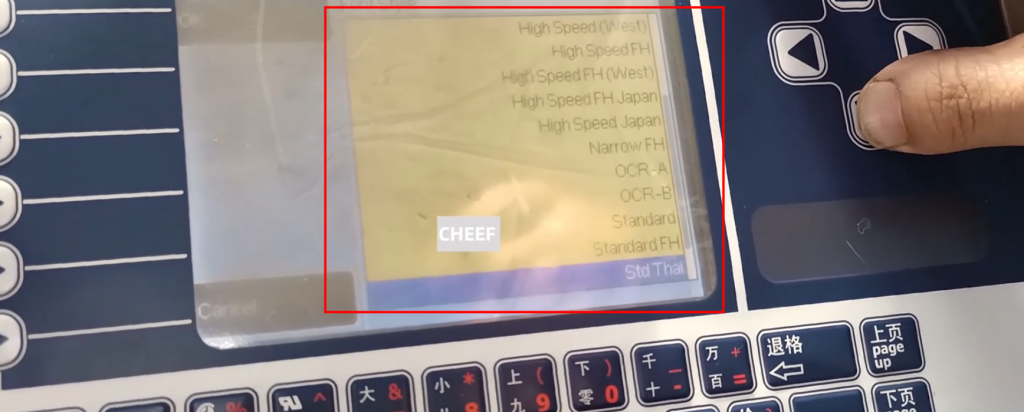
Find the right font in it, choose according to the needs:
Then let you choose the font size, and also choose on demand:
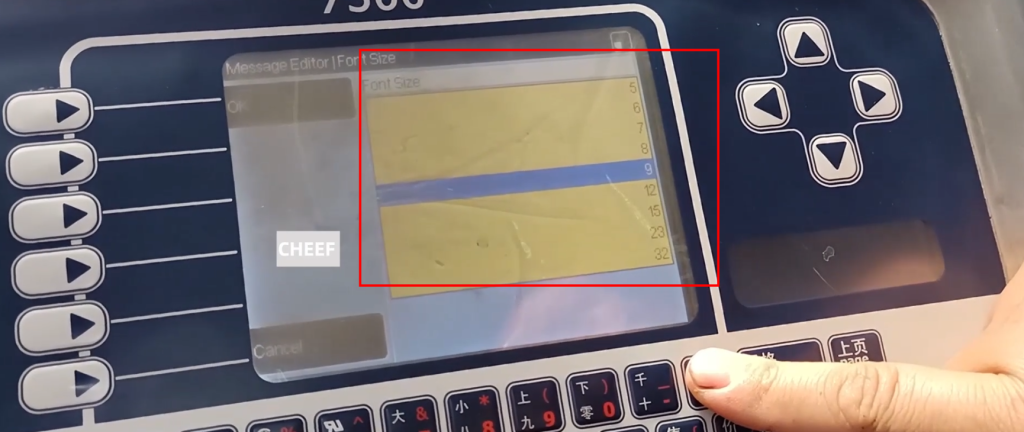
Choose a 7.0 font, then you can exit, and start editing. If you want to edit the three lines, after the first line is edited, press the Enter key, the background becomes white, and then the direction key is input. , The third line of information is the same. After the information is well edited, confirm:
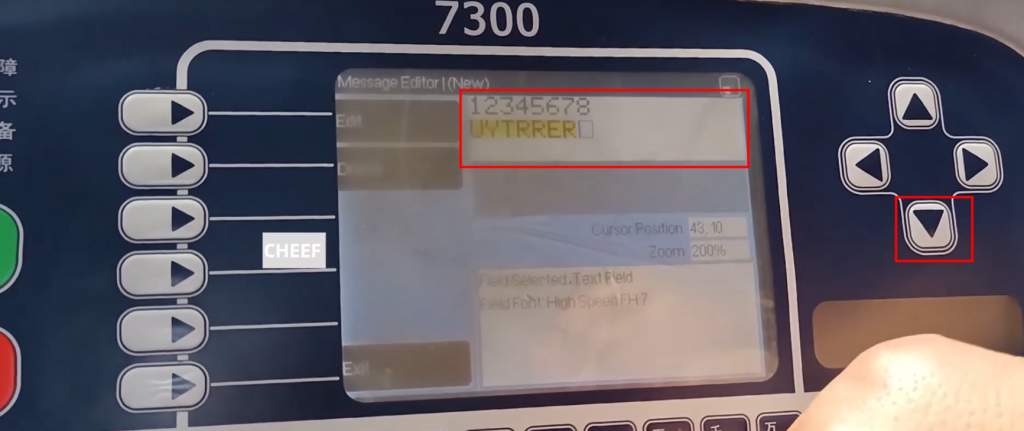
To ensure that the font above does not have a yellow background, then you can insert the date, serial number, etc.:
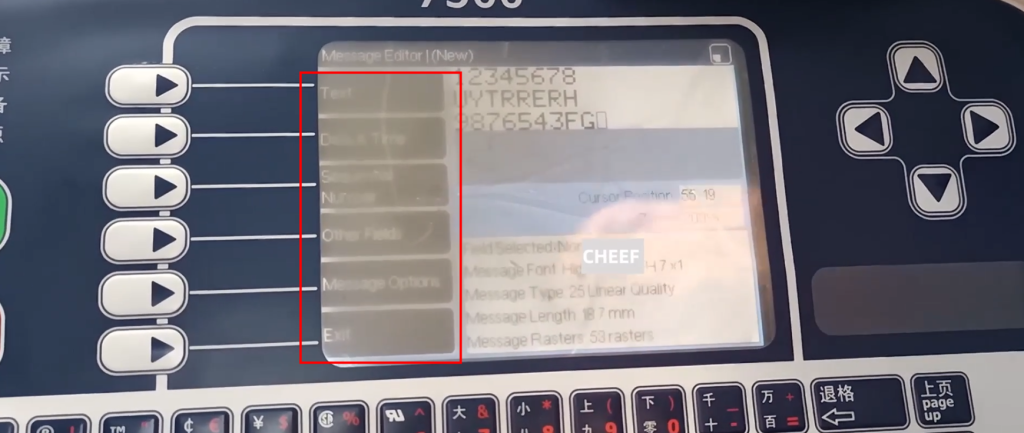
At the end of the editor, then click out:
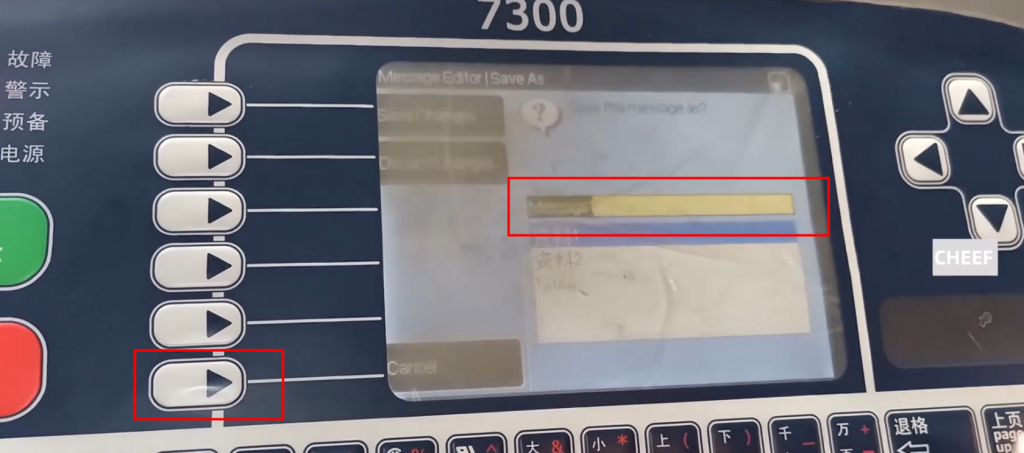
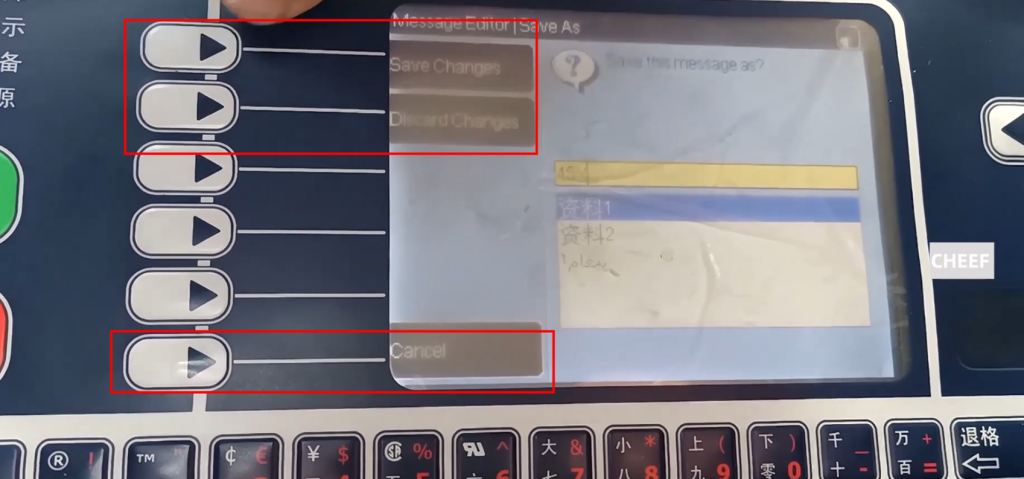
After exiting the information, you can name this file, then click to save the change, or give up the change: